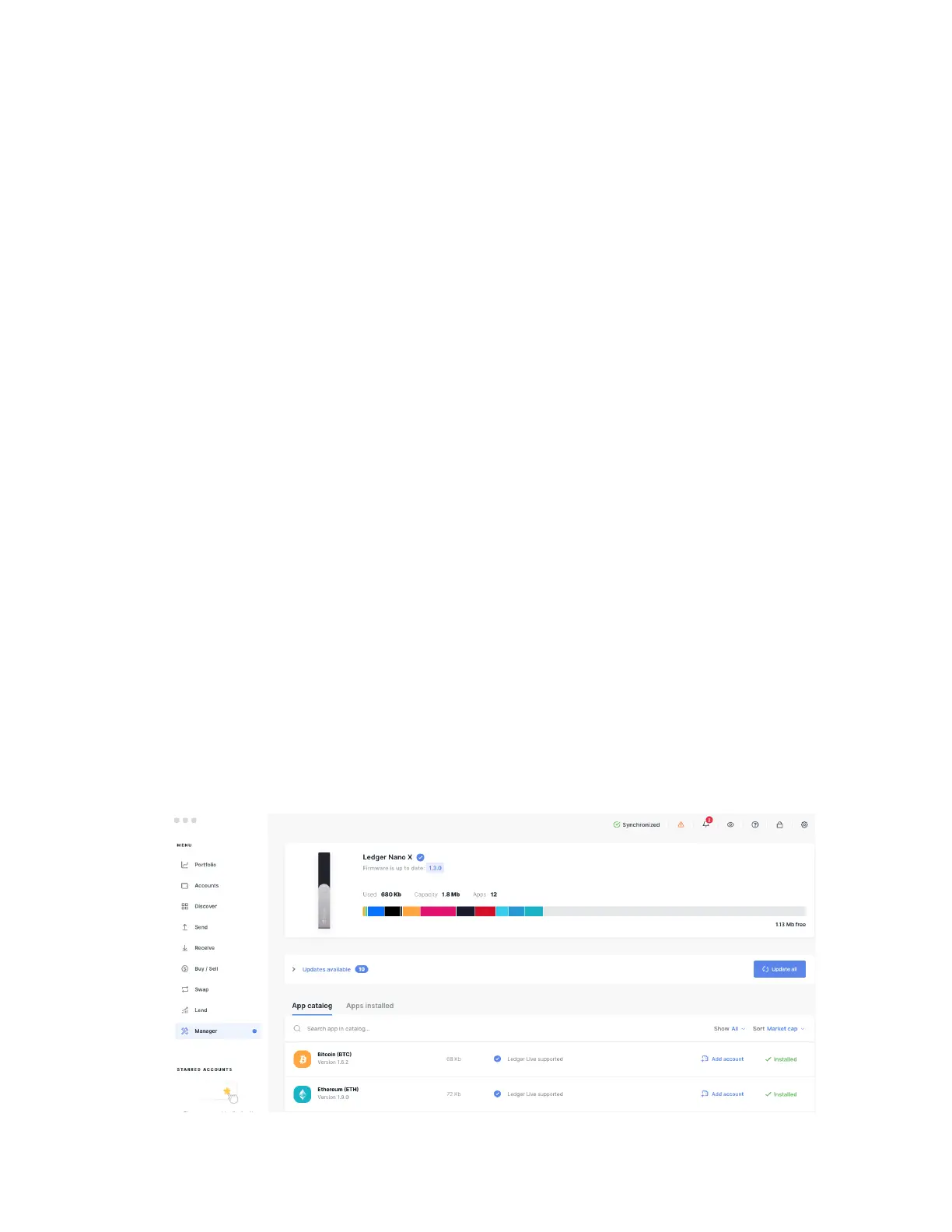
3 Installing and uninstalling apps
Use the Manager in Ledger Live to install or uninstall apps on your Ledger hardware
wallet.
How apps work
● Your Ledger device securely stores your private keys giving access to your crypto
assets.
● You need to install apps on your Ledger device to manage different crypto assets.
Install the Bitcoin app to manage Bitcoin accounts.
● Ledger devices have limited storage and the sizes of apps vary. You can safely
install and uninstall apps when needed. Your private keys stay safe on your device
and backed up on your Recovery sheet.
Instructions
3.1 Installing an app
1. Click on the Manager in the left panel.
2. Connect and unlock your Ledger device.
3. Press both buttons to allow the Manager on your device.
The Manager will show your device information as well as the App catalog and the
Installed apps below it.



 To Next Page