©Michael Degnan, 2022
Press the left or right navigation buttons to scroll through the on-screen options, when you are
ready to select an item press both buttons at the same to make a selection.
Use the USB-C port, found on the left side of the device to connect your Ledger Nano X to your
computer using the cables provided in the package. If your computer does not have a USB-C
port available there are cables provided that will allow you to connect to a USB-A port on your
computer
Setting Up your Ledger Nano X
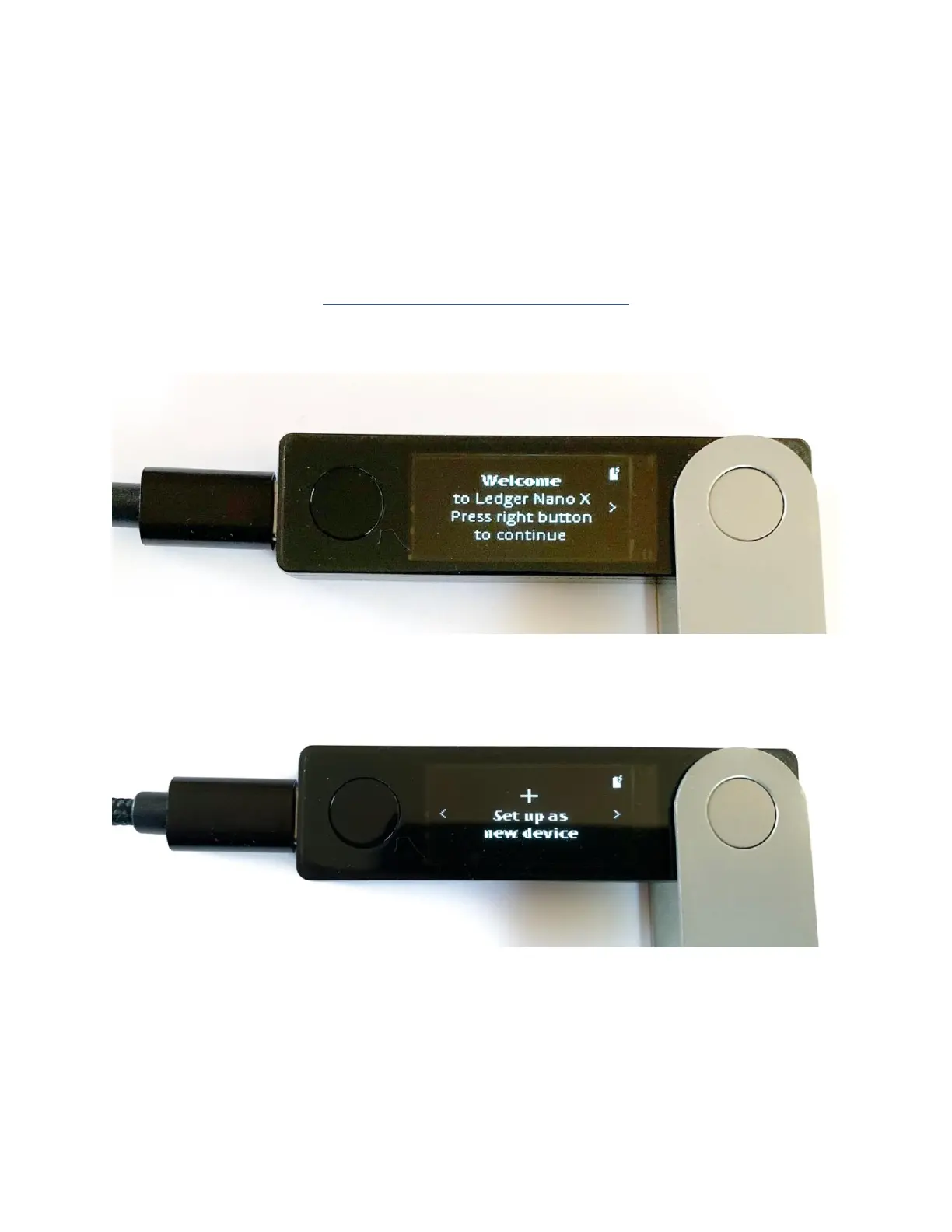
To begin, connect your Ledger Nano X to your computer and press either of the two
navigation buttons to power it on.
Use the left navigation button to scroll through the welcome messages and choose the
option “Set Up As New Device” by pressing both the left and right navigation buttons at
the same time.
Next, you’ll need to create a four-digit PIN code. This can be any four-digit number
you’d like. Just make sure it’s a number you will remember as you’ll use the PIN code to
unlock your Ledger Nano X every time you use it.



 To Next Page