©Michael Degnan, 2022
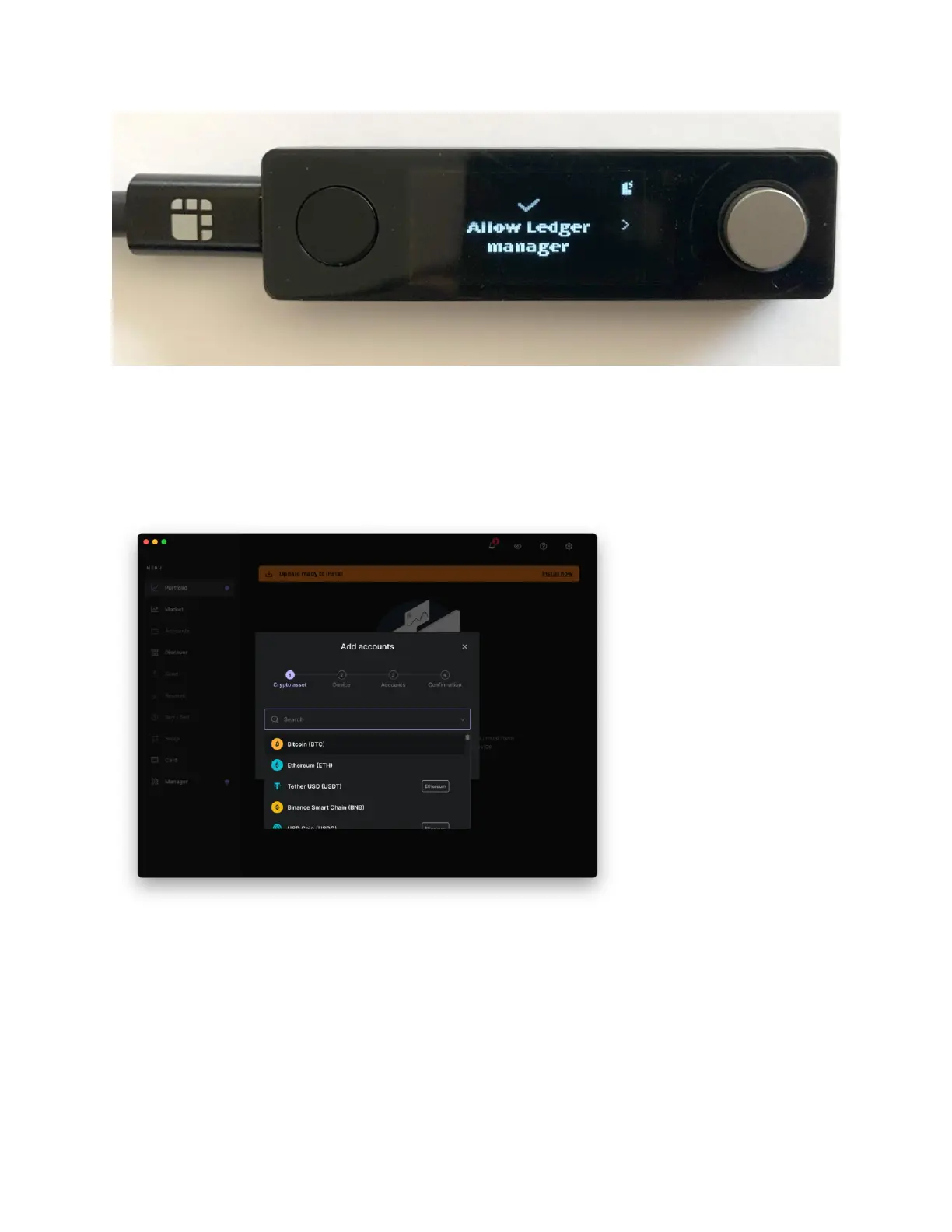
In the Ledger Live app choose “Add Account”, and then scroll down the list of available
cryptocurrencies to select the type of wallet you’d like to create. For example, if you’d
like to create a wallet to store your Bitcoin, just select “Bitcoin (BTC)” from the list.
Once you’ve selected your currency you’re all done and your secure wallet has been
created.



 To Next Page