©Michael Degnan, 2022
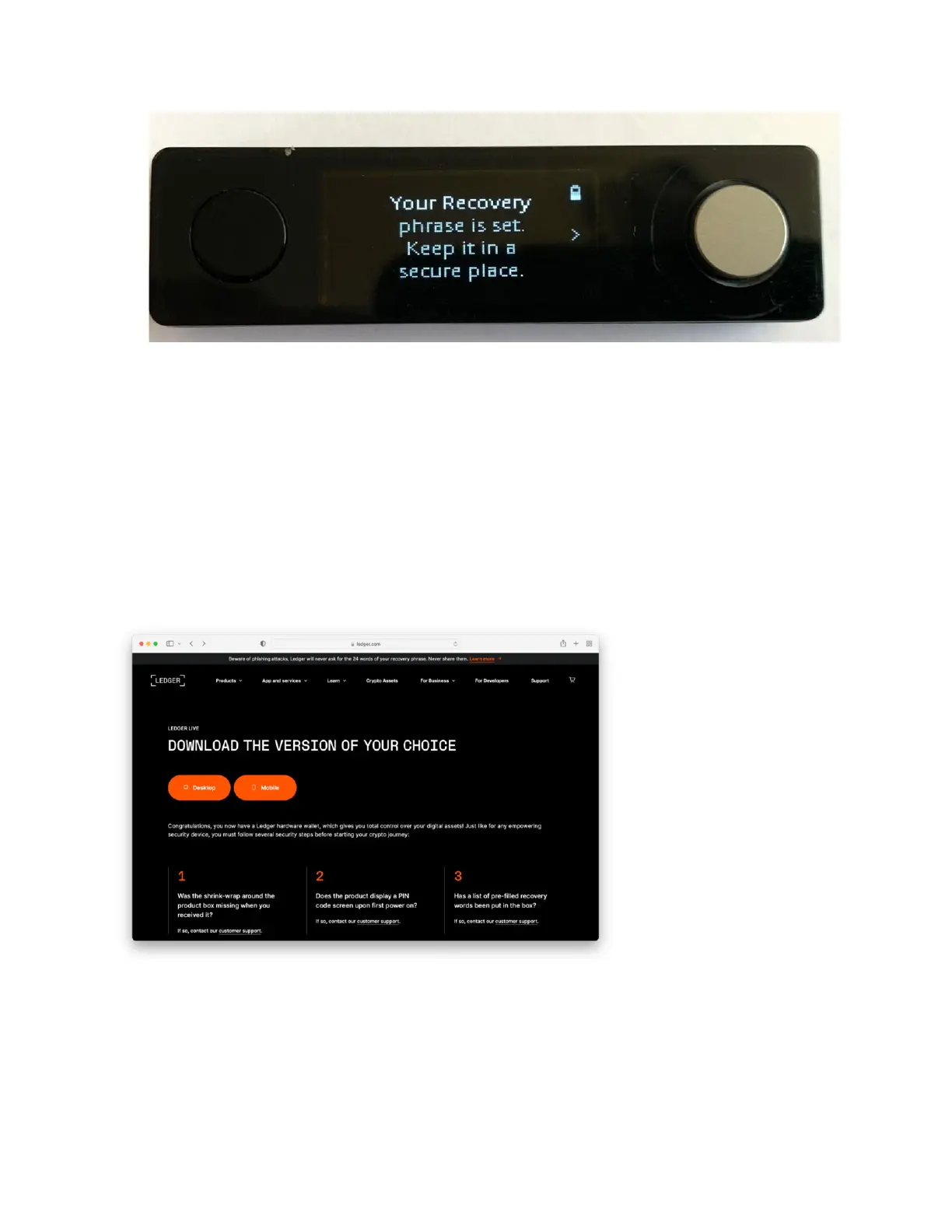
Once you’ve verified your seed phrase, make sure to store your written-down seed
phrase in a safe and secure location. This seed phrase will give anyone who has
access to it the ability to control your wallet, so make sure to keep it secret and safe. It’s
also a good idea to make a backup of this phrase, and save it in a second secure
location just to be safe.
At this point, your device is almost set up! To complete the Ledger Nano X set up we
need to use the Ledger Live software to create secure wallets for your cryptocurrency.
If you haven’t already, download the Ledger Live software from
https://www.ledger.com/ledger-live, and then install it on your computer.
Make sure your Ledger Nano X is connected to your computer using the USB cable
provided and then launch the Ledger Live app.
Once it launches, you’ll need to select “Allow Ledger Manager” on your Nano X by
pressing both the left and right navigation buttons.



 To Next Page