RCbro
®
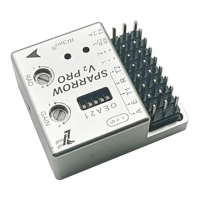
SPARROW V2 Pro
LefeiRC www.lefeirc.com/
◐ Unlock the FC
The throttle is at the lowest position before the FC is powered on. After the FC
recognizes the receiver, push the throttle to the highest position and then pull it to the
lowest position to complete the unlocking.
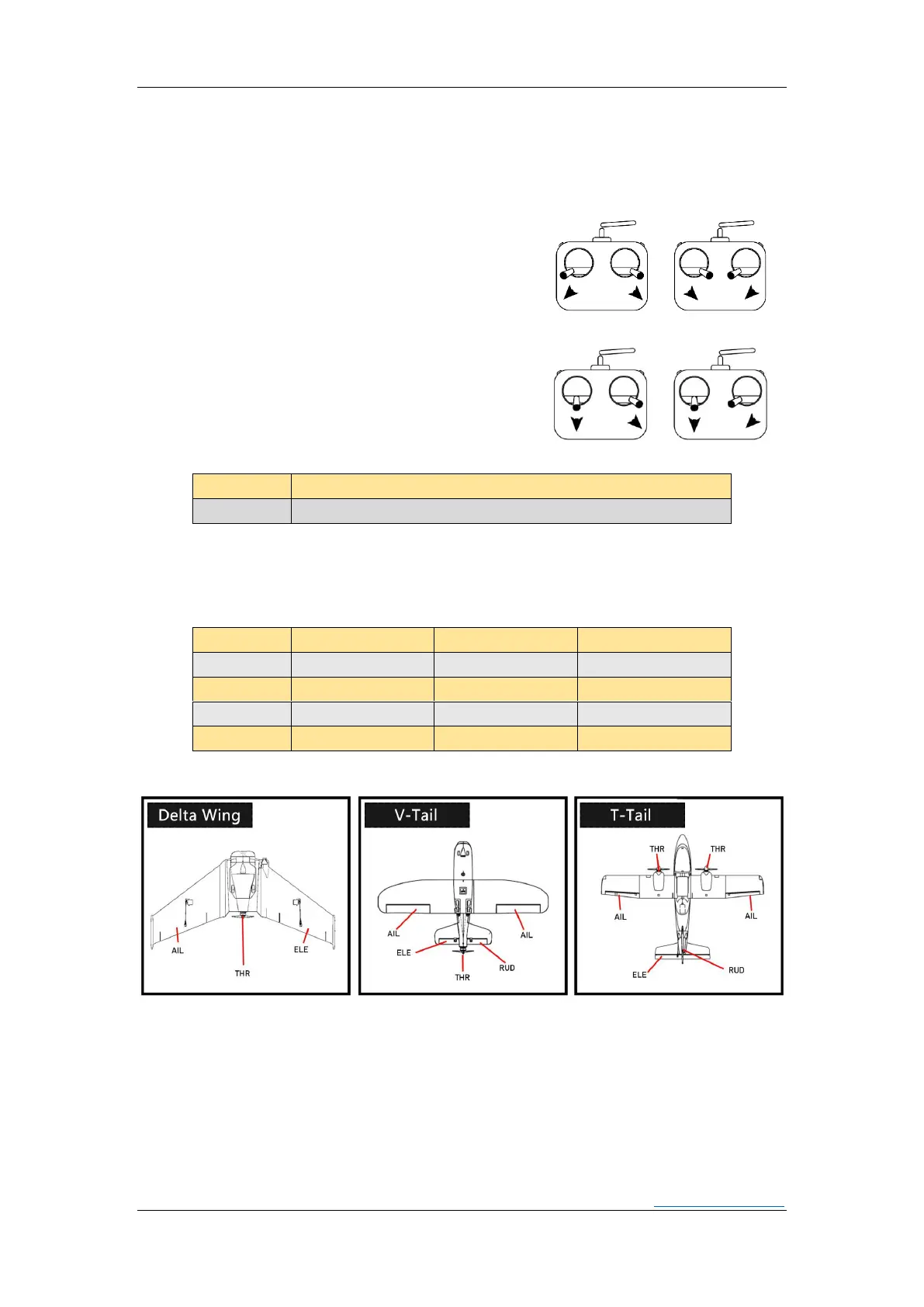
◐ Calibrate level
Before unlocking the FC, place the FC horizontally
and still,choose a way to dial the sticks as shown in
the picture, until two LEDs blink at the same
time.After the calibration is completed, LEDs return
to normal.
◐ OSD position reset
Before unlocking the FC, choose a way as shown
in the picture to dial the sticks for a few seconds,
and then observe the change in the OSD position.
➢ InstallDirection
* Automatically recognize the installation direction when calibrating level. You need to recalibrate level
after changing the installation.
➢ Servos Connection


 To Next Page