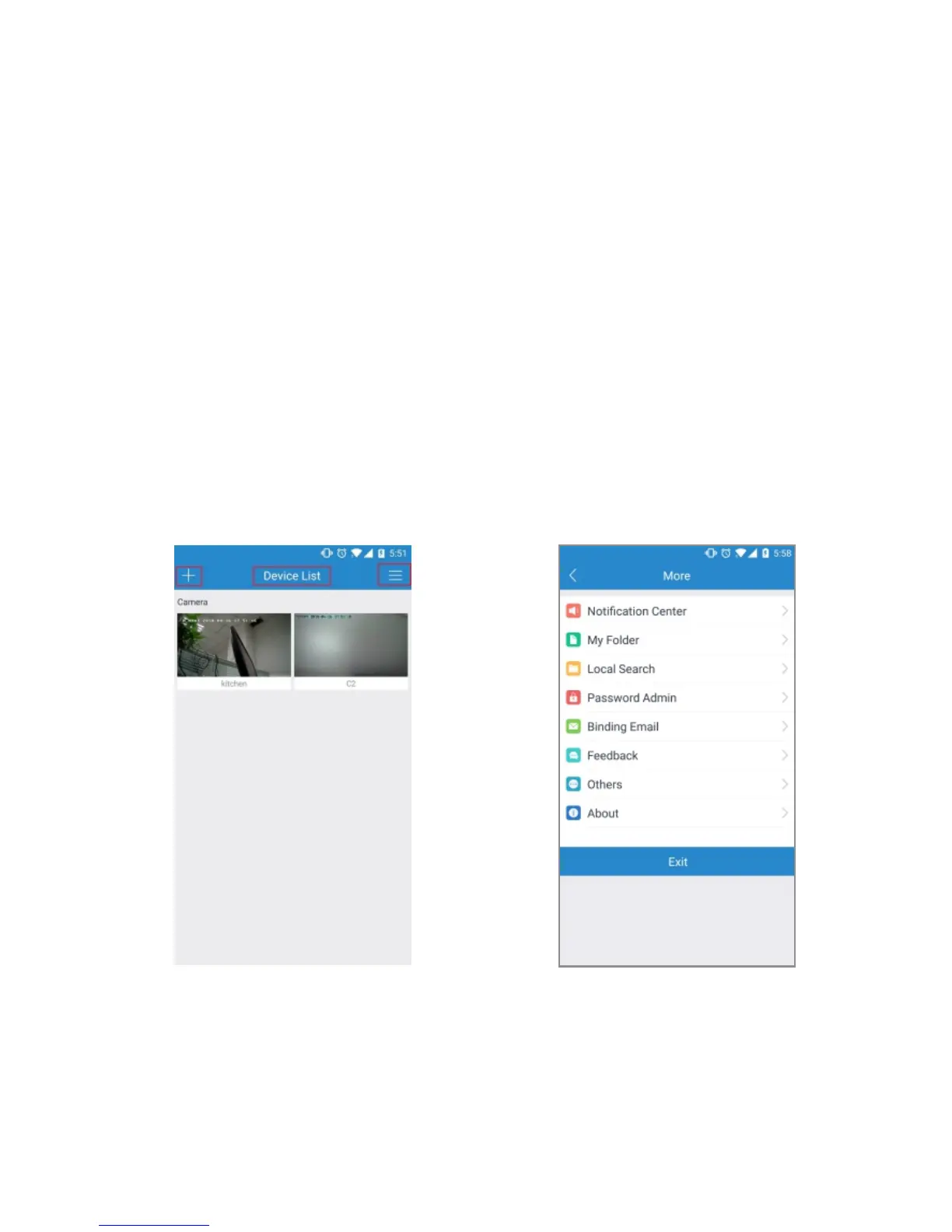
Tab 1 Tab 2 Tab 3
Main Interface
Account Settings
5.1 Tab 1: Add Device Button
This feature allows the user to add more cameras into MIPC app
so that the user can monitor them at one app.
5.Operation on Main Interface
The Section of the manual details the apps main interface. The
Main Interface on MIPC contains 3 major tabs on the screen.
15
3. Using a PC or Mac, download the browser MIPC and install it
(www.mipcm.com).
4. Sign up an account (please refer to 4.1.2 Sign Up an Account),
log in and add the camera.
5. Now, the camera is successfully setup for living view and
playback. To set up Wi-Fi (optional), navigate to Settings-
Network-WiFi. Choose the right Wi-Fi name on Wi-Fi list, enter
your password and click the icon Apply.



 To Next Page