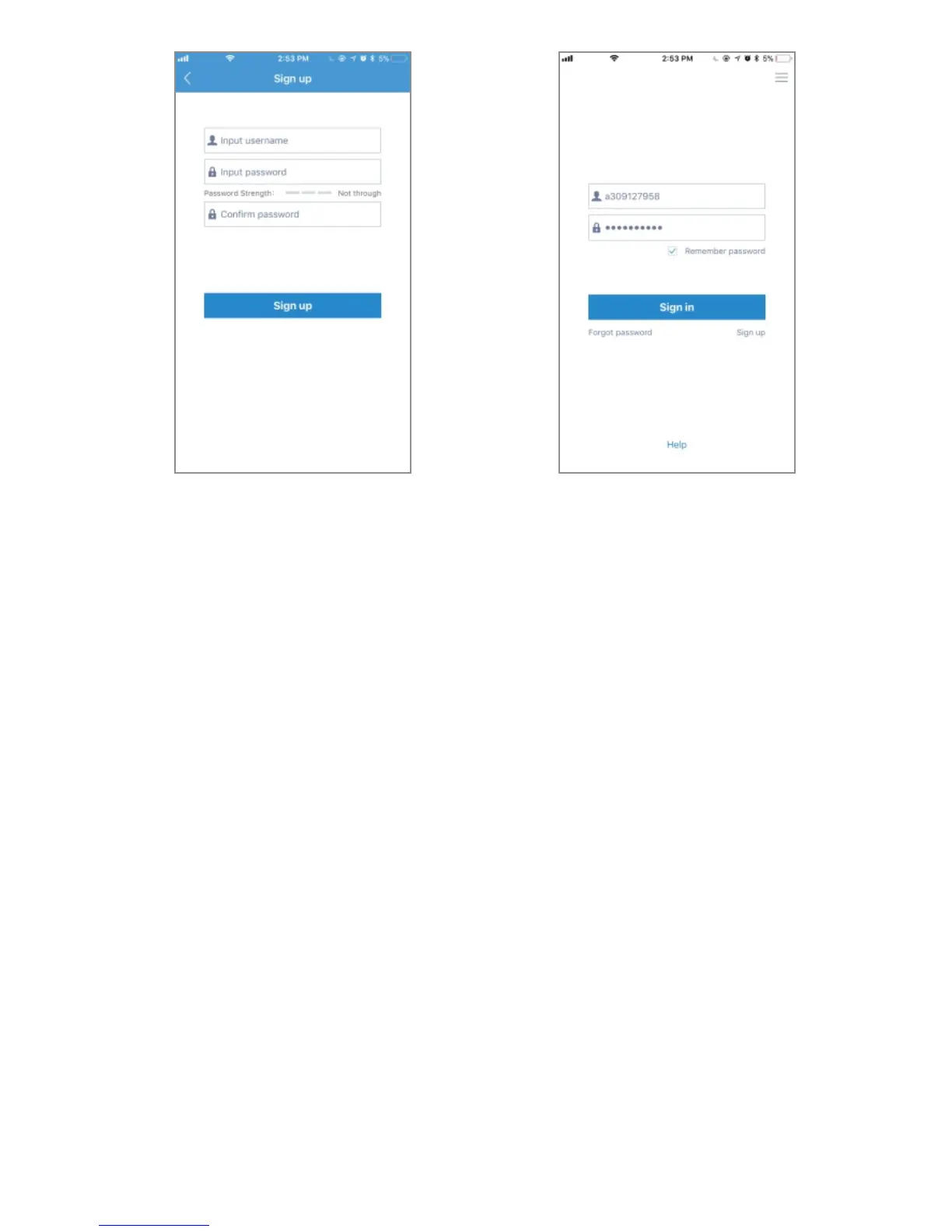
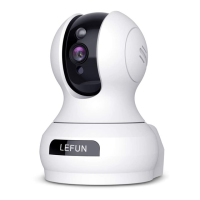
Signup-01 Signup-02
4.2 Wi-Fi Setup on Mobile
Before connecting to your camera, please confirm if your home
Wi-Fi network is 2.4Ghz. Meanwhile, please choose 2.4Ghz Wi-Fi
to connect your phone. Additionally, please put this camera close
to your Wi-Fi router, it will help you connect the camera with Wi-Fi
successfully.
1. After logging in your MIPC account, you should be brought to
the camera list screen. You can see its initially empty because
you have not added any camera (Figure-01).
2. Select added device by clicking the plus icon at the top left
and choose the first device type PTZ Cameras(Figure-02),
which will direct you to the QR Code Scan interface.
9


 To Next Page