30
USB Modes
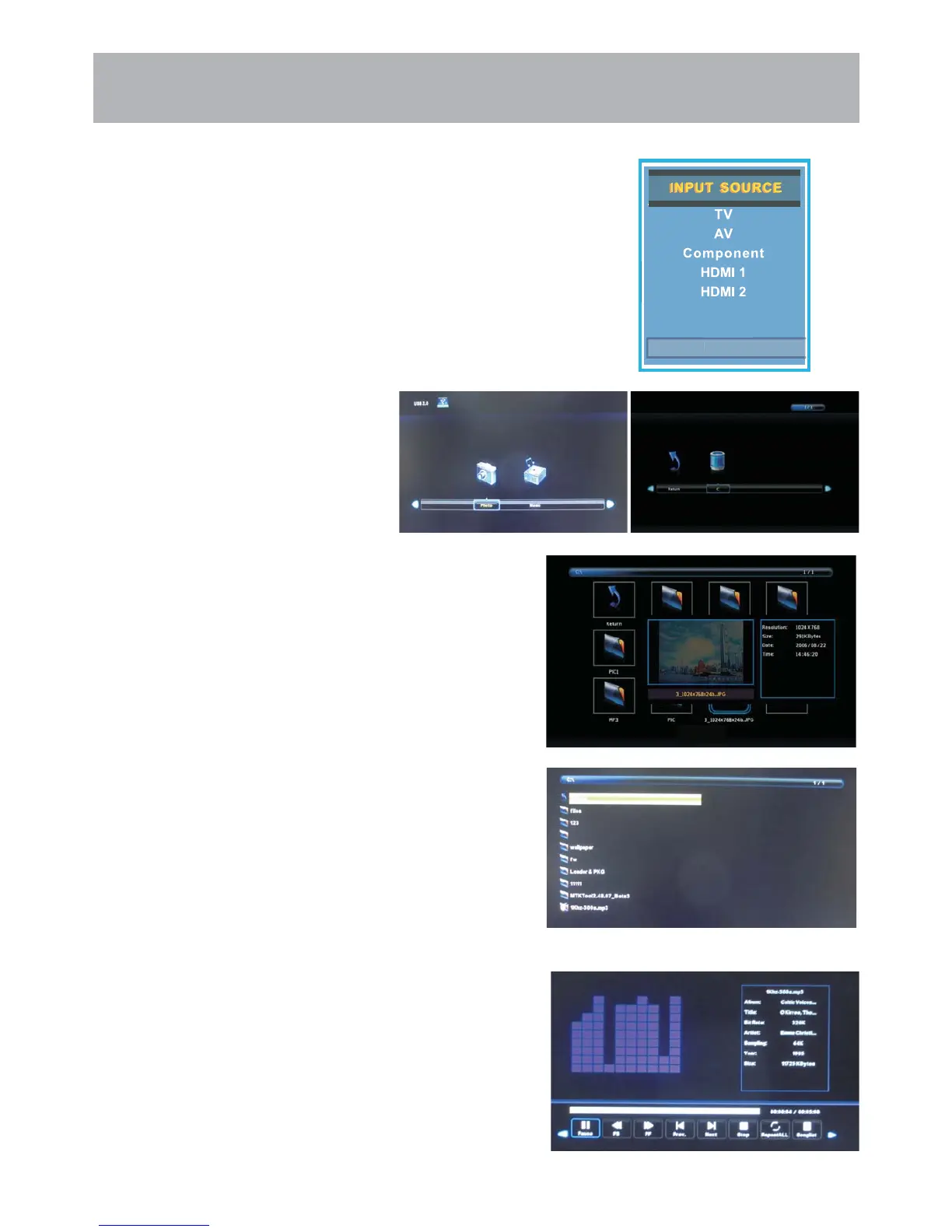
1. Press the INPUT button on the remote control to display the Input menu. Use the ▲▼ buttons to select Media.
2. Use the ◄ / ► buttons to highlight an individual USB option.
Press the ▲▼ buttons to select Media in the
Source menu, and then press the ENTER button
to enter.
• Press the ◄ / ► buttons to select Music, and
then press the ENTER button to enter.
• Press the ◄ / ► to select drive disk you want
to watch,then press Enter button to enter.
• Press the ▲ / ▼ to select return option to
back to the previous menu.
• Press the ◄ / ► buttons to select Photo or Mu-
sic, and then press the ENTER button to enter.
• Press the ◄ / ► buttons to select the option
you want to adjust in the main Media menu,then
press ENTER button to enter.
• Press the ◄ / ► buttons to select Photo, and
then press the ENTER button to enter.
• Press the ◄ / ► to select drive disk you want to
watch,then press Enter button to enter.
• Press the ▲ / ▼ / ◄ / ► to select return option
to back to the previous menu.
• Press the ◄ / ► buttons to select menu in the
bottom you want to run,then press Enter button
to operate.
• Press Menu button to back to the previous
menu and exit button to quit the entire menu.
• Press▼ button to hide the menu in the bottom.
Media
PC
HDMI 3



 To Next Page