2
CONNECTIVITY
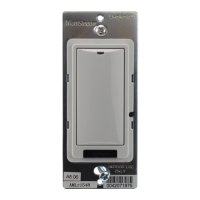
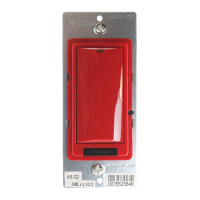
The illustrations below show examples of free-topology wiring. The LMSW switches communicate to all other Digital Lighting
Management devices connected to the low voltage DLM Local Network, regardless of their position on the DLM Local Network.
LMRC-112
Line
Voltage
Class 1
LMSW-222
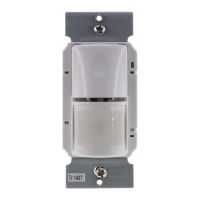
Occupancy Sensor
LMRJ Cables
0-10V Driver or Ballast
0-10V Driver or Ballast
Class 2 0-10 Volt Control Wiring
-222
Room
Controller
J Box
Corner Mount
Occupancy
Sensor
Switch
To
Load/Line
(Class 1 wiring)
DLM Local Network
(low voltage, Class 2)
LMRJ Cables
PLUG N’ GO OPERATION (PNG)
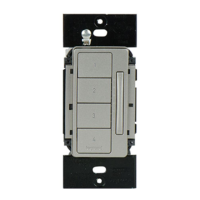
Each load is automatically assigned to a switch button.
• If there are more buttons on a switch than there are loads, the
extra button(s) do nothing and blink when pressed.
• If there are fewer buttons on a switch than there are loads, the
last button controls all remaining loads.
• The LMSW-241 auto-configures as a scene switch for all lighting
loads. A button’s scene percentages can be changed by pressing
and holding for 5 seconds while room is in the desired state.
The illustration shows the Plug n’ Go load binding for each LMSW
switch in a room that has up to 5 loads.
LMSW-250
Loads
Line Voltage
LMSW-222
LMRC-111
Single Relay
Room Controller
1
2
3
4
LMSW-211
LMSW-210
1
5
2
3
4
1
3 4 5
2
LMSW-241
3
4
2
1
Plug n’ Go Load Binding
5
LMRC-112
Dual Relay
Room Controller
Line Voltage
Line Voltage
LMRC-112
Dual Relay
Room Controller
1
5
2
3
4
1
5
2
3
4
100%
75%
50%
25%
5
LMSW-220
1
3 4 5
2


 To Next Page
 Loading...