CONFIGURATIONPage 8
F196
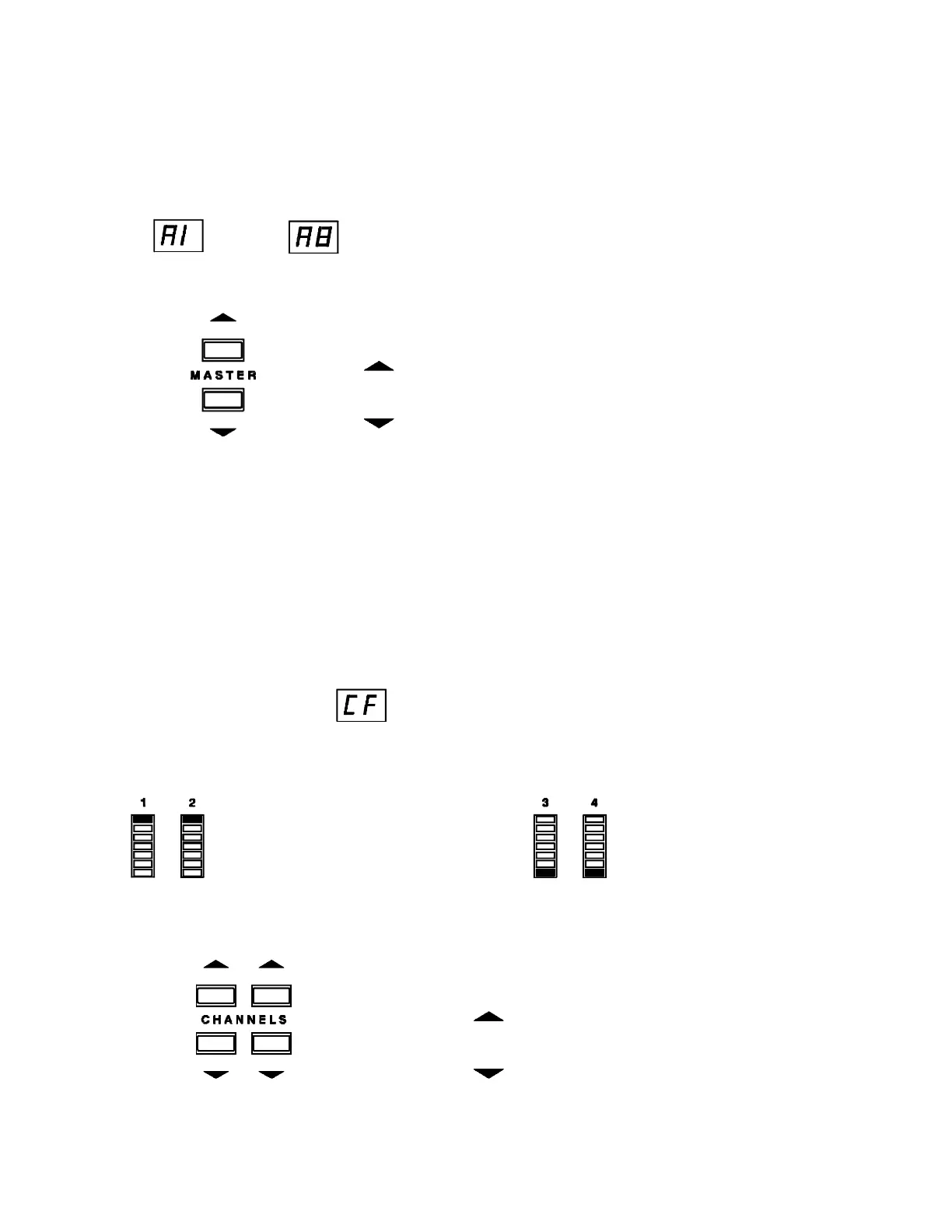
AREA NUMBER (PRESS PRESET 1)
The display will blink the current area number (from 1 to 8) for the station as:
thru
Press to change the area number.
= increase area number
= decrease area number
Note: In most cases, each station should be set to a unique area number. Two
stations should have the same number only if they are always in the same room.
With the same area number on both stations, activating a preset on Station 1 will
activate the same preset number on Station 2.
CHANNEL FUNCTION - (PRESS PRESET 2)
The display will blink:
Each bargraph will show the function of the channel as either a non-dim or dimmer.
With the top segment With the bottom
lit, the channel acts segment lit, the
as a non-dim. There channel acts as a
are two possible channel dimmer (full range
levels full and off. from 0 to 100%).
Press to toggle a channel from a non-dim to a dimmer.
= non-dim
= dimmer


 To Next Page