TROUBLESHOOTING Page 15
F196
APPENDIX A
TROUBLESHOOTING GUIDE
SYMPTOM REMEDY
Lights do not turn on. - Check if circuit breaker is off.
- Check that wiring to station is correct.
- Check if bulb is burned out.
Lights do not turn off. - Check that the low level setting is at 0%.
Lights turn on or off suddenly - Check if that channel is configured as a
during a fade. non-dim
All lights fade to full or off - Check if the Master Up or Down Button is
when a preset is activated stuck.
"Er" appears on the display when - Check the All Lock Status (in Configuration
any button is pressed. Mode).
"Er" appears on the display when - Check the Partial Lock Status (in
Store is pressed. Configuration Mode).
Multiple stations do not track - Check if the area numbers match (in
each other. Configuration Mode).
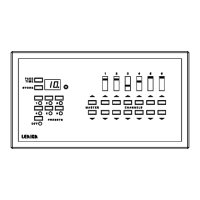
The Solitaire Station front panel - The front panel will feel warm if the
feels warm. lighting load is 1000W or more. If the
station feels unusually hot, have the station
checked by a qualified technician.


 To Previous Page