15
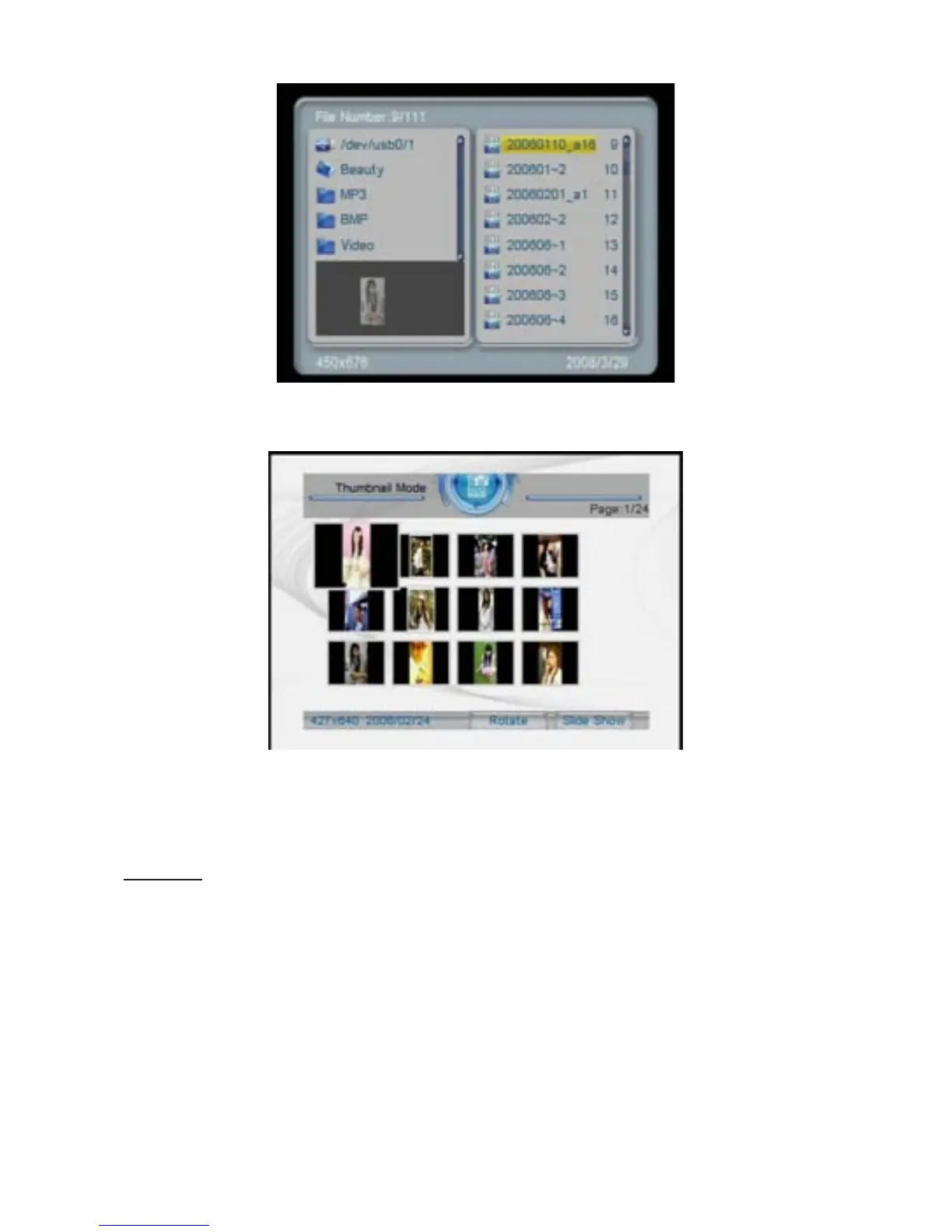
IftheuserchoosesBrowse Mode for playlist management, the screen
below will appear.
Under Photo
mode,thesystemsupportsthedisplayofimagesinJPG
and BMP format.
MUSIC
After choosing Music from the main menu, press the PLAY key, and
the system will automatically detect whether or not a storage device
hasbeenconnected(USBdriveormemorycard).Ifnostoragedevice
has been connected, the system will go back to the main menu.
Afterthestoragedevicehasbeenconnectedandcorrectread/write
accesshasbeenconrmed,thesystemwillenterMedia Manager for
playlist management, as shown in the illustration.


 To Next Page