150 / Review mode
Review mode
As described in the “Selecting picture and review
modes” and “Automatic review of last picture” sec-
tions (p. 113), you can view the pictures you have
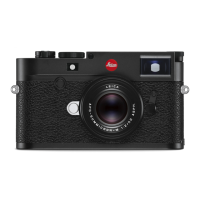
taken in the monitor (1.32) on the LEICA M9. Pictures
can either be reviewed automatically for a short time
immediately after you have taken them in Auto review
mode, or at any time and for an unlimited period in
PLAY
mode. In both cases, several additional options
are available while viewing the pictures.
Notes:
• The review functions always access the respectively
active folder of the card in use. If you want to view
images in other folders, these must be activated
• If no pictures are stored on the card, when you
press the
PLAY
button the following message
appears in the monitor:
• Depending on the function previously set, pressing
the
PLAY
button generates different responses:
• The LEICA M9 stores pictures in line with the DCF
standards (Design Rule for Camera File System).
• The LEICA M9 can only review pictures taken with
cameras of this type.
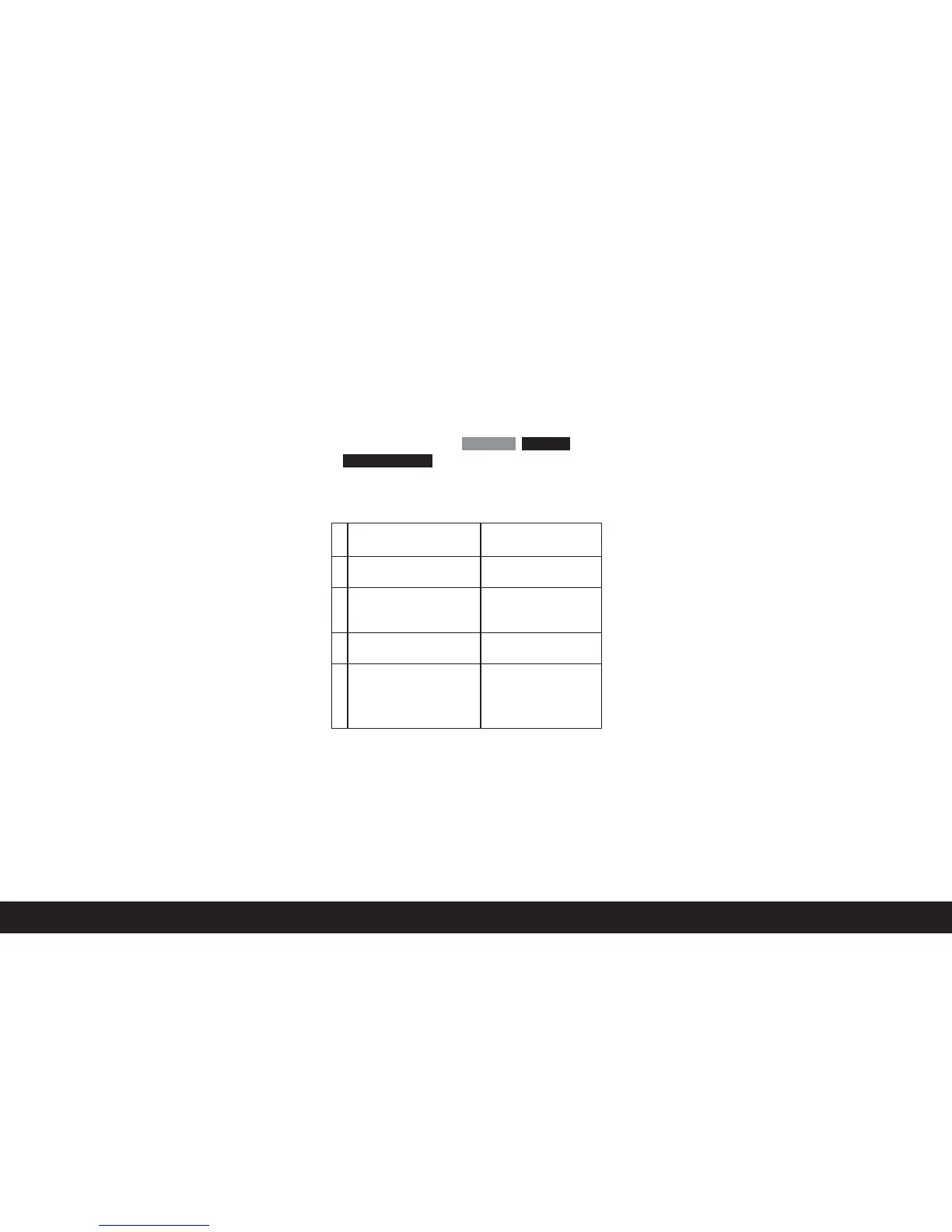
No valid
image data to play
Attention
Initial situation After pressing the
PLAY
button
a. Full screen review Picture mode,
of a picture monitor off
b. Review of an enlarged Full-screen review of
section/several reduced the picture
pictures (see below)
c.
INFO
display with any en-
INFO
display with
largement (see p. 100/151) full-screen review
d. One of the menu controls Full-screen review of the
(see p.181), or the
DELETE
last picture displayed
or delete protection function
(see p.153/154) is activated



 To Next Page