160 / Data structure on the memory card / Working with DNG raw data
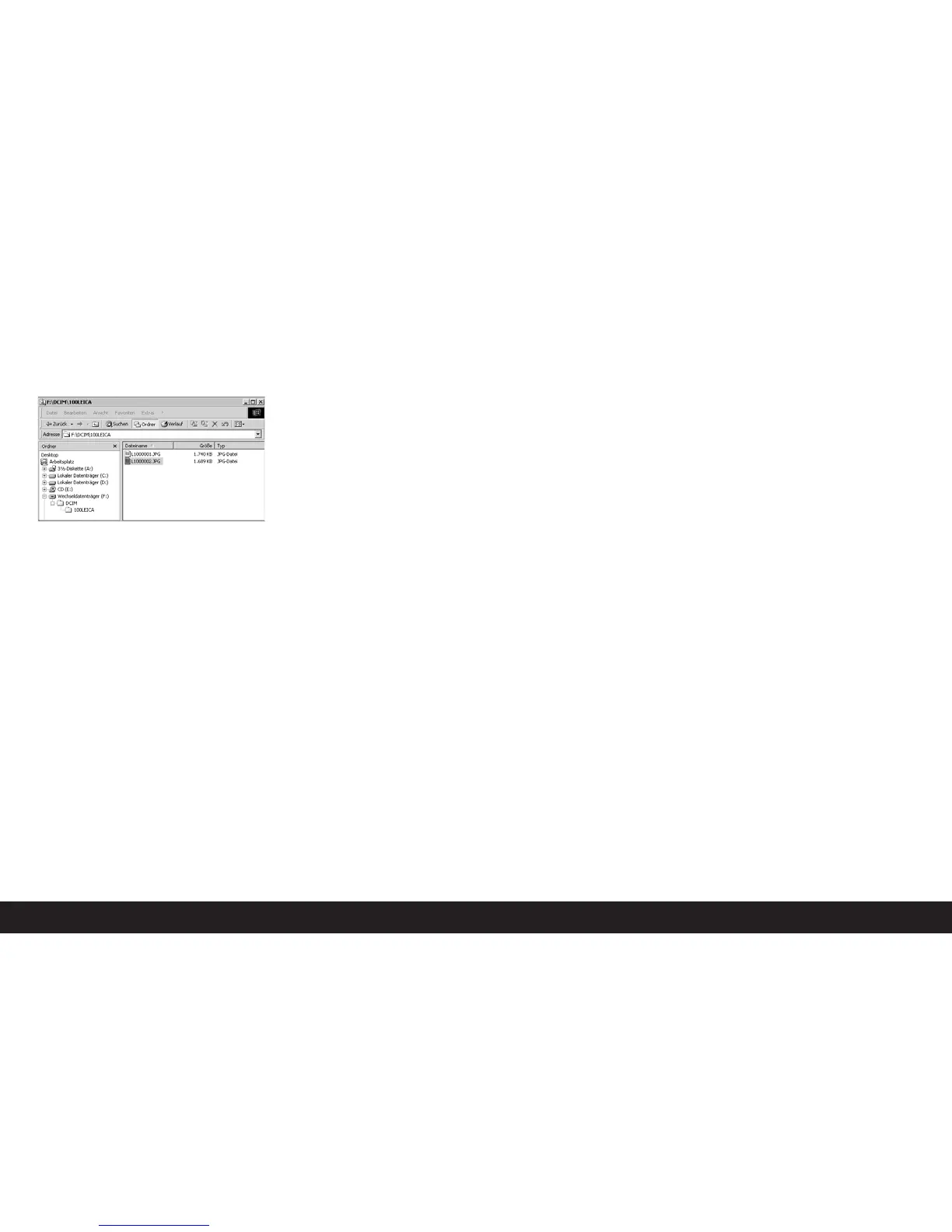
Data structure on the memory card
When the data stored on a card is transferred to a
computer, the following folder structure is used:
Up to 9999 pictures can be stored in each of the fold-
ers 100LEICA, 101LEICA, etc.
Working with DNG raw data
If you have selected the standardized and future-proof
DNG (Digital Negative) format, you require highly spe-
cialized software to convert the saved raw data into
optimum quality, for example the professional Photo-
shop Lightroom raw data converter from Adobe. It
provides optimum quality algorithms for digital color
processing, allowing pictures that simultaneously
have low picture noise and exceptional resolution.
During editing, you have the option of adjusting par -
ameters such as white balance, noise reduction, gra-
dation, sharpness etc. to achieve an optimum image
quality.
Adobe Photoshop Lightroom is available as a free
download when you register your LEICA M9 on the
Leica Camera AG homepage. Further details can be
found on the flyer enclosed in the camera packaging.



 To Next Page