RECORD MODE
FOCUSING
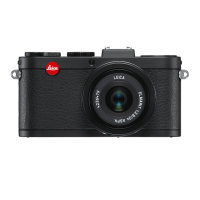
The Leica X2 offers both automatic and manual focusing modes, both cover
a distance range of 30cm to infinity.
Selecting the mode
Press the lower direction button (
AF/MF
, 1.26), and in the appearing menu,
select AF or MF. Confirm the setting by pressing either the shutter release
button (1.8) or the
MENU/SET
button (1.25).
• The following information appears on the screen:
- the active focus mode (2.1.25)
- the metering area, indicated by a white rectangle (in the case of 1 area,
11 area, and spot AF metering modes, see pp. 90/122/123)
120


 To Next Page