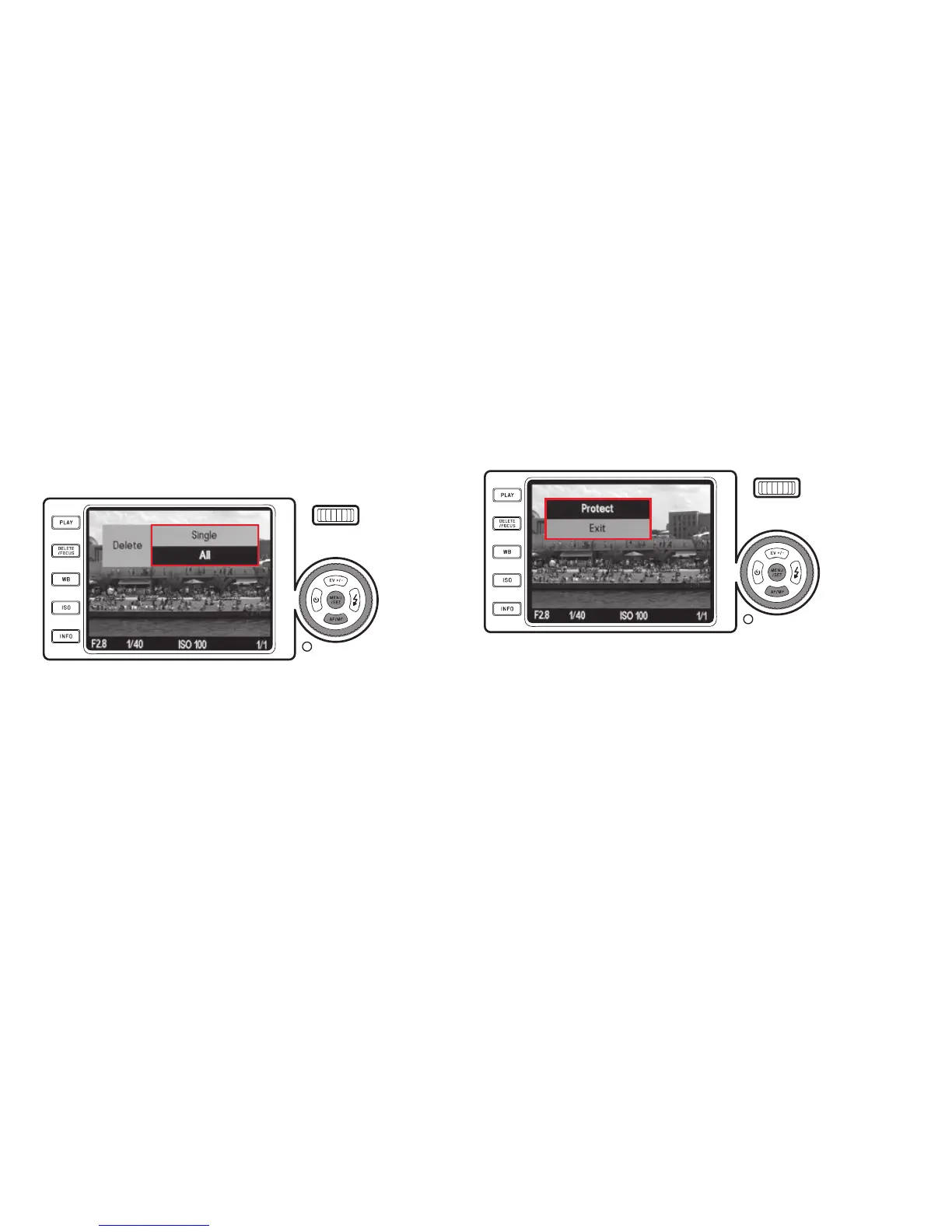
Deleting all pictures
1. Select
All
and press the
MENU/SET
button (1.25).
• A submenu appears.
2. Confi rm or reject the process and press the
MENU/SET
button again.
• The message
No valid image to play
or the originally shown picture ap-
pears again, if it has not been deleted after all.
However, if the pictures included some with protection (see also next
section),
Protected images were not deleted
appears for a short time
instead, and fi nally the fi rst of these pictures reappear.
Note:
If you reconsider and do not want the delete one or all pictures, you can exit
the delete menu by pressing the
DELETE/FOCUS
button again.
PROTECTING/UNPROTECTING PICTURES
The pictures saved on the memory card and in the internal memory can be
protected against being accidentally deleted.
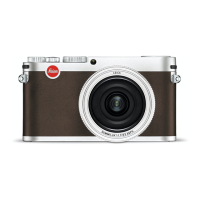
1. In the menu, select
Protect
(3.34).
• After a short moment the picture shown before reappears along with a
menu. Depending on whether the picture is protected or not, the menu
contains the options
Unprotect
or
Protect
, respectively.
146


 To Next Page