5
Getting Started
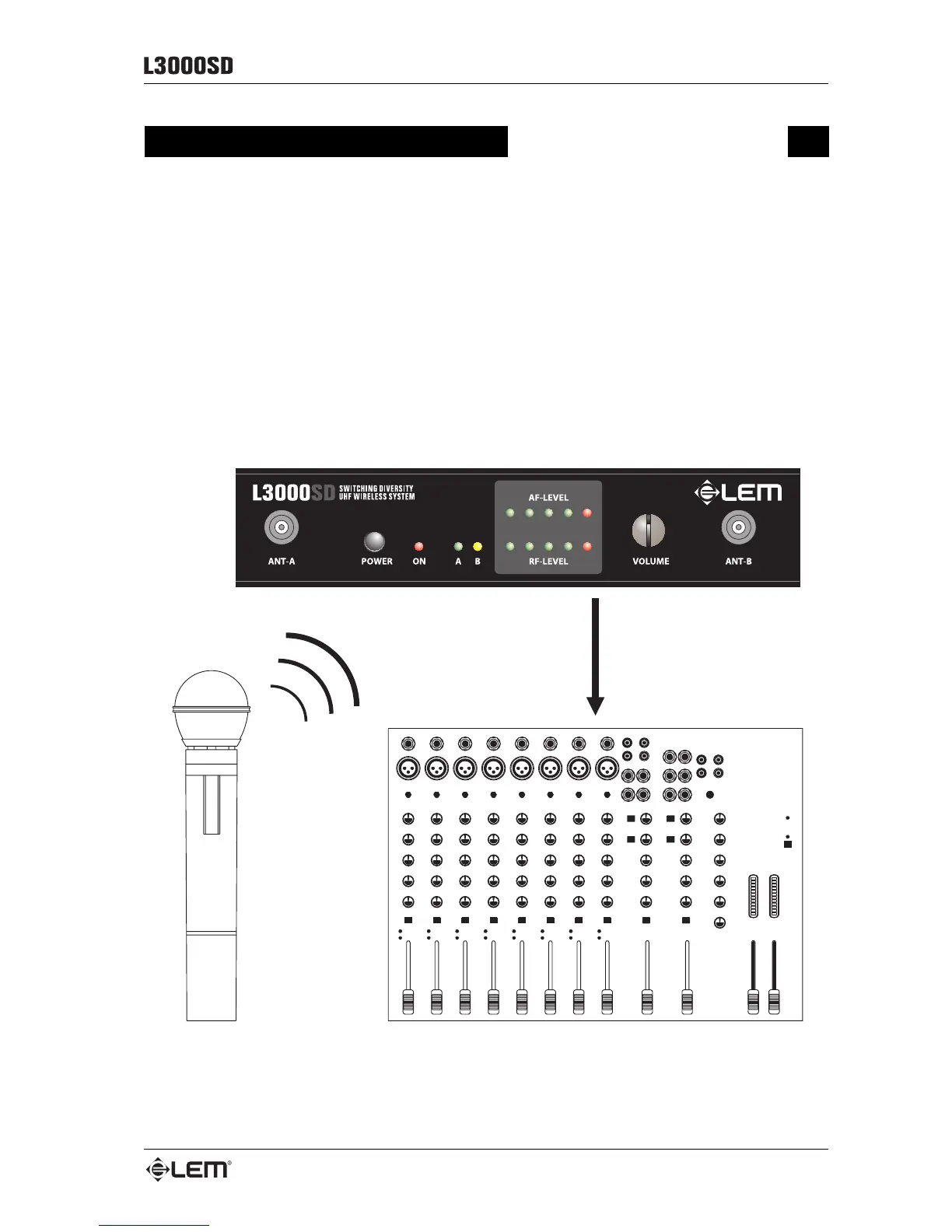
To use the L3000-SD wireless microphone immediately, just carry out the following simple procedure:
1 - Connect the receiver audio output to the line input of a mixer or an amplifier.
2 - Connect the power supply to the DC IN socket and switch on the unit.
3 - Adjust the Squelch control until any interference is eliminated, obtaining an output signal free
from background noise.
4 - Switch on the transmitter (first fitting the batteries if they’re not already installed).
5 - Adjust receiver output volume and (if a bodypack transmitter is being used) transmitter volume.
Use the LED displays on the front panel to optimize input and output levels.
Getting Started



 To Next Page