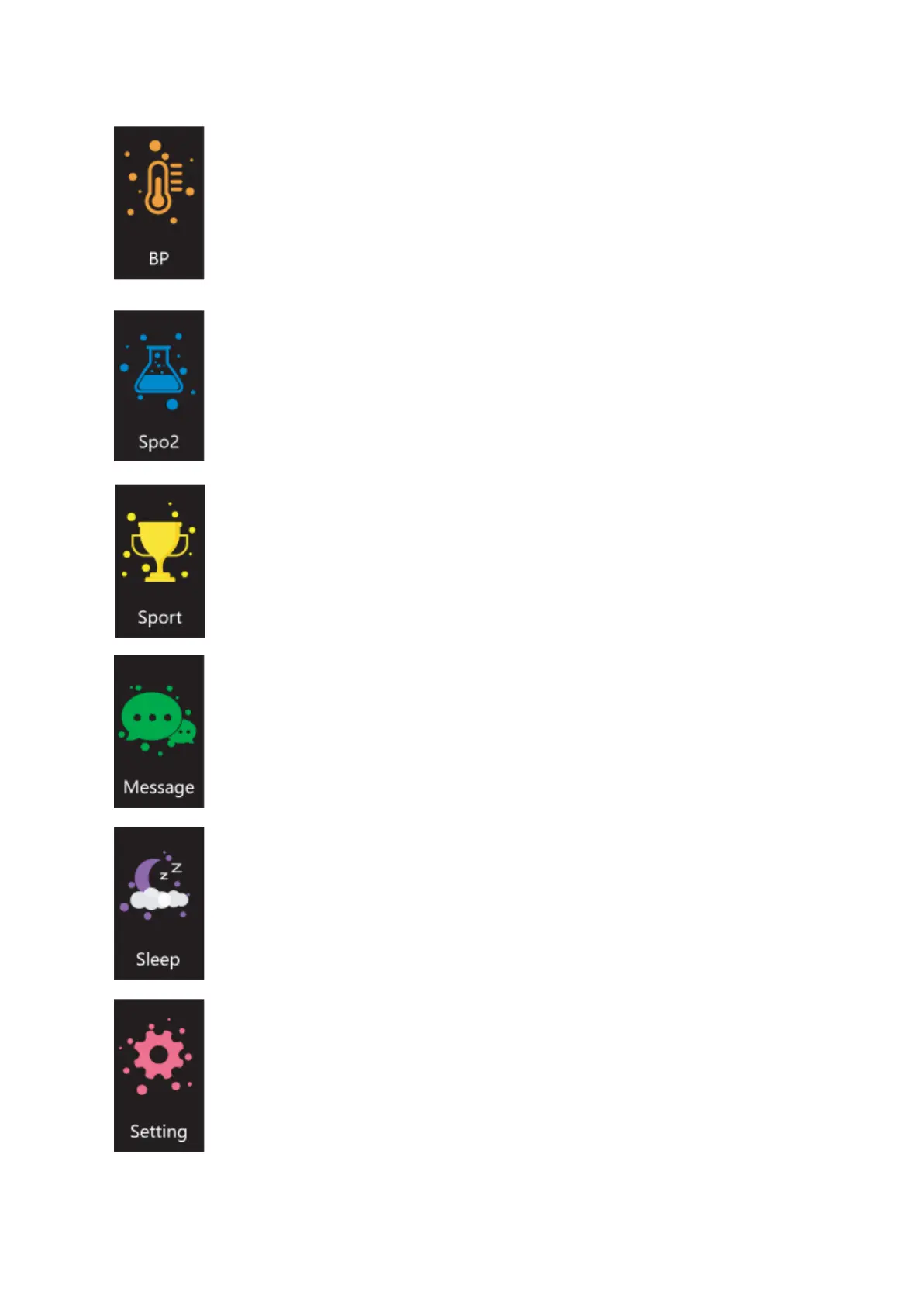
4. Blood pressure: Navigate to the blood pressure interface, click to
start the test, and view the blood pressure data.
5. Blood oxygen: Navigate to the blood oxygen interface, click to
start the test, and view the blood oxygen data.
6. Exercise: Navigate to the exercise interface, click to enter, and
select different exercises such as running, mountaineering, walking,
cycling, football, basketball, table tennis, badminton, etc. Click the
certain exercise to test sports data.
7. Information: Navigate to the information interface, click to enter,
and view all unread messages.
8. Sleep: Navigate to the sleep interface, click to enter, and view
sleep data from the previous night. If there is no sleep data, the prompt
will show “No sleep data”. Please be noted that the sleep record is from
18:00 to 10:00.
9. Settings: Navigate to the settings interface, click to enter, and
view different functions such as dial switch, brightness adjustment,
system operation, etc.


 To Next Page