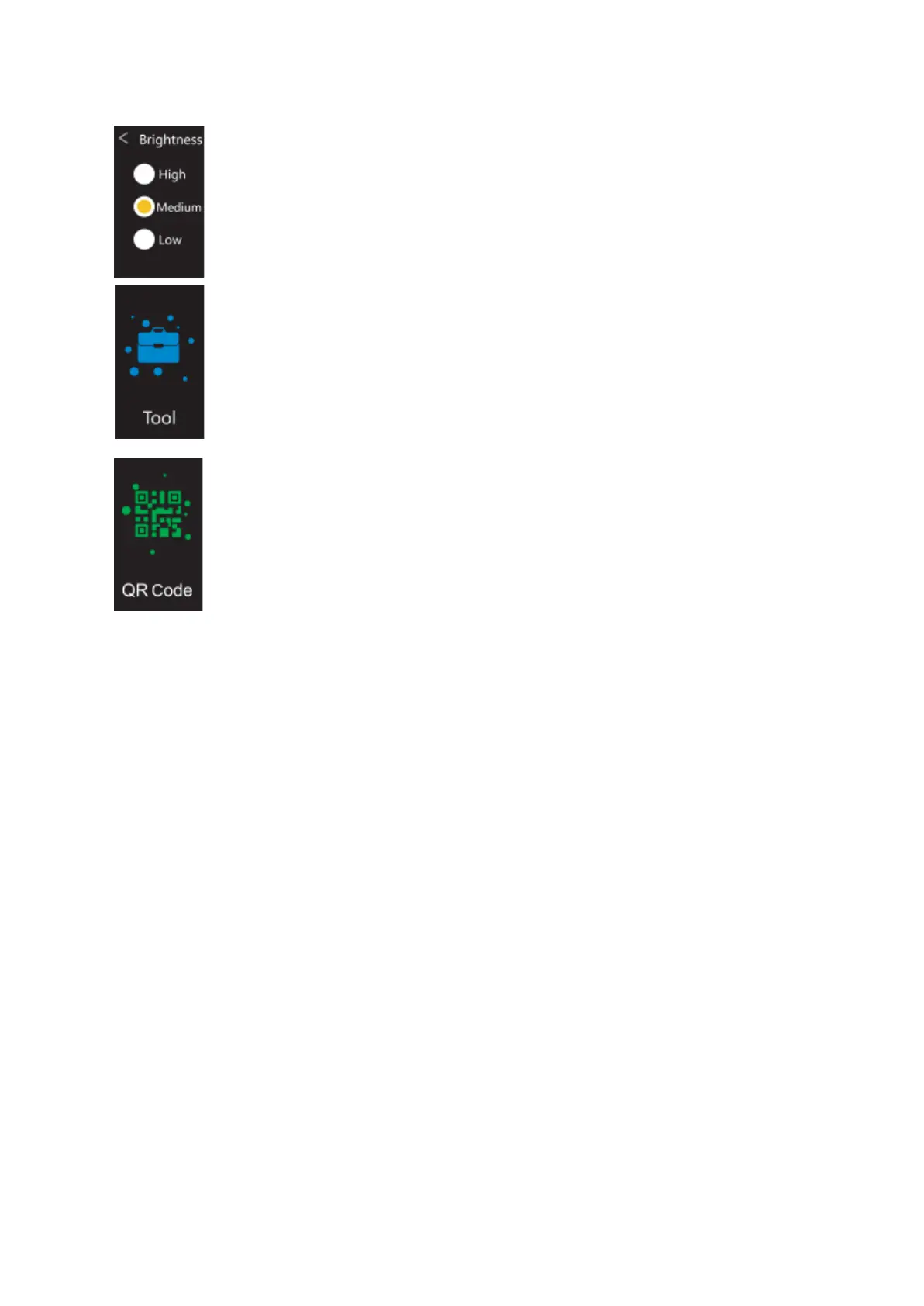
10.Brightness adjustment: Navigate to the settings interface, click to
enter, navigate to the brightness adjustment and select one of the three
brightness levels: high, middle, and low.
11. Tool: Navigate to the tool interface, click to enter, and select
some of the functions such as music control, stopwatch, timer, find
mobile, etc.
12.QR code: Navigate to the QR code interface, click to enter, and
you’ll see the QR codes for iOS, Android, and direct download. Scan it
to download the F Fit app.


 To Previous Page