7
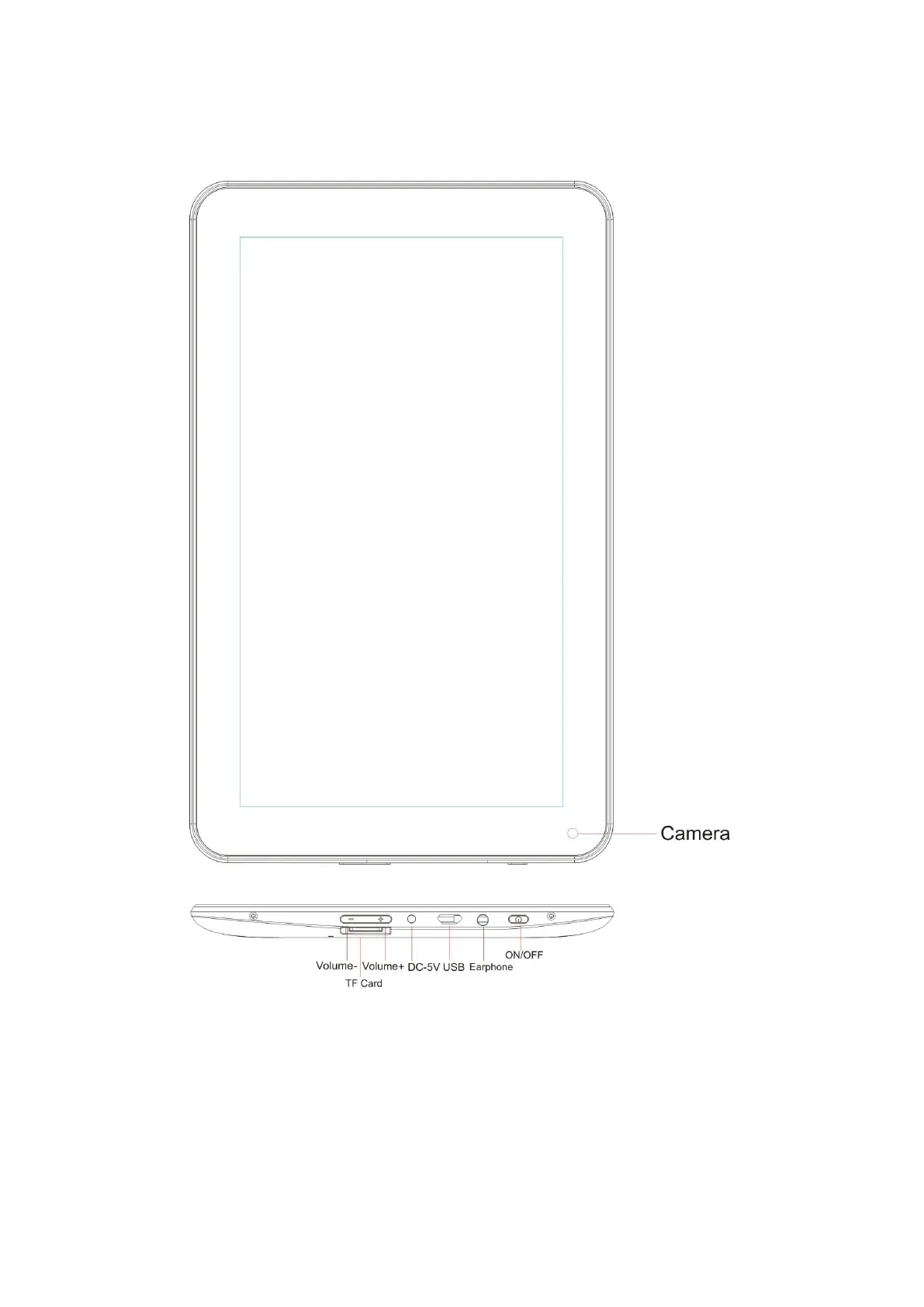
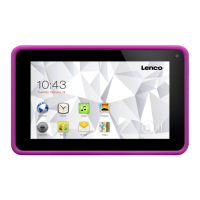
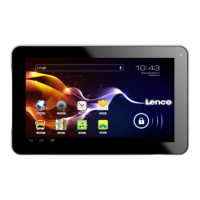
Exploring the tablet
Volume + button: Press this button to increase the volume.
Volume - button: Press this button to lower the volume.
Micro SD slot: This is to insert an SD card.
DC in 5V socket: This is to connect the AC adaptor to charge the internal battery.
USB socket: This is to insert the USB cable so you can establish a connection
between the tablet and a PC. This USB host socket supports external hardware like


 To Next Page