EasyManua.ls Logo

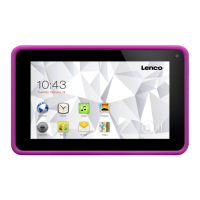
LENCO Cooltab-73 - User Manual

LENCO Cooltab-73
31 pages
Print Icon
To Next Page IconTo Next Page
Loading...
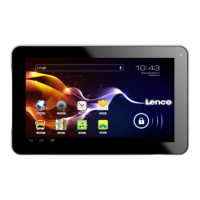
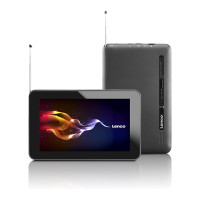
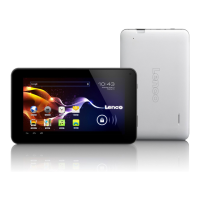
Cooltab-73
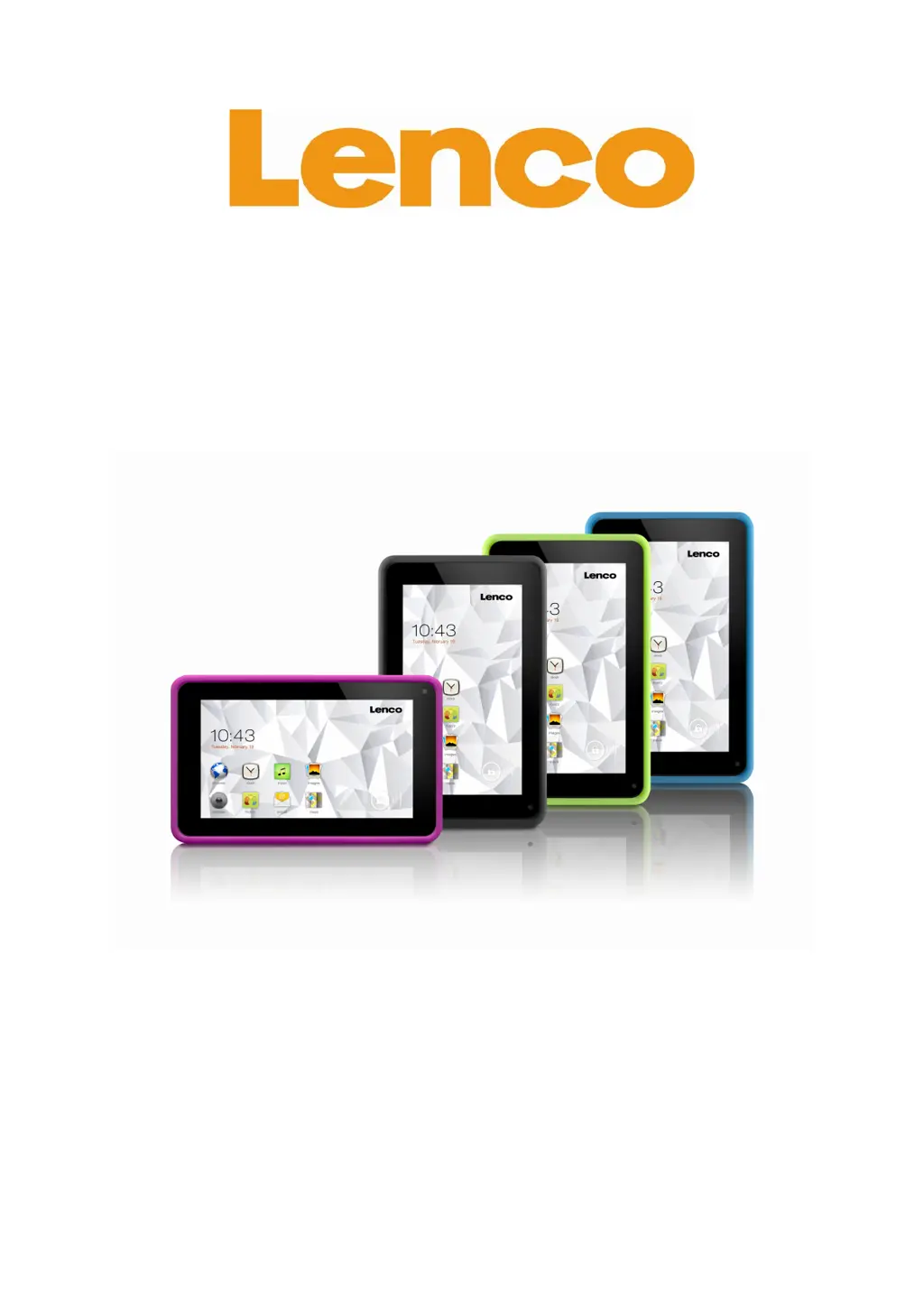
18 CM (7") TABLET WITH ANDROID™
4.2
User manual
For information and support
www.lenco.com

Questions and Answers

  • A
    Amanda DyerAug 7, 2025
    What to do if my LENCO Cooltab-73 Tablet freezes?
    • J
      john11Aug 7, 2025
      If your LENCO Tablet freezes, you might need to close some applications or reset the tablet to restore its functionality. If only an application is frozen, try closing it with the task manager. If the tablet becomes unresponsive, press and hold the power button for 8 to 10 seconds. As a last resort, you can perform a factory data reset by going to Settings, then Back up and reset, then Factory data reset, then Reset device, and finally Erase everything.
  • T
    Theresa EllisAug 11, 2025
    Why is the touch screen on my LENCO Cooltab-73 responding slowly?
    • J
      Joanna HannaAug 11, 2025
      If the touch screen on your LENCO Tablet isn't responding well, first remove any protective covers, as these can interfere with the touch screen's sensitivity. Ensure your hands are clean and dry when using the screen. You can also try restarting your tablet to resolve temporary software issues.
  • J
    Jonathan WatsonAug 15, 2025
    Why does my LENCO Tablet display network or service error messages?
    • E
      Emily WalshAug 15, 2025
      When your LENCO Tablet shows network or service error messages, it could be due to weak signal or poor reception in your current location. Try moving to an area with better reception and try again. Also, some options require a subscription, so contact your service provider for more information.
  • M
    Marcus MontesAug 20, 2025
    What to do if error messages appear when launching the camera on my LENCO Cooltab-73?
    • R
      Robert BarkerAug 20, 2025
      If you see error messages when launching the camera on your LENCO Tablet, try these steps: First, charge the battery. Then, free up memory by moving files to a computer or deleting unnecessary files from your tablet. Finally, restart the tablet.
  • J
    Jesse SchultzAug 25, 2025
    Why is my LENCO Cooltab-73 Tablet hot when I touch it?
    • J
      James MartinAug 25, 2025
      If your LENCO Tablet feels hot to the touch, it's likely because you're using power-intensive applications or using applications for a long time. This is normal and shouldn't affect the tablet's lifespan or performance.
  • B
    Bridget WalkerAug 28, 2025
    What to do if error messages appear when opening music files on my LENCO Tablet?
    • T
      Teresa OwenAug 28, 2025
      If you encounter error messages when trying to open music files on your LENCO Tablet, check if the music file is DRM-protected. If it is, make sure you have the necessary license or key to play it. Also, verify that your tablet supports the file type.
  • C
    Connor MartinSep 1, 2025
    How to establish a connection when connecting my LENCO Cooltab-73 Tablet to a computer?
    • D
      Destiny CastilloSep 1, 2025
      If your LENCO Tablet isn't connecting to your computer, ensure that the USB cable you're using is compatible with your tablet. Also, verify that you have the correct and updated drivers installed on your computer. If you're using Windows XP, make sure you have Service Pack 3 or a more recent version installed.

LENCO Cooltab-73 Specifications

General IconGeneral
Display Size7 inches
Operating SystemAndroid
Wi-Fi802.11 b/g/n
Card ReaderMicroSD
Expandable StorageUp to 32GB
Camera0.3MP front, 2MP rear

Related product manuals