9
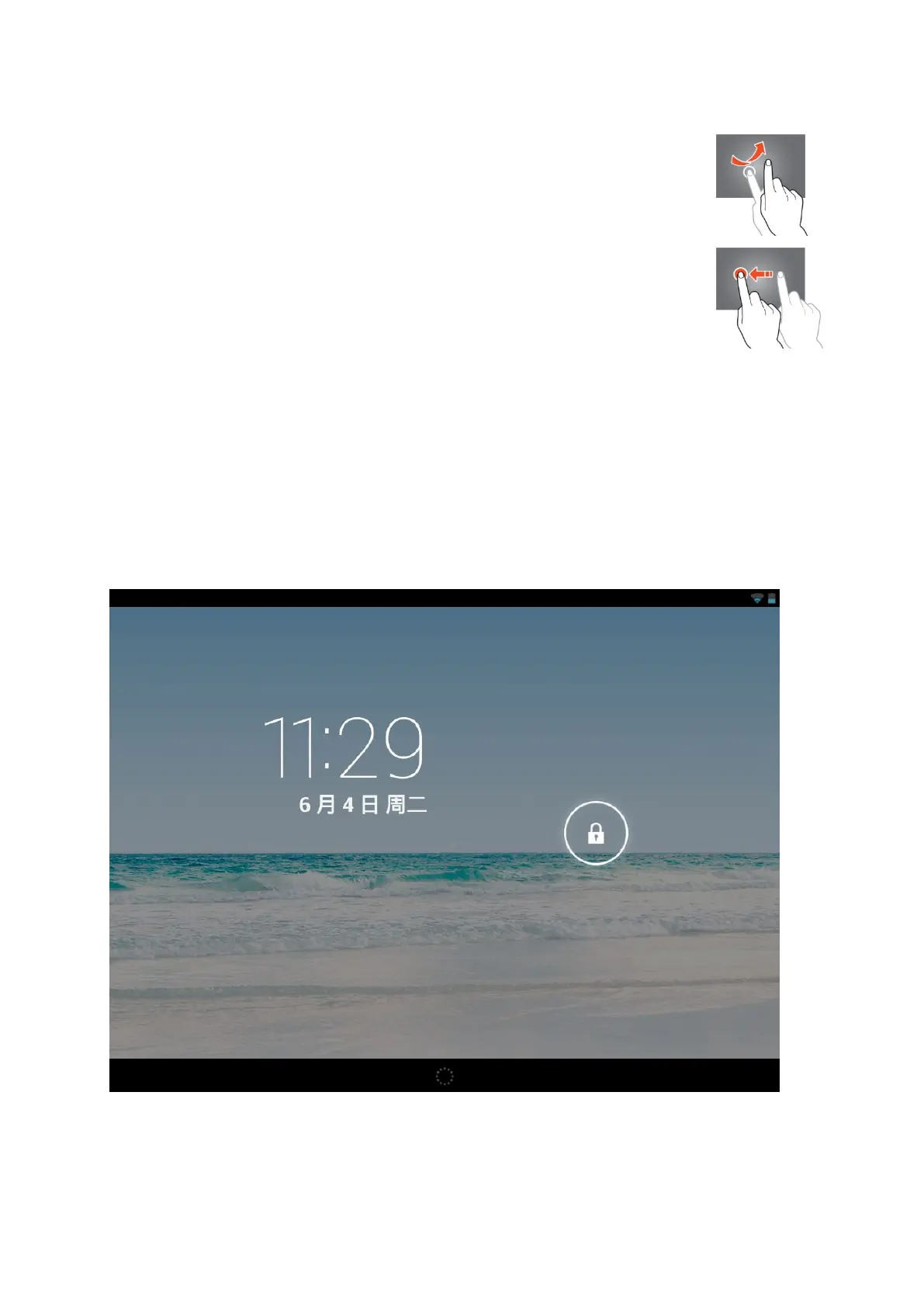
To move through the menus, quickly move your index finger up,
Tap on an item, hold it, and drag it to a new location.
Configuration of the tablet
Important note: Before you start the configuration, make sure that there is an
internet connection available.
Turn the tablet on
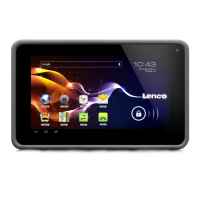
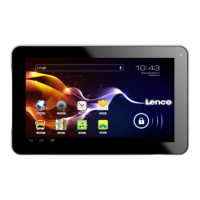
Press and hold the power button for 5 seconds to switch the tablet on. Please wait
until the tablet is booted. This may take a few minutes. Then, to unlock the home
screen, move the circle to the lock.


 To Next Page