14
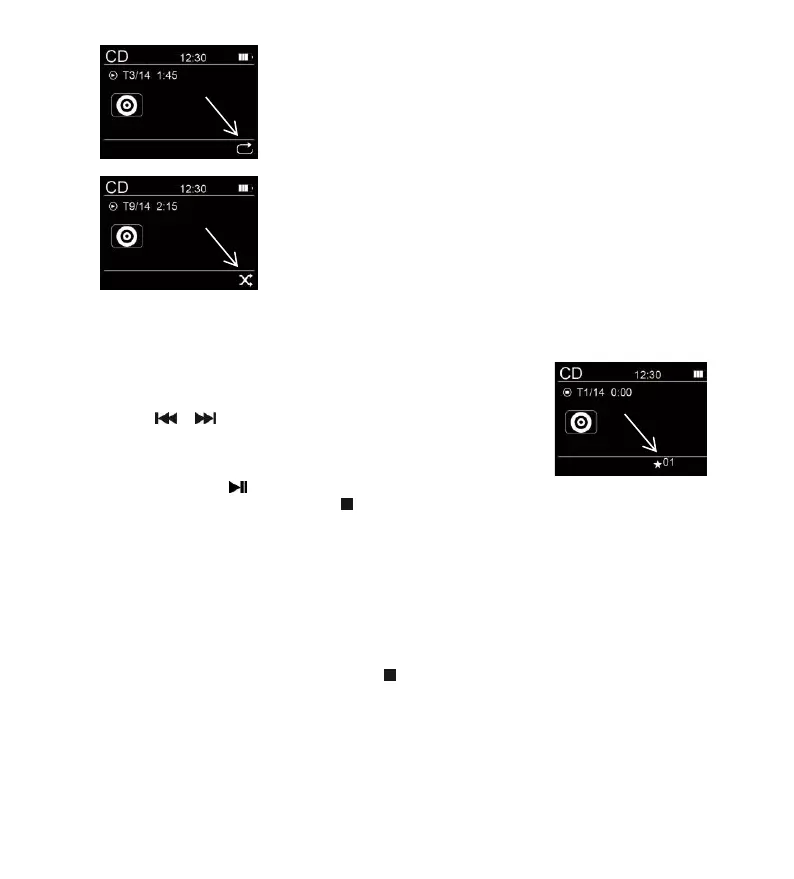
3. When pressing the PLAY MODE button again, all tracks will be played repeatedly.
4. When pressing the PLAY MODE button again, all tracks will be played in random sequence.
5. When pressing the PLAY MODE button again, the unit will resume to normal playback.
Programmed Playback
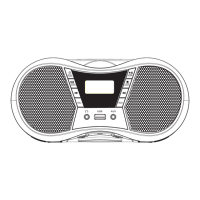
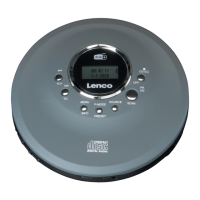
The unit can be programmed to play a sequence of tracks selected.
1. In stop mode press the PLAY MODE button,
the display shows the program number “★01”
near the bottom of the screen display.
2. Press the or button to select the desired track.
3. Press the PLAY MODE button to save the desired track.
4. Repeat steps 2-3 to program up to 24 programmed tracks in CD disc
(or 99 programmed tracks in MP3 disc).
5. Press the PLAY/PAUSE button to start playing the programmed tracks.
6. To clear the program play, press the STOP button twice or change to another mode.
7. During program play you can also do the “Repeat One” or “Repeat All” operation, however random play will not
be supported.
Note:
- Besides playing CDDA audio disc, the unit can also play MP3 file. However, WMA file and others are not support.
- Folders or files number on the disc that exceed the supported limit of this product cannot be played.
Resume Playback
During playback, change mode or standby on/off and back to CD mode will continue playback from where you have
stopped. To clear the resume playback, press the STOP button or open the CD disc compartment door.
During programming playback, there is no resume playback.
Anti-shock Protection
The unit has an electronic anti-shock protection function to prevent any interruption of the sound output when the
unit is subjecting to shock or vibration during disc playback. The unit’s internal buffer can provide a typically 45
seconds when playing a CDDA disc and typically 120 seconds when playing a CD-MP3 disc of protection against
interruption of sound output. If the player is subjected to shock or vibration for a longer time that the buffer is full,


 To Next Page