EasyManua.ls Logo

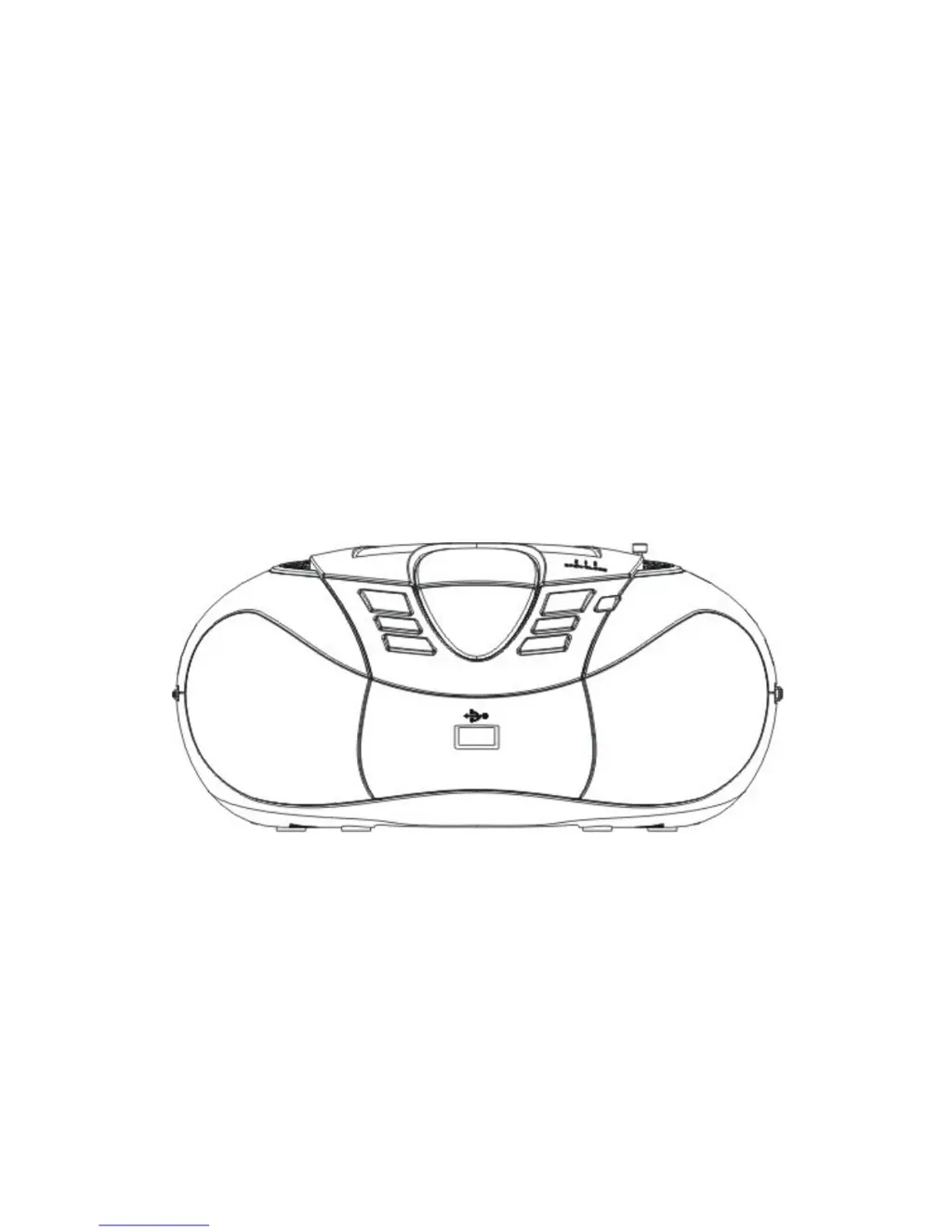
LENCO SCD-37 USB - User Manual

LENCO SCD-37 USB
13 pages
Print Icon
To Next Page IconTo Next Page
Loading...
U
U
s
s
e
e
r
r
M
M
a
a
n
n
u
u
a
a
l
l
S
S
C
C
D
D
-
-
3
3
7
7
U
U
S
S
B
B
For information and support,www.lenco.eu

Other manuals for LENCO SCD-37 USB

Questions and Answers

  • A
    andrewpetersonJul 26, 2025
    What to do if there is no sound from my LENCO Stereo System?
    • H
      Helen MooreJul 26, 2025
      If your LENCO Stereo System isn't producing any sound, ensure the FUNCTION switch is correctly positioned for your desired source. Also, check and adjust the volume level.
  • R
    reginahendrixAug 2, 2025
    How to fix weak or poor sound quality on LENCO Stereo System?
    • M
      Matthew LewisAug 2, 2025
      To resolve a weak or poor quality sound on your LENCO Stereo System, replace all the batteries with new ones if they are weak. Alternatively, try moving the system closer to a window or rotating it to improve signal reception.
  • M
    markmorganAug 7, 2025
    What to do if "- - -" appears on the display of my LENCO Stereo System?
    • T
      Tracey BrownAug 7, 2025
      If "- - -" appears on the display of your LENCO Stereo System, insert the CD with the label side up. If the issue persists, try another compact disc. Note that this system only plays CD, MP3, or WMA discs.
  • D
    David PearsonAug 13, 2025
    What causes the sound to drip out on my LENCO Stereo System and how to fix it?
    • D
      deborahmartinAug 13, 2025
      If the sound from your LENCO Stereo System is dripping out, clean the CD or replace it if it's badly damaged. Also, place the player on a stable surface free from vibration and ensure the batteries are fresh.
  • F
    fmooreAug 19, 2025
    Why CD does not play while the radio continues to play on battery power in LENCO Stereo System?
    • C
      Caleb GatesAug 20, 2025
      It is normal for the CD player on your LENCO Stereo System not to play when on battery power while the radio does, as the radio consumes less power than the CD player.

Summary

Precautions and Safety Guidelines

Safety Warnings

Covers laser safety, liquid exposure, and object entry prevention for user protection.

Placement and Environmental Considerations

Details ideal locations, avoiding heat, dust, shock, and moisture for optimal performance.

Power Source Handling

Advises on battery types, removal, heat exposure, and power cord connection safety.

Maintenance and Specifications

Cleaning Instructions

Provides guidance on cleaning the CD lens and the player's exterior cabinet.

Technical Specifications

Lists key technical details including power, speakers, dimensions, weight, and radio frequency.

Parts Identification and Functions

Front Panel Controls

Identifies and explains front panel components like Folder, NEXT/PREV, Repeat, Power LED, and LCD.

Left Side Controls

Details the Function switch and VOLUME control located on the player's left side.

Rear and Right Side Connections

Covers rear audio input/AC socket and right side tuning and radio mode controls.

Operating the CD Player

Power Source Options

Guide on connecting AC power, USB storage, and using the player with batteries.

CD and MP3 Playback

Step-by-step instructions for playing discs, including pause, resume, and stop functions.

Repeat and Programmed Playback

Instructions for setting repeat modes and programming custom track playback sequences.

External Audio Device Connection

How to connect and play audio from external devices using the AUX IN jack.

Radio Tuning and Listening

Guide to selecting radio mode, tuning stations, and adjusting volume for clear reception.

Troubleshooting Common Issues

General Problems

Addresses issues related to power, sound, and display messages.

CD Player Issues

Solutions for problems like CD not playing, skipping, or sound distortion.

Radio Performance

Covers weak sound or poor quality issues when listening to the radio.

LENCO SCD-37 USB Specifications

General IconGeneral
Audio formats supportedMP3, WMA
Supported radio bandsAM, FM
Display typeLED
Disc types supportedCD
Product colorOrange

Related product manuals