23
5.5.1 Shared media
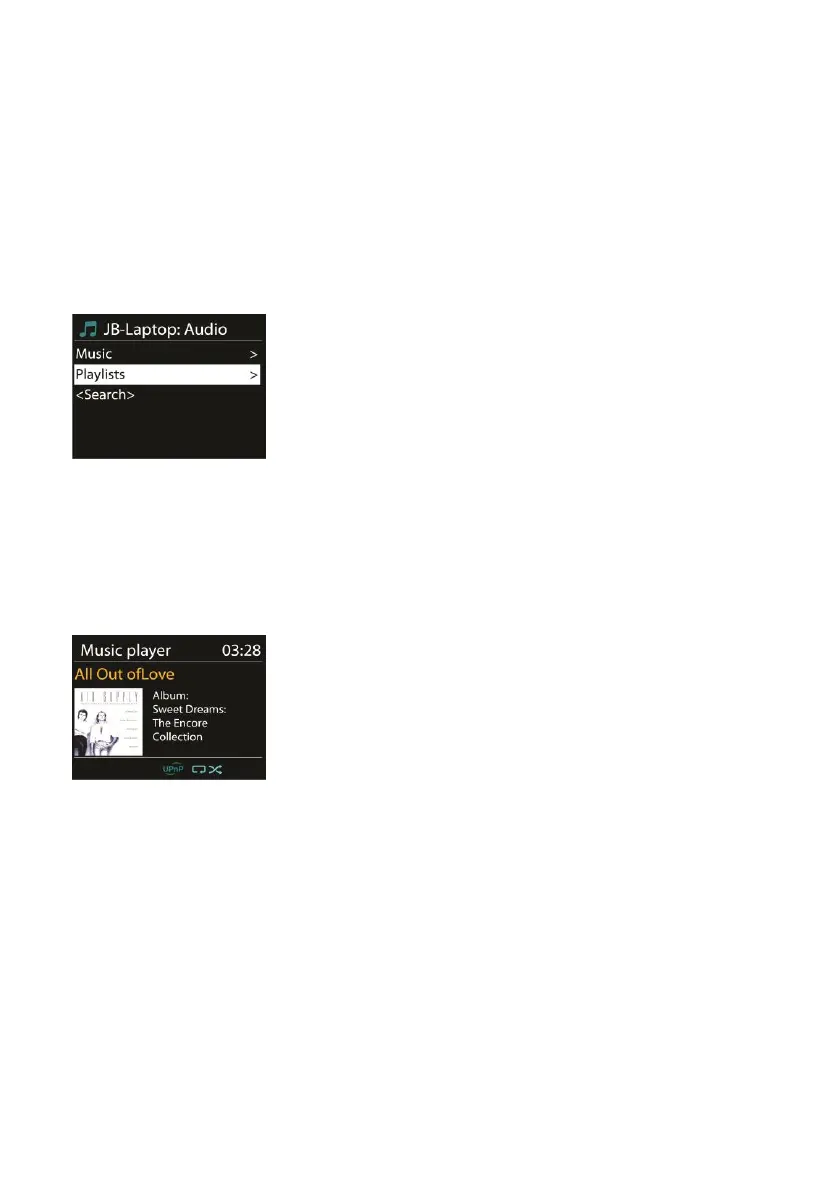
If you have set up shared media, an entry consisting of <computer
name>: <Shared media name> will be displayed.. If you have more
than one computer sharing media, the alternatives are listed. Select
the shared media that you want to play.
The menus are now generated from the shared media server.
The first menu shows a list of media types, for example Music, Video,
Pictures and Playlists. The device can only play music and playlists.
A search function is available to find tracks in a similar way to
Internet radio search.
For Music, there are numerous ways of selecting tracks including
Genre, Artist, Album, Composer and Rating.
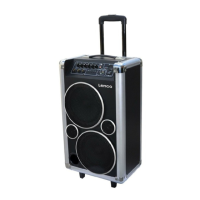
Press OK to play your desired track. A short press will play the track
immediately.
5.5.2 USB playback
From this point on, menus are generated from the folders on the USB
device. Browse folders with the navigate reel and Back button, or
direction keys on the remote control. The display shows folder and
file names (not necessarily track names).
Once you have found a track you want to play, press the navigate reel
on the device or press OK on the remote control.



 To Next Page