24
Noted : The USB port is not support charging.
5.5.3 Repeat/shuffle
Allows you to repeat tracks or play them in a random order. Press
REPEAT/SHUFFLE on the remote control for shortcut.
5.5.4 Now playing information
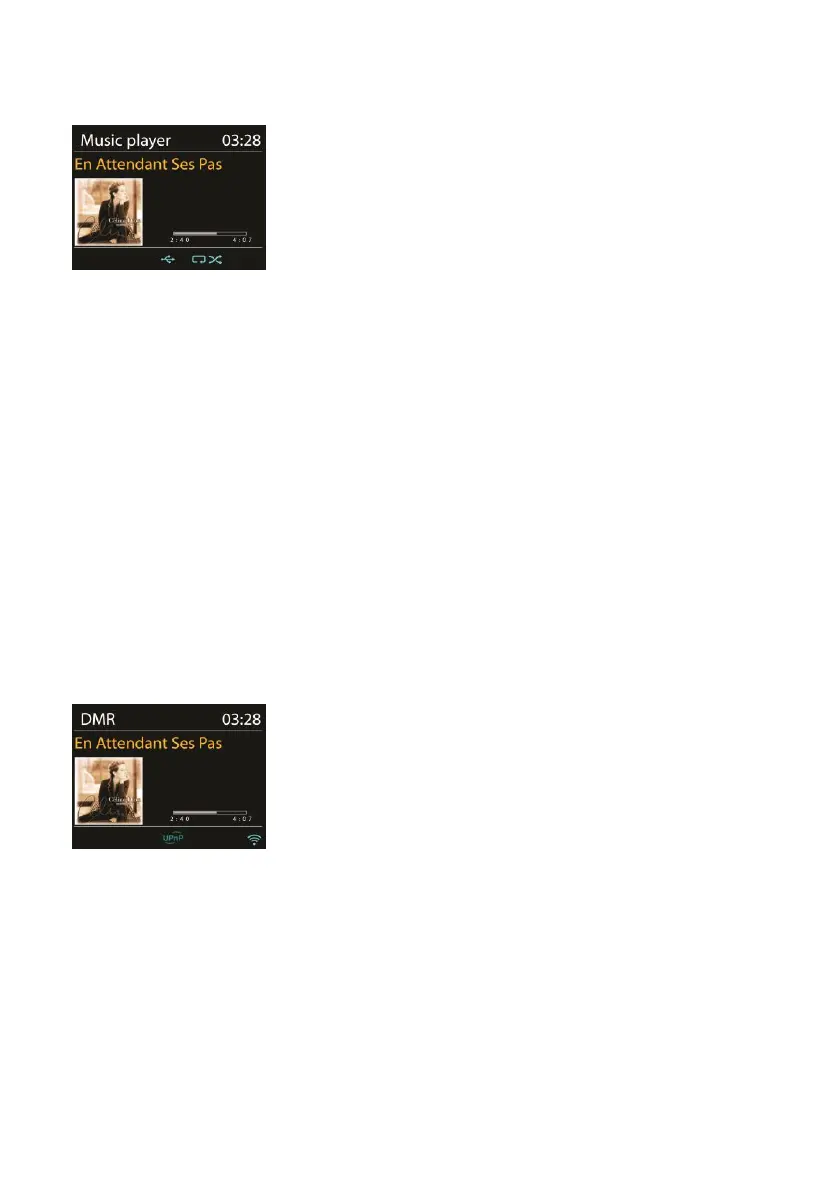
While a track is playing, the screen shows its track and artist (UPnP).
There is also a progress bar with figures for elapsed and total track
time. At the bottom of the screen, an icon indicates UPnP depending
on the source. To view further information, press MENU/INFO on the
device or INFO on the remote control.
Each time you press INFO, another set of information is displayed,
which cycling through the information:
UPnP: track/artist/progress bar/track times, album, codec/sampling
rate, playback buffer and today’s date.
5.6 DMR (DLNA Streaming)
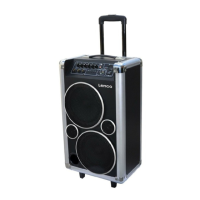
Shared music in Section 5.5.1 is a way of music streaming in which you look
for the music list and control playback from the device. This topic will
introduce another way to do the music streaming which is not necessary to
control playback on the device.
You can share the music files from a PC, Android mobile or tablet, and directly
use your PC, Android mobile, tablet or iPhone / iPad to control music
playback on the device. It is called DLNA streaming.



 To Next Page