Wake To BUZZER (Crescendo Alarm)
NOTE
: Alarm 1 and Alarm 2
have different buzzer sounds.
Alarm 1 is a Single beep sound.
Alarm 2 is a Double beep sound.
You will be able to tell which alarm is going off by the sound that it makes.
1.) Reconfirm the wake up time and alarm mode settings for the alarm you ar
e
using, Alarm 1, Alarm 2, or both alarms.
2.) Set the
ALARM
selector switch for one or both alarms to the
BUZZER
position.
The appropriate
ALARM 1
and/or
ALARM 2
display will change from
OFF
to
the selected wake up time.
3.) At the selected wake up time
the buzzer will sound. It will begin softly and
gradually increase in volume to wake you up. It will continue for one hour and
then shut off automatically.
4.) To stop the buzzer sooner, press either the appropriate
ALARM 1
or
ALARM 2
button. The buzzer w
ill stop but the alarm remains set and will turn the buzzer
on again at the same time on the following day (depending on the Alarm Mode
setting).
To stop the buzzer and turn on the radio immediately, press the
RADIO ON/
OFF
button instead of the
ALARM 1
or
ALARM 2
button.
5.) If you do not want the alarm to turn the buzzer on the following day, set the
appropriate
ALARM
selector to the
OFF
position. The respective alarm display
will show
OFF
.
Radio And Buzzer Operation
You may also set one alarm for wak
e to radio and the other for wake to buzzer.
Just set the
ALARM 1
and
ALARM 2
selector switches to the desired positions.
Snooze/Repeat Alarm
After the alarm turns On in the morning you can press the
SNOOZE/SLEEP OFF
button on the top cabinet for a few
extra minutes sleep.
The snooze LED indicator flashes.
The alarm will stop for approximately 9 minutes and then comes On again.
Touchless Snooze Control
You can also activate the Snooze alarm without physically touching the
SNOOZE/
SLEEP OFF
butto
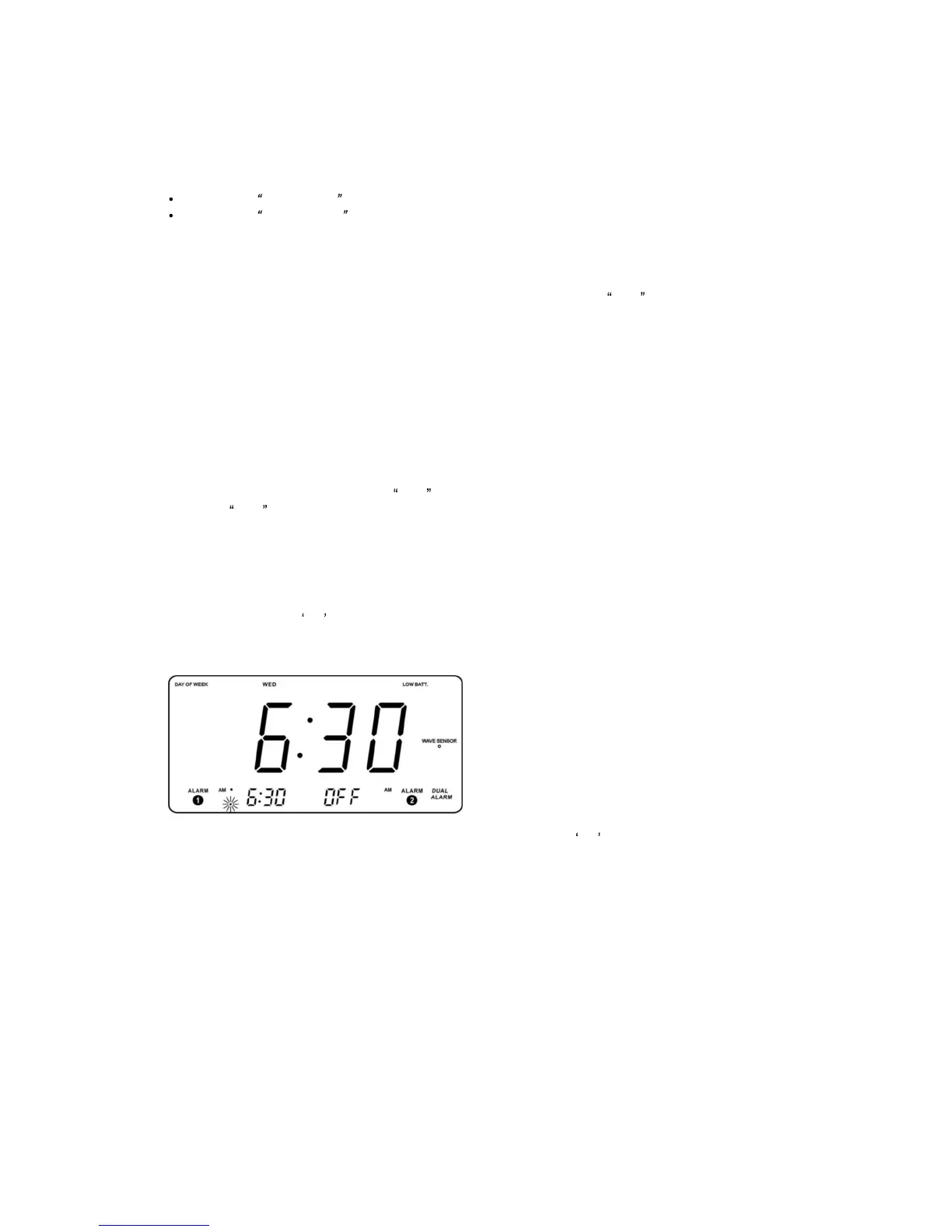
n. When the alarm sounds in the morning, just wave your hand
in front of the
WAVE SENSOR
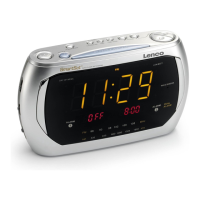
on the front panel (see illustration) to activate the
Snooze alarm.


 To Next Page