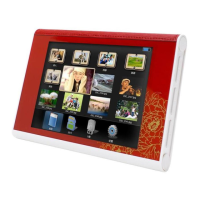
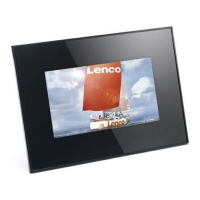
Player Overview
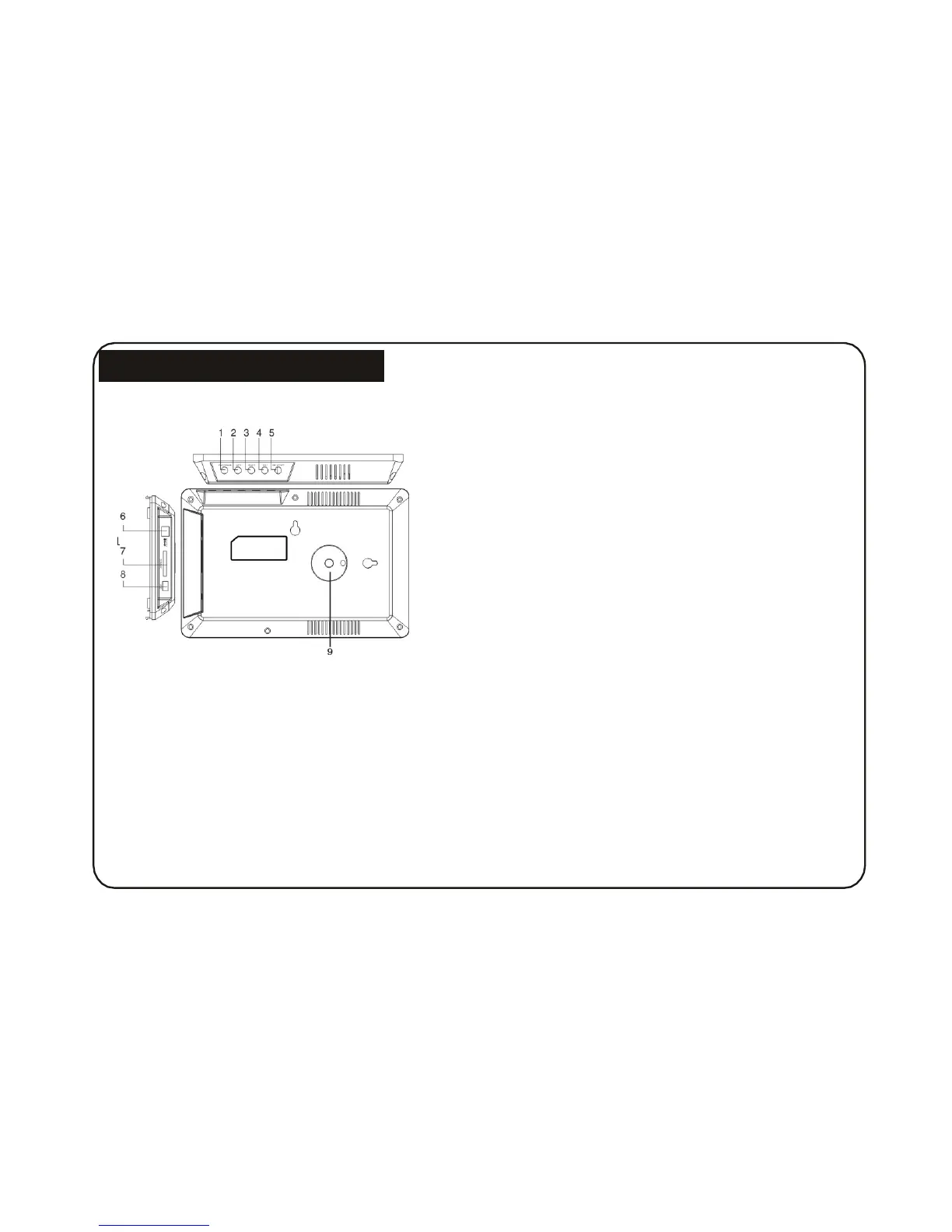
Key control and Key functions:
5. ENTER(PLAY/ENTER) BUTTON: Confirm that what
you choosed and Pause or Play.
6. DC 5V:Input for the DC Power Adapter into the DPF.
7. SD/MMC/MS CARD: The slot for DPF player to
connect the SD or MMC memory card.
8. USB: Connect to a USB Drive.
1. SETUP BUTTON/OFF: Used to power on and
off the Digital Photo Frame.
2. EXIT: Press EXIT key to return into
last interface. Use for setup programs, then by pressing
long (above 2 seconds) enter to execute the command.
3. RIGHT SHIFT BUTTON: Right cursor selecting
function and next photo.
4. LEFT SHIFT BUTTON: Left cursor selecting
function and previous photo.
5
9. Bracket jack.


 To Next Page