Getting started
Getting started
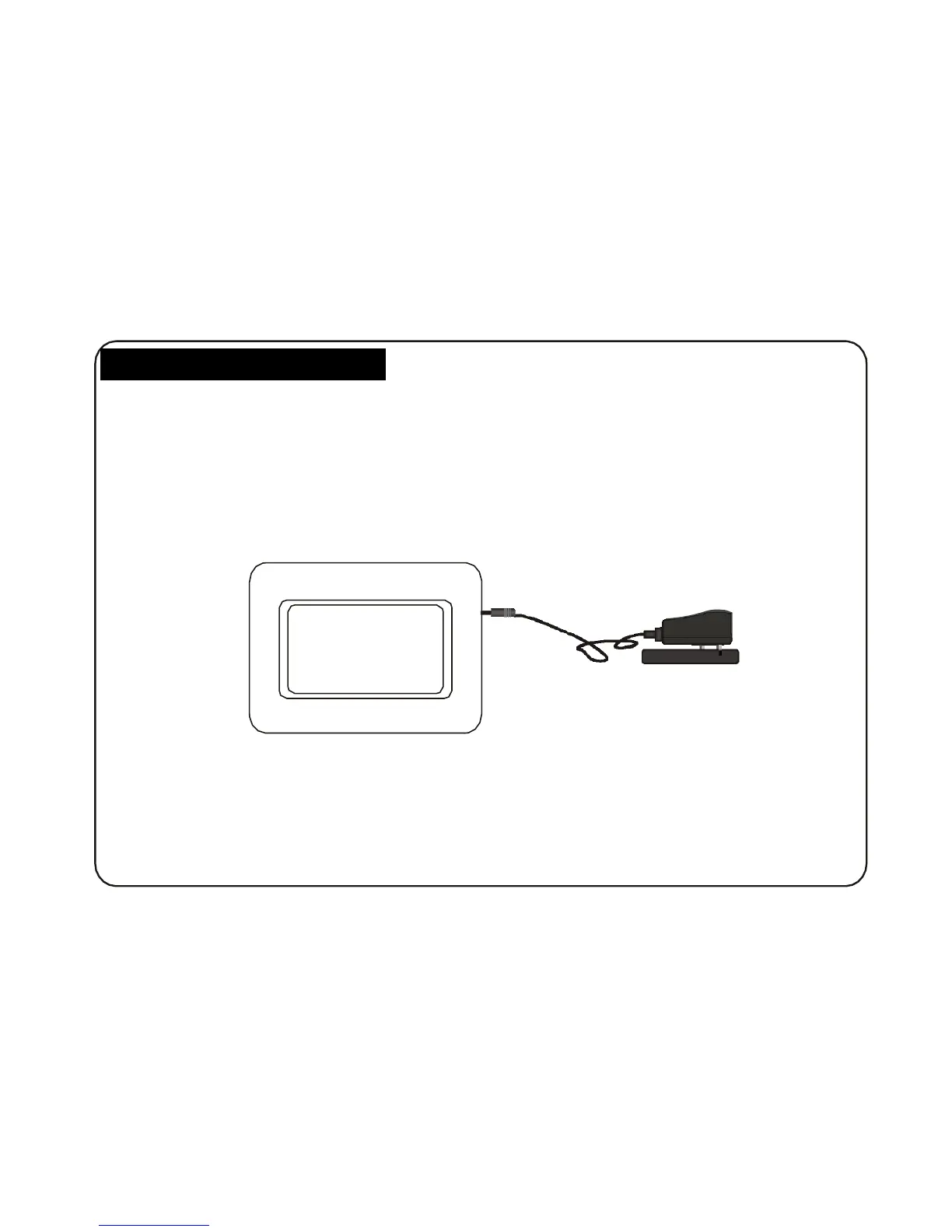
1. Assemble the Multimedia Digital photo Frame bracket to prop the unit up insert adaptor DC plug into
the DPF player first, then plug the power cord to a standard wall outlet.
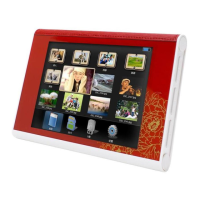
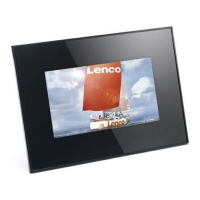
Then the screen will display as below: ( will play the pictures auto matically stored), If insert the
SD/MMC card, then will play the pictures in the card.
power adapter
socket
6


 To Next Page