PVR settings
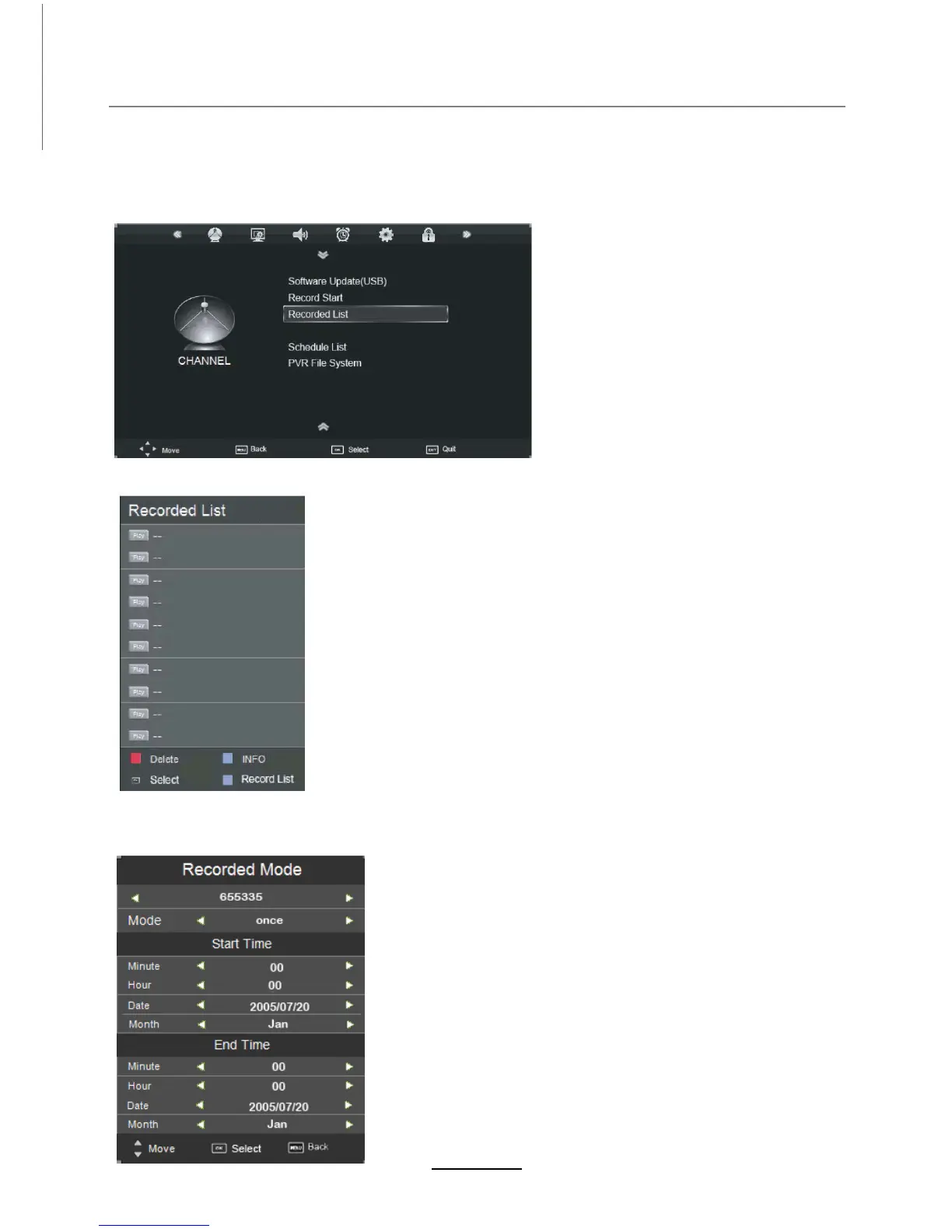
Press the MENU button, and select CHANNEL menu.
1). Recorded List
Recording list: Display the Recorder List menu.
INFO: Display the information of the program you recorded.
RED button: Delete the program you select.
Recording Operation
20
2). Recorded Mode
TITLE: Display the name of the recording program.
MODE: Select the record mode.
Start Time: Select the start recording time.
End Time: Select the end recording time.
Press OK button to save the setting and exit the menu.
Set the recorded mode
The TV will record the program automatically according
to your settings.
Record Timer
Channel



 To Next Page