5
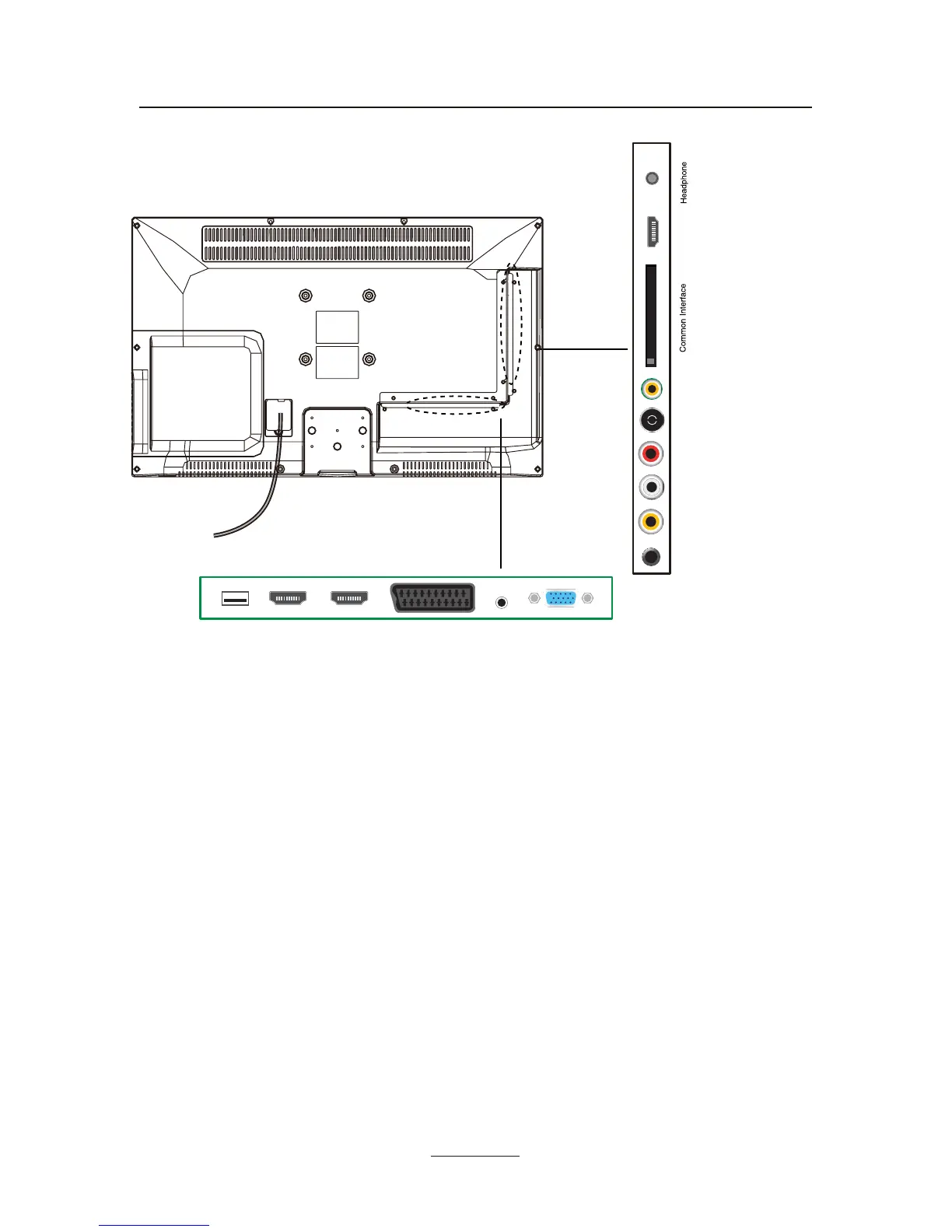
Common Interface: CI slot.
RF: Connect antenna or cable 75 Ohm coaxial to receive TV signal.
L/R in: Connect them to the audio output terminal of DVD.(shared with YPbPr)
Video: Connect it to video output terminal of DVD.
YPbPr: Connect them to the YPbPr video output terminal of DVD with the converter cable.
USB: USB jack for Multi-Media playback and PVR.
(Do not use USB extension cable to connect any USB device.)
HDMI1/2/3: Connect it to the HDMI of DVD or other equipment.
VGA: For PC display.Connect it to the D-Sub 15 pins analog output connector of the PC.
PC-IN: Connect it to the audio output terminal of PC.
SCART: Connect them to the SCART video output terminal of DVD.
Headphone: Connect it to your headphone or other audio equipment.
Coax: Digital audio output.
AC POWER IN: 100-240V ~ 50/60Hz.
AC POWER IN
YPbPr Video
L-in
R-in RF
Coax
HDMI3
VGA
PC-AUDIO
SCART
HDMI2
HDMI1
USB
Connecting external devices



 To Next Page