10
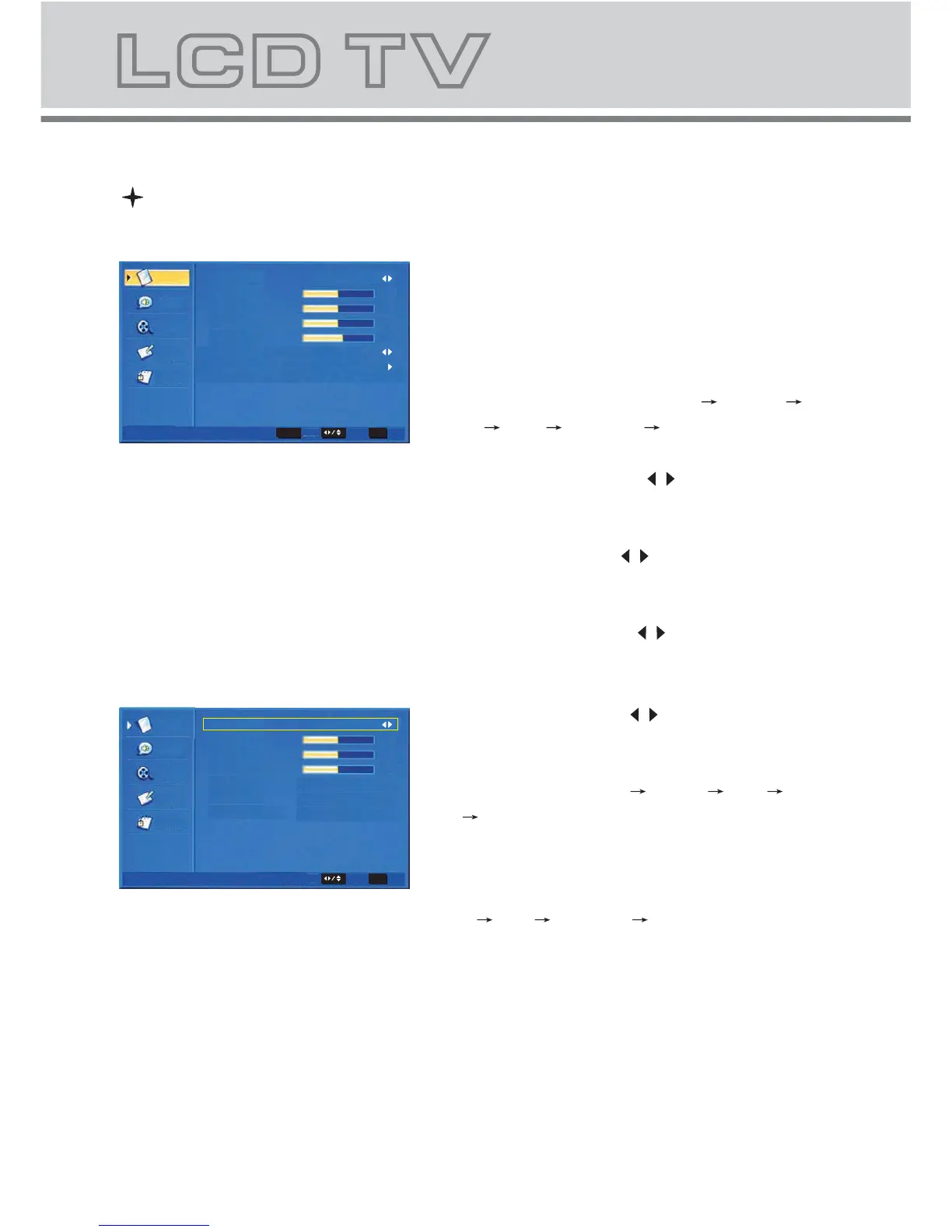
1 VIDEO MENU
a. The following picture is the sketch map of
the video menu.
b. The definition of each option:
b-1. Picture Mode: Change the picture mode
in the sequence as: Standard Cinema
Sport Vivid Hi-Bright User
b-2. Brightness: Change the value of
brightness with the key / in the range
of 0 to 100.
b-3. Contrast: Change the value of
contrast with the key / in the range of 0
to 100.
b-4. Saturation: Change the value of
saturation with the key / in the range
of 0 to 100.
b-5. Sharpness: Change the value of
sharpness with the key / in the range of
0 to 7.
b-6. DNR: Change the DNR in the
sequence as: Medium Strong Auto
Off Low, which do not work in the
VGA/HDMI source.
b-7. Color Temperature: Change the
color temperature in the sequence as:
User Cool Standard Warm, also R Gain,
G Gain, B Gain included in each item
Menu Operation Under TV Input
Audio
TV
Setup
Parental
Color Temperature
R Gain
User
0
0
0
4
Select
EXIT Exit
G Gain
B Gain
Color Temperature
Video
Video
Video
OK
Enter
Select
EXIT Exit
Audio
TV
Setup
Parental
Picture Mode
Brightness
Contrast
Saturation
Sharpness
DNR
Color Temperature
Video
User
Medium
50
50
50
4



 To Next Page