27
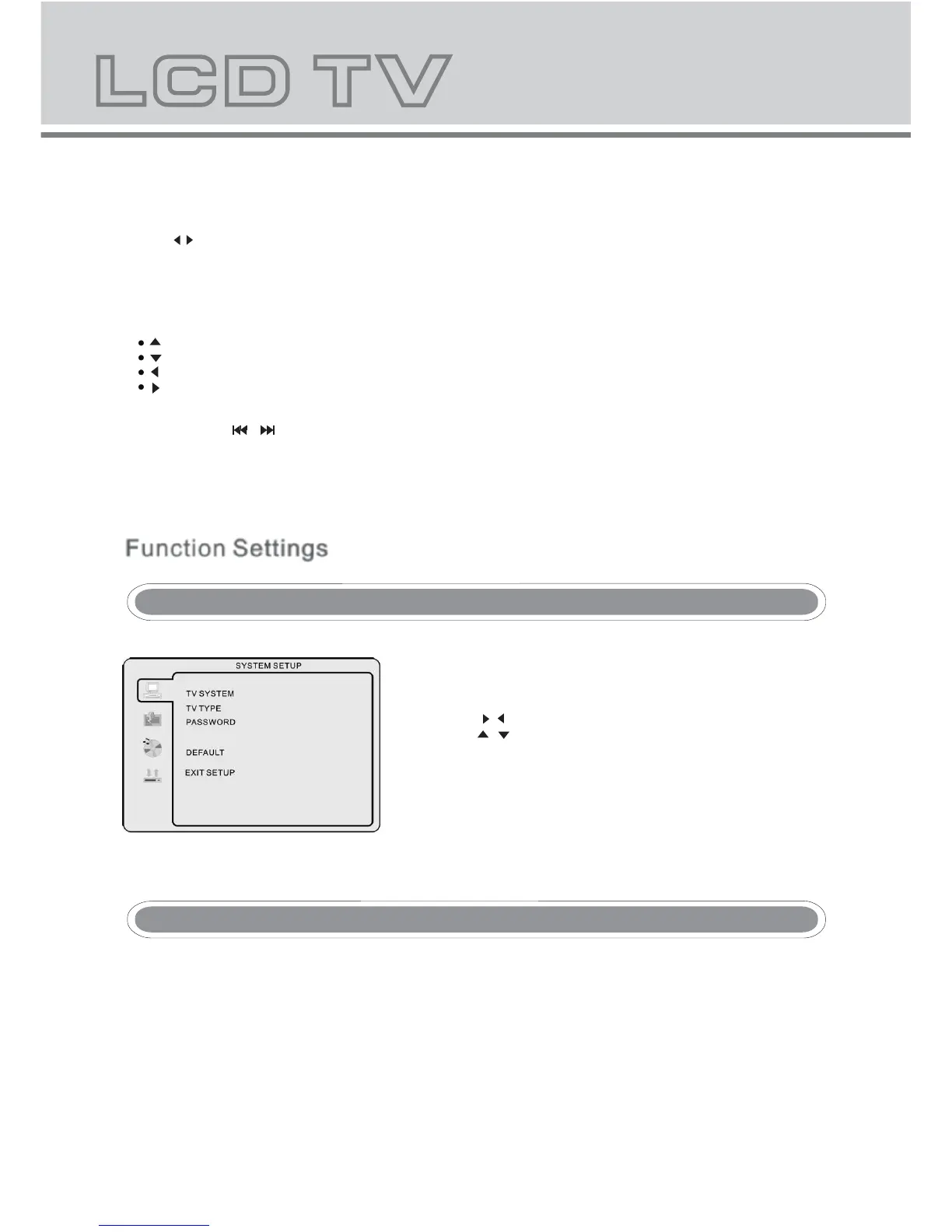
- Press the DVD setup button to activate the DVD player OSD
menu;
- Press the / buttons to move between the different sub-menus.
Press the / buttons to highlight the prefered
option,confirm with the OK button.
- Press the DVD setup button to exit the OSD menu, or move
to EXIT SETUP and press the OK button to exit.
- Using the navigation buttons to check you favorite folder and playback the first file or move to the your favorite file.
NOTE:
- Press buttons to move the highlight to folders, documents or mode selection.
- Press numeric buttons to select the contents directly. For number over 10, press -/-- button first. (e.g.
File number 15, press -/-- then 5.)
- When playback MP3 files, there is no picture display, only audio output.
- When play or pause with picture playback, you may use navigation butoons to flip / rotate the picture.
button to flip horizontally.
button to flip vertically.
button to rotate left 90°.
Button to rotate right 90°.
- When play or pause with picture playback, you may use D.MENU button to enter preview mode to dislay 12
pictures. Press / button to select next / previous page or press numeric buttons to view the
corresponding pictures.
- The maximum JPEG image size that can be displayed is 1280 x 1024.
Function Settings
TV color system
This menu enables you to set the picture format for your DVD.
NTSC
This format is used by some other countries, e.g. USA
PAL
This is the format used in the UK and the default setting.
AUTO
This format can be used if your TV/DVD is capable of both PAL and NTSC formats.
PARENTAL



 To Next Page