2020
a. When system signal source switch to
VGA, there will be a VGA mark in the up-
left corner of the screen, it is in the VGA
menu ,and you can setup the item.
a-1. Auto Adjust: set position and size
of the picture automaticlly.
a-2. H.Position: Adjust the H-Psition of
the picture. you can set the value range
0-100.
a-3. V.Positon: Adjust the V-Psition of the
picture. you can set the value range 0-100.
a-4. Phase: Adjust the phase of the
picture. you can set the value range 0-31.
a-5. Clock: set the clock. you can set the
value range 0-255.
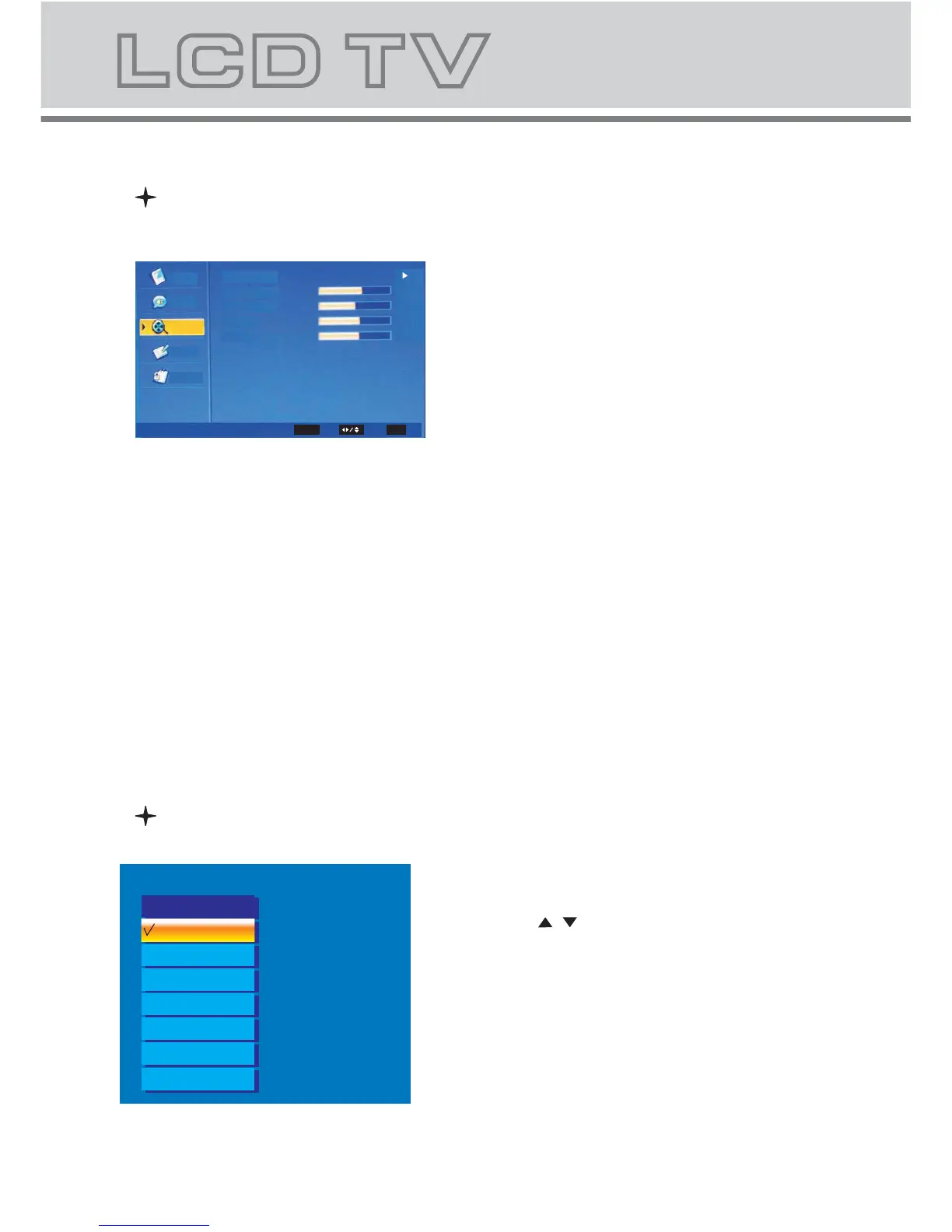
Main menu under VGA Input
SOURCE
1. Press "SOURCE" button to enter the
signal source menu.
2. Press " / " button to select signal source.
3. Press "OK" button to confirm.
4. Press "EXIT" button to exit signal
source menu.
TV
Source
Video
Video
VGA
Video
Video
Audio
Setup
Parental
Auto Adjust
Clock
Phase
V.Position
H.Position
61
52
18
145
VGA
Select
EXIT
OK
Enter
Exit
SVIDEO
SCART
YPBPR
VGA
HDMI
DVD



 To Next Page