262
10. Mute (for DVD/ Super VCD/ VCD/ CD/ CD-G/HD-CD and Mp3/ JPEG discs)
- Press MUTE button to mute the audio output. There will have an on screen symbol indicate “MUTE”.
-
- In case there is no audio output, try to press MUTE button to cancel mute.
Press again to cancel, or Press VOL+/VOL - to cancel and adjust the volume.
11. Repeat A- B (for DVD/ Super VCD/ VCD/ CD/ CD-G/HD-CD and Mp3/ JPEG discs)
12. Volume (for DVD/ Super VCD/ VCD/ CD/ CD-G/HD-CD and Mp3/ JPEG discs)
- Press VOL+ / VOL - buttons to adjust the output volume.
NOTE: Playback DVD discs in original code, is not adjustable
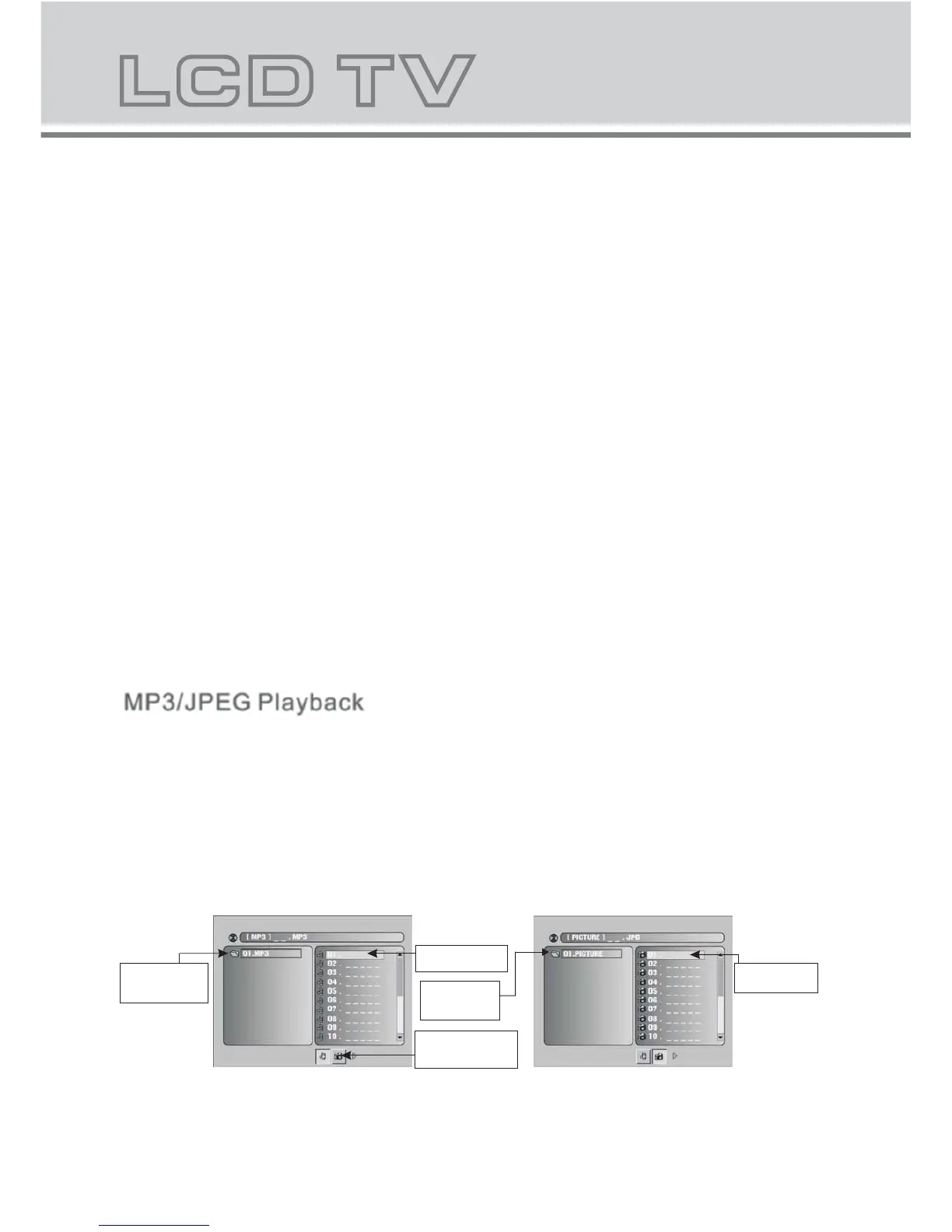
After loading the MP3 / JPEG disc, it wil start to scan for the stored MP3 /JPEG folders. Then will firstly display
the MP3 contents automatically and start to play the first file (highlighted file). Screen as follow:
Display current
MP3 playback
function
Highlight file for
current playback.
Buttons for switching
between MP3 and JPEG
playback function.
Display current
MP3 playback
function
Scroll bar to view
next page.
When playing DVD ,VCD,CD disc,press A-B button to repeat a certain conternts.press A-B key on the start
point (A)and the ending point(B)to select the repeat part.press A-B the third time,cancel the A-B repeat
and return to normal play.



 To Next Page