16
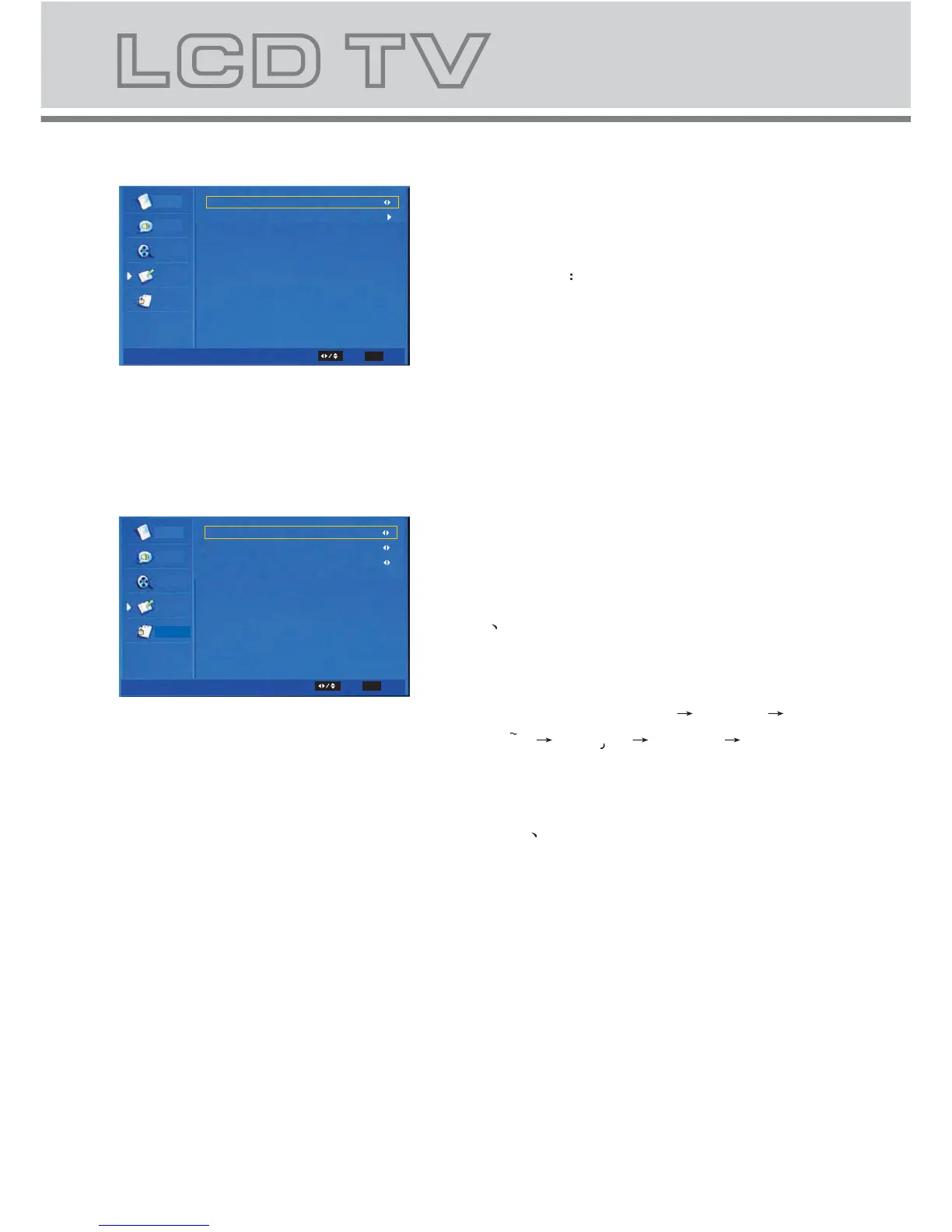
The Submenu of Time Setup
b-5-1. Time Zone: Change the time zone
by user.
b-5-2. Time set the time. and set power
on/off time.
The submenu of Subtitle Item.
b
-6-1. Analog Subtitle: Change the
analog subtitle in the sequence as:
Off On
b-6-2. Digital Subtitle Language:
Change the subtitle language in
the sequence as: Off
English
Espanol Francais Deutsch Nederlands .
b-6-3. Subtitle Type: Change the
subtitle type in the sequence as:
Normal Hearing Impaired.
Parental
Video
Video
Audio
TV
Setup
Time Zone
Time
As Broadcaster
Time Setup
Select
EXIT
Parental
Video
Video
Audio
TV
Setup
Analog Subtitle
Digital Subtitle Language
Subtitle Type
Off
Off
Normal
Subtitle
Select
EXIT
Exit
Exit



 To Next Page