EasyManua.ls Logo

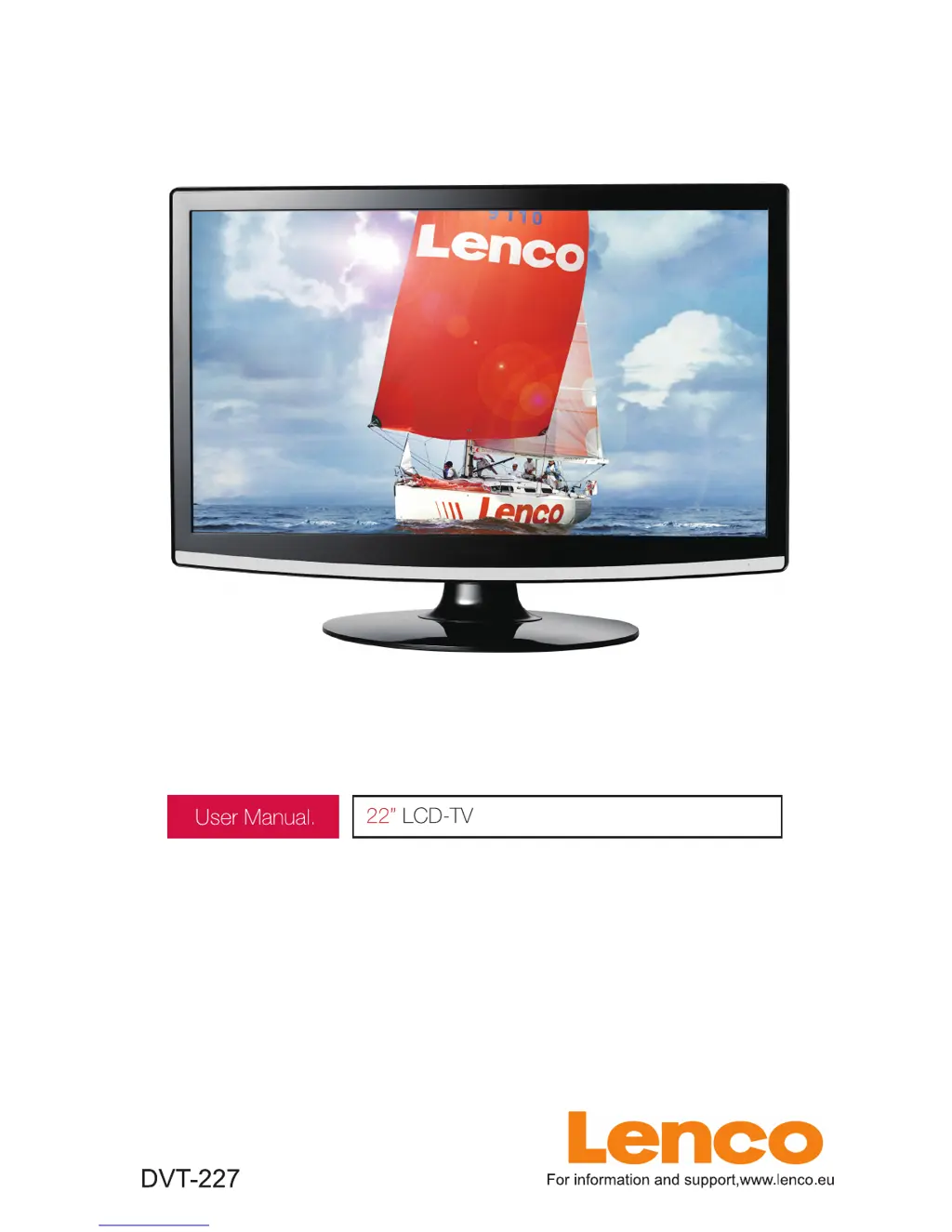
LENCO DVT-227 - User Manual

LENCO DVT-227
145 pages
Print Icon
To Next Page IconTo Next Page
Loading...

Questions and Answers

  • L
    Leslie RodriguezAug 11, 2025
    What to do if my LENCO LCD TV has no picture and no sound?
    • B
      Brian SharpAug 11, 2025
      If your LENCO LCD TV shows no picture and produces no sound, first check the interface cable between the TV and the antenna or cable TV connection. Then, ensure that you press the power button on the remote. Finally, press the SOURCE button on the remote, and then repeatedly press the “?/?” button to select the correct TV source.
  • C
    Christopher StevensAug 20, 2025
    Why my LENCO DVT-227 will not turn on?
    • D
      donaldsonjustinAug 21, 2025
      If your LENCO LCD TV will not turn on, ensure that the power cord is securely plugged in. Also, check the remote control batteries; if they are exhausted, replace them.
  • B
    Bridget FisherAug 31, 2025
    What to do if my LENCO DVT-227 LCD TV has poor picture quality but the sound is OK?
    • L
      Lisa GoodAug 31, 2025
      If your LENCO LCD TV has poor picture quality but the sound is working, check the interface cable between your TV and the antenna or cable TV connection. You might also want to try changing to another channel, as the broadcast itself may be experiencing difficulties. Adjusting the brightness and contrast in the Video menu might also improve the picture.

LENCO DVT-227 Specifications

General IconGeneral
Contrast Ratio (typical)1000:1
Response Time5 ms
Viewing Angle, Horizontal170°
Viewing Angle, Vertical160°
Screen Size22 inches
InputsHDMI, VGA, Composite, Component

Related product manuals