EasyManua.ls Logo

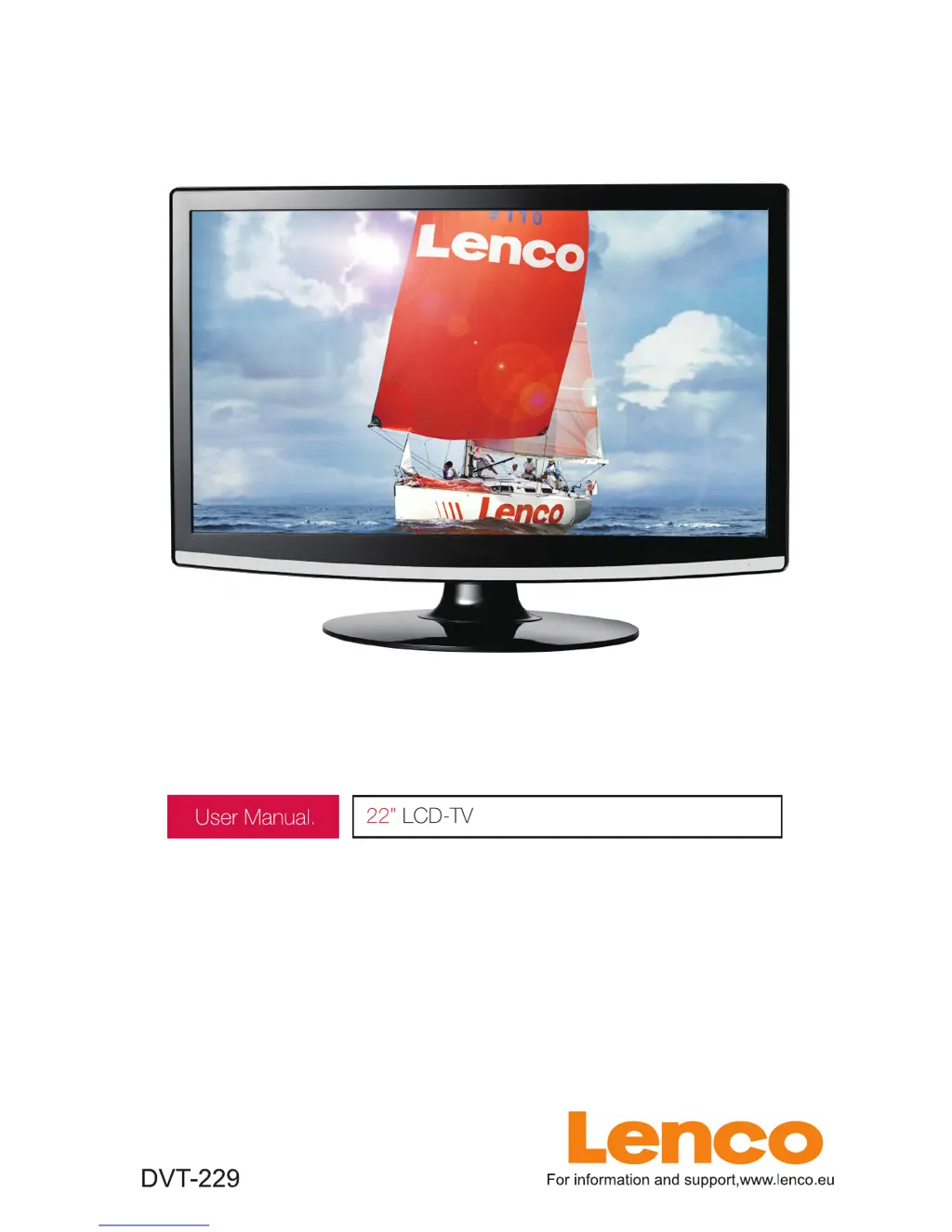
LENCO DVT-229 - User Manual

LENCO DVT-229
164 pages
Print Icon
To Next Page IconTo Next Page
Loading...

Questions and Answers

  • S
    Sean DixonAug 10, 2025
    What to do if my LENCO LCD TV will not turn on?
    • J
      James DukeAug 10, 2025
      If your LENCO LCD TV doesn't turn on, first ensure that the power cord is properly plugged into the outlet. If it is, the batteries in the remote control might be exhausted, so try replacing them.
  • R
    ritareynoldsAug 21, 2025
    What to do if my LENCO DVT-229 LCD TV has no picture and no sound?
    • E
      Elizabeth McdanielAug 21, 2025
      If your LENCO LCD TV shows no picture and produces no sound, check the cable connecting the TV to the antenna or any external AV device. Also, ensure the TV is powered on by pressing the power button on the remote. Finally, press the SOURCE button on the remote and use the “?/?” buttons to select the correct TV source.
  • G
    Gregory Delacruz MDAug 29, 2025
    Why does my LENCO DVT-229 have poor picture quality but the sound is OK?
    • D
      Dawn AllenAug 30, 2025
      If your LENCO LCD TV displays a poor picture but the sound is fine, begin by checking the cable connecting the TV to the antenna or external AV device. If the connection is good, try switching to another channel, as the broadcast station might be experiencing difficulties. Additionally, adjust the brightness and contrast settings in the Video menu. Lastly, verify that the unit is set to PAL.

LENCO DVT-229 Specifications

General IconGeneral
HDMI Ports Quantity1
USB 2.0 Ports Quantity1
Aspect Ratio16:9
Brightness250 cd/m²
Speakers2 x 3W
Screen Size22 inches
InputsAV, VGA, RF

Related product manuals