16
DTV Features
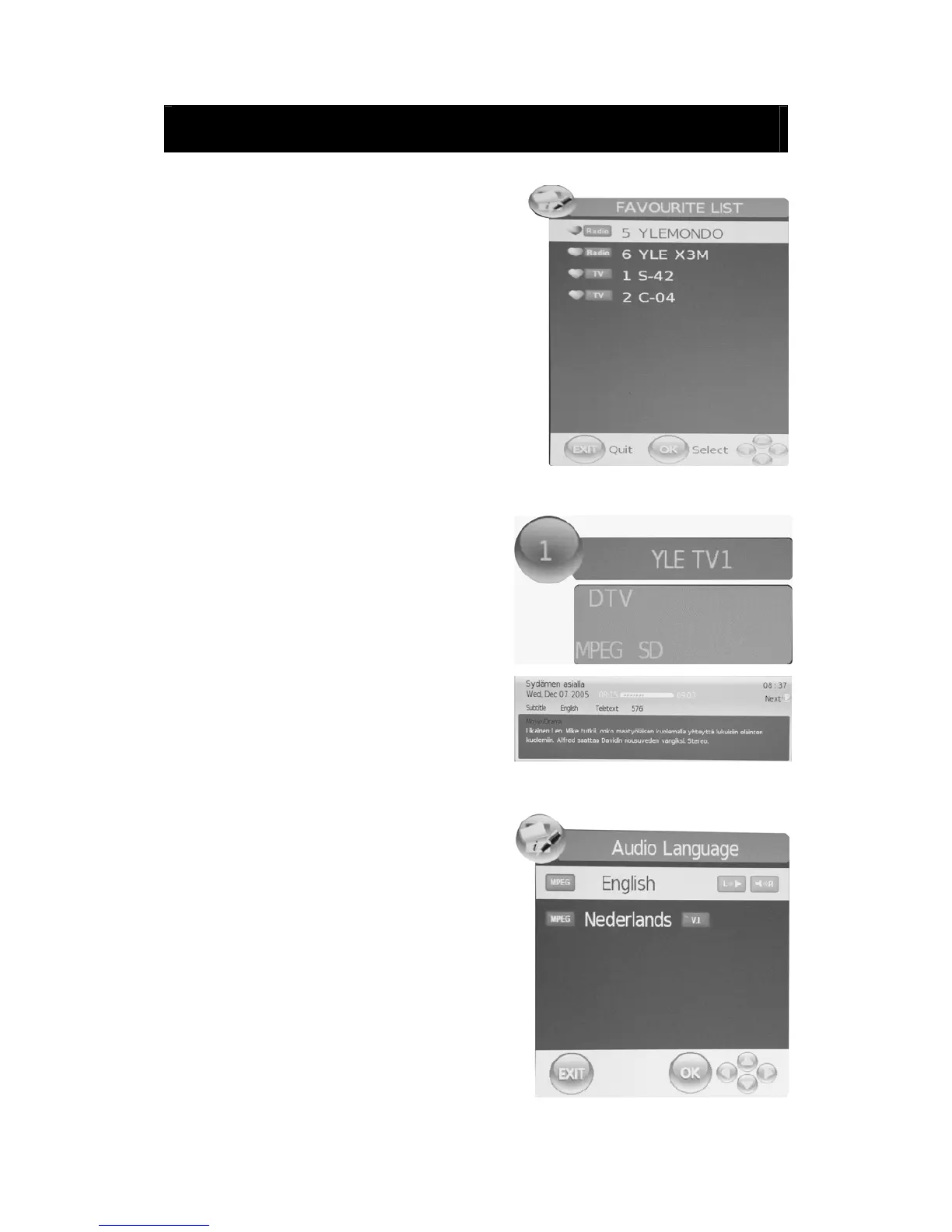
Favourite List
When the source is selected as DTV, users can
enter FAVOURITE LIST by pressing “FAV” button.
The “Favourite LIST” window is illustrated as follows:
Program Information
When the source is selected as DTV, you can
press “INFO” button to display the channel’s
information. The PROGRAM INFORMATION
window is illustrated as follows:
Audio
When the source is selected as DTV, users can
enter “Audio channel” by pressing “AUDIO” button.
The “channel audio” window is illustrated as
follows:
Press “e/f” button to select the “Sound Mode”
such as “L&R”, “R&R”, “L&L”.



 To Next Page