17
Electronic Program Guide(EPG)
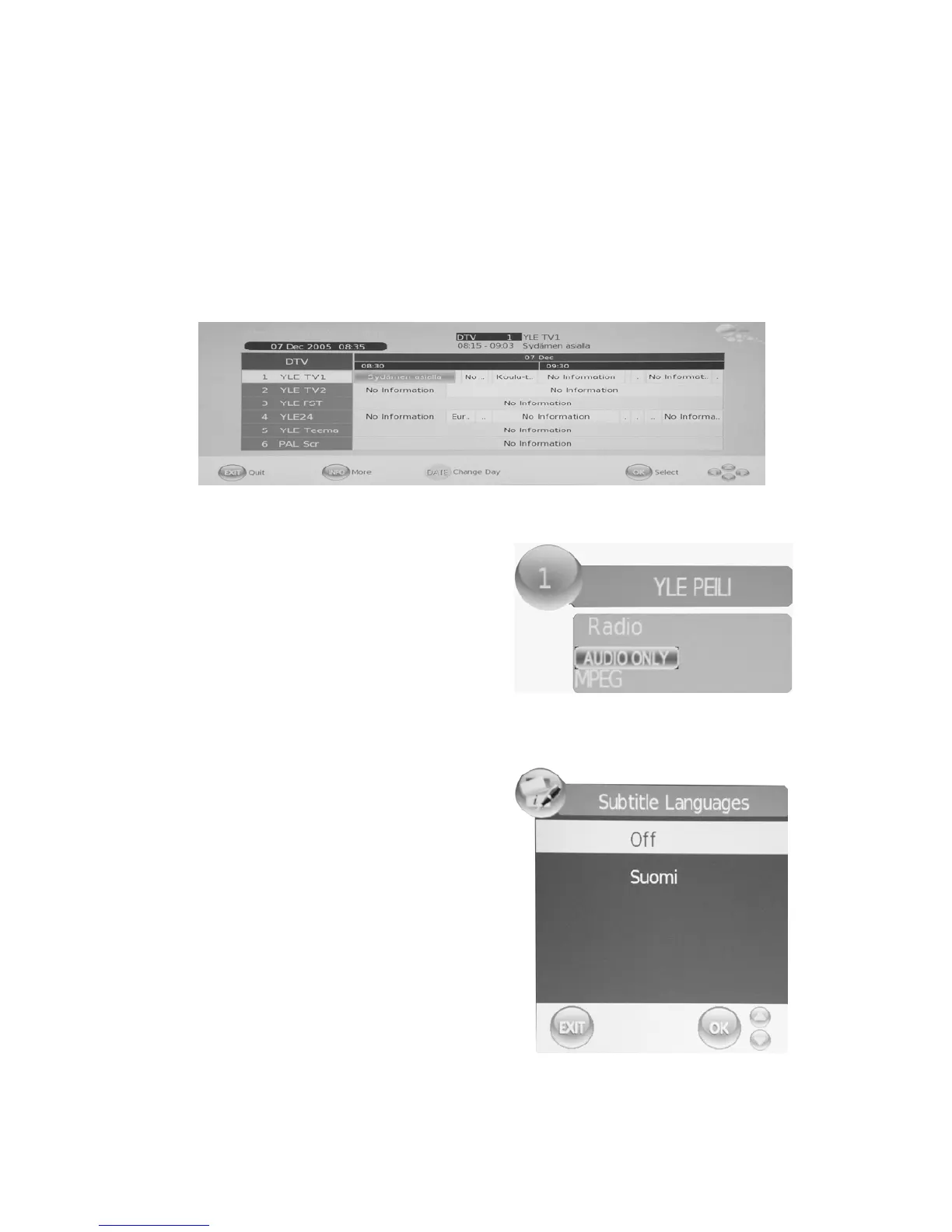
Electronic Program Guide provides program information which will be broadcasted now or
in the future. The system will display EPG window by pressing “EPG” button. DATE and TIME
information is displayed on the right of the window. The left side shows all channels. The right
side shows the programs in the channel. The selected program is also displayed on the top of
the screen. When you have selected a program, you can press “INFO” button to display the
program’s detail. Press “YELLOW” button to select the data and press the
“e/f” button to
change the day .
DTV / Radio Switch
“TV / RADIO” button is used
to switch between
DTV programs and Digital Radio broadcasts.
Subtitle
When the source is selected as DTV, users can
view subtitles (broadcast dependent)
by pressing“SUBTITLE”button.



 To Next Page