EasyManua.ls Logo

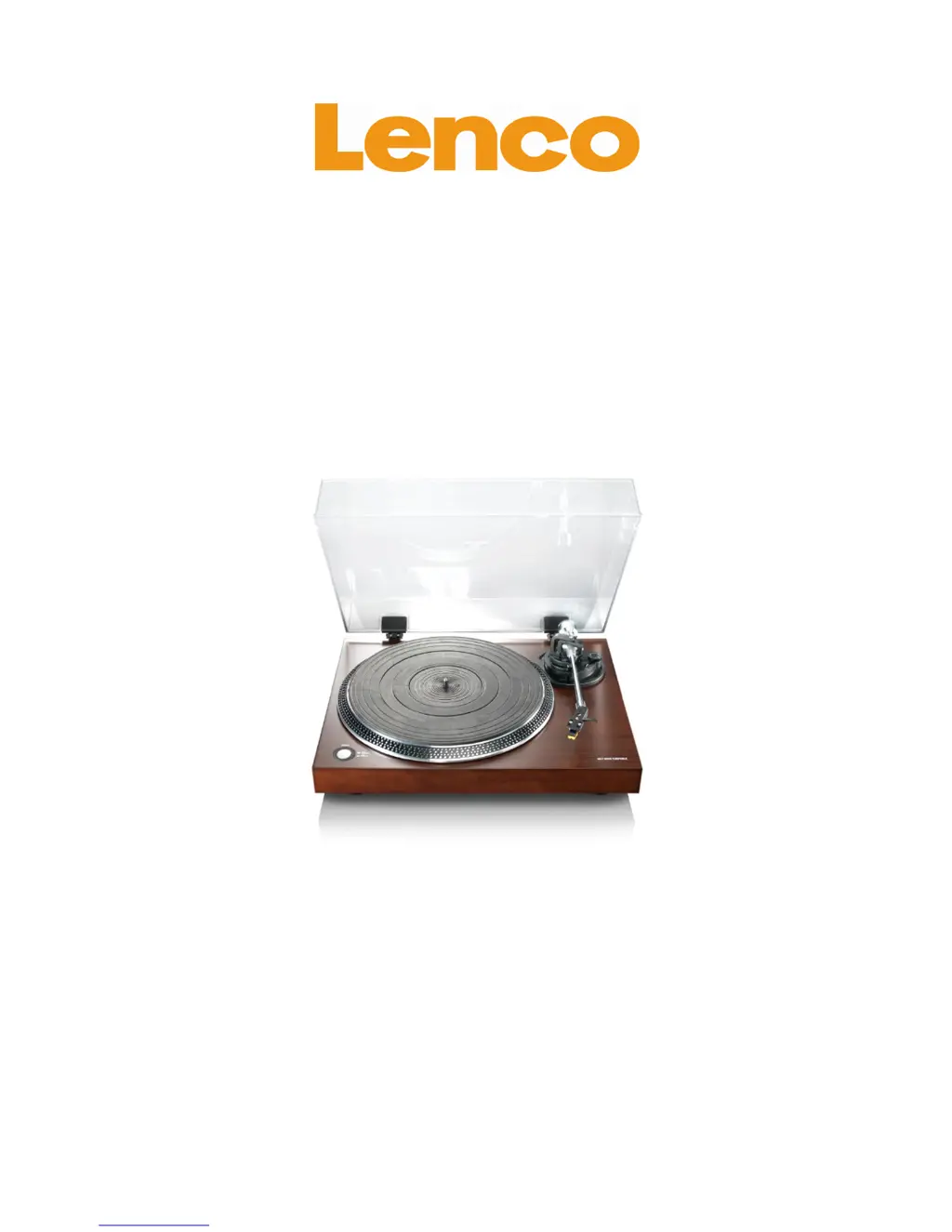
LENCO L-90 - User Manual

LENCO L-90
31 pages
Print Icon
To Next Page IconTo Next Page
Loading...
L-90
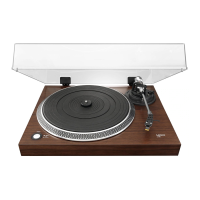
WOODEN TURNTABLE WITH USB
CONNECTION AND BUILT-IN PRE
AMPLIFIER
User Manual
www.lenco.eu
V1.0

Other manuals for LENCO L-90

Questions and Answers

  • S
    Scott RiceJul 26, 2025
    Why is the sound distorted on my LENCO L-90 Turntable?
    • G
      Glenda JohnsonJul 26, 2025
      If the sound from your LENCO Turntable is distorted, make sure the stylus protection cover has been removed. Also, verify that the RPM is set correctly and the audio cables are properly connected, ensuring they are NOT connected to a phone connection. Check the needle pressure and anti-skating settings. Finally, clean the needle with a soft brush dipped in alcohol.
  • G
    gpalmerAug 1, 2025
    How to fix a LENCO Turntable that does not play or rotate?
    • C
      Carrie JonesAug 1, 2025
      If your LENCO Turntable does not play or the platter does not rotate, check if the power cable is connected to the AC wall outlet and ensure that the main power switch on the backside of the turntable is switched on. Also, verify that the belt is mounted correctly.
  • D
    dadamsAug 5, 2025
    What to do if the record skips on my LENCO L-90 Turntable?
    • L
      lisa08Aug 5, 2025
      If the record skips on your LENCO Turntable, check the needle pressure and anti-skating settings.
  • C
    castrolynnAug 10, 2025
    Why doesn't the auto return function work on my LENCO L-90 Turntable?
    • S
      sandra27Aug 10, 2025
      If the auto return function does not work on your LENCO Turntable, set the auto return switch to the 'on' position.
  • L
    larry41Aug 15, 2025
    How to fix a LENCO L-90 Turntable when the last part of the record isn't played?
    • C
      christinejacksonAug 15, 2025
      If the last part of the record isn't played on your LENCO Turntable, set the auto return switch to 'off'.
  • F
    Frank WilkinsonAug 20, 2025
    What to do if the tone arm doesn't touch the platter on my LENCO Turntable?
    • M
      melissanewmanAug 20, 2025
      If the tone arm of your LENCO Turntable does not touch the platter, check if the tone arm lever is lowered.

Summary

Exploring the turntable

Getting Started

Basic Operation

Computer Connection and Software

Connecting the turntable to a computer and initial software configuration steps.

Digitalizing Records

Audacity Edit Toolbar

Audacity Track Menu

Audacity File Menu

Audacity Edit Menu

Audacity View Menu

Audacity Project Menu

Audacity Effect Menu

Maintenance

Stylus Replacement

Cartridge Disassembly

Cartridge Installation

Troubleshooting

Specifications

Spare Parts List

Safety Instructions

Service and Support

LENCO L-90 Specifications

General IconGeneral
TypeBelt-drive audio turntable
OperationSemi Automatic
Stylus typemm
Product colorWood
Nominal speeds33, 45 RPM
USB version2.0
USB ports quantity1
Power supply typeAC
AC adapter input voltage110 - 230 V
Power consumption (standby)1 W
Power consumption (typical)10 W
Compatible operating systemsWindows XP, Windows Vista Home+, Windows 7 Home+, OS X 10.4+
Mac operating systems supportedMac OS X 10.4 Tiger, Mac OS X 10.5 Leopard, Mac OS X 10.6 Snow Leopard, Mac OS X 10.7 Lion, Mac OS X 10.8 Mountain Lion, Mac OS X 10.9 Mavericks
Windows operating systems supportedYes
Weight and Dimensions IconWeight and Dimensions
Weight4620 g
Platter diameter332 mm
Product dimensions (WxHxD)450 x 130 x 367.5 mm
Product dimensions when open (WxDxH)450 x 367.5 x 400 mm

Related product manuals