13
2. How to record
⚫ Set your USB turntable up to play the song or album you want to record.
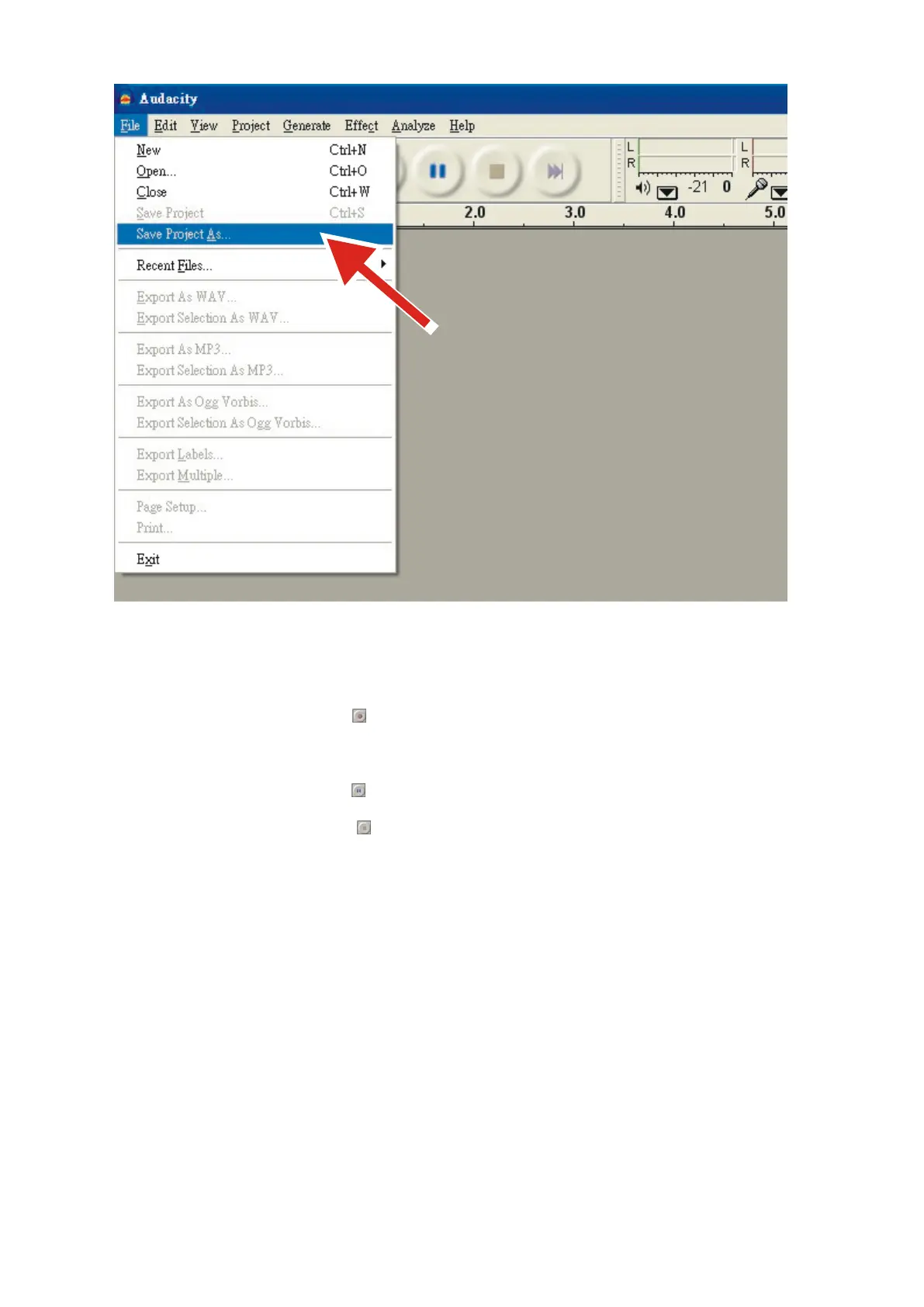
⚫ Click on the red Record button to begin recording.
⚫ Lower tone arm on USB turntable onto album and track you want to record.
⚫ Click on the blue Pause button to pause the recording. Press it again to continue.
⚫ Click on the yellow Stop button .
That's it. You can now play around with your recording and explore the editing capabilities of Audacity. Remember
that you can use the Undo function almost without limits while the project is open.
General Specification


 To Next Page