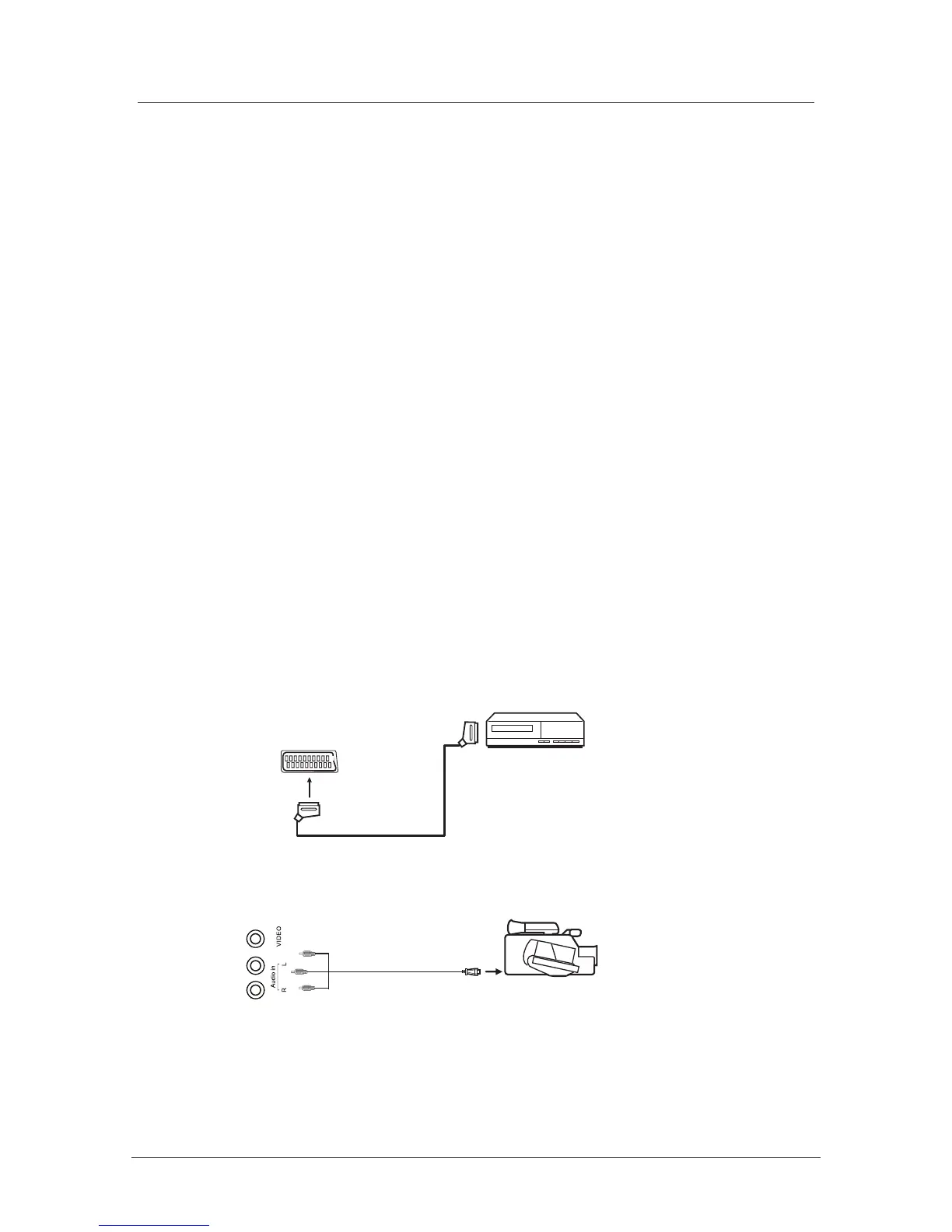
Connecting Video camera and Video recorder
Video camera
x Connect the AV cable to the TV and to the video camera.
x Turn on both video camera and the TV.
x Select AV/CVBS source
x You can now see the playback picture from the video camera.
Note:
x
To connect the video camera using other cables, refer to the video camera
instruction manual.
Video recorder
x Co
nnect the Scart cable to the TV and video recorder.
x Turn on both video recorder and the TV.
x Select Scart source
x You can now see the playback picture from the video recorder.
Note:
x To connect the video recorder using other cables, refer to the video recorder
instruction manual.
Video camera
Video recorder
AV cable
Scart cable
All illustrated cables are not supplied
Connecting external devices (continued)
10



 To Next Page