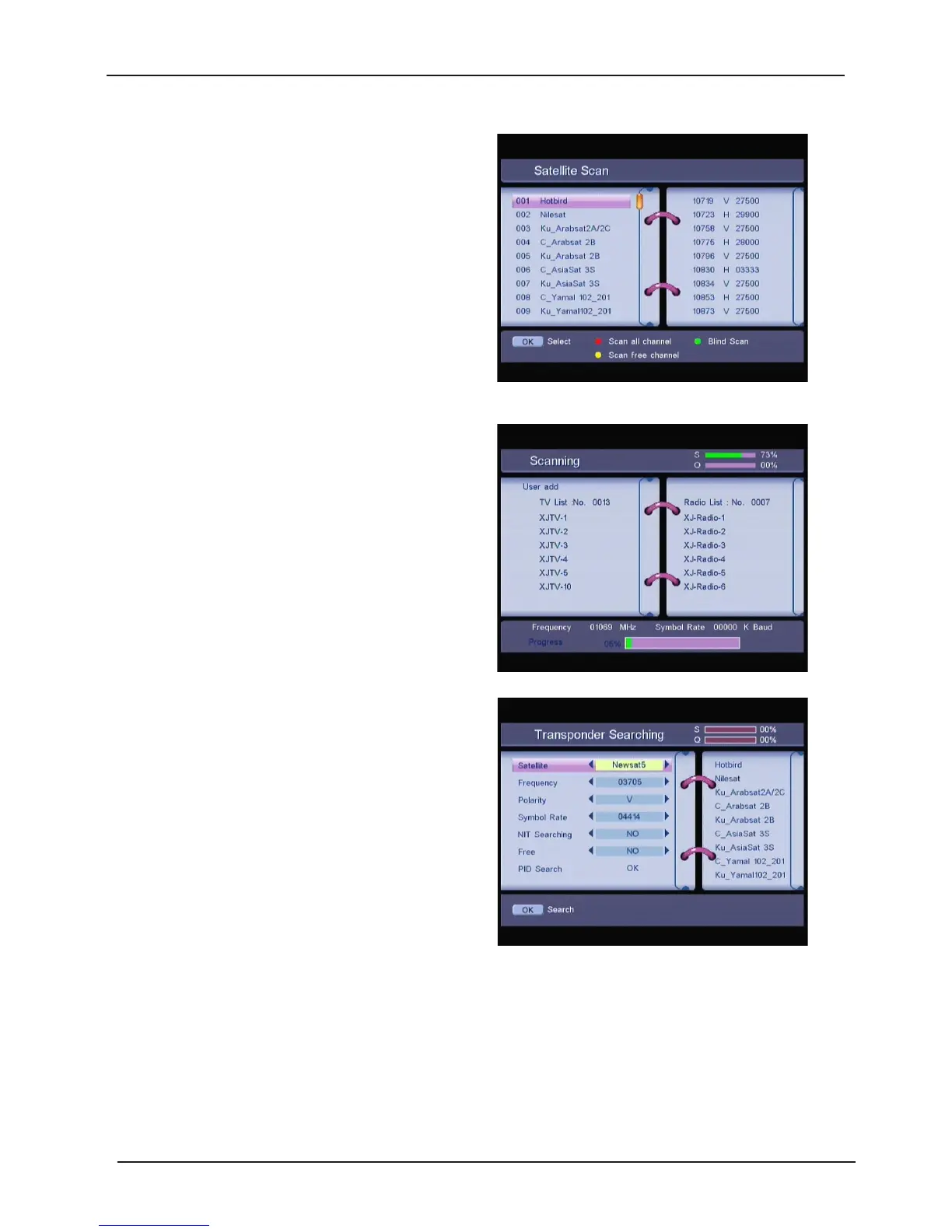
1.1.2 Aut o Scan
Press UP/DOWN key to move the curser to the
satellite you want to select, and press OK to
mark or unmark.
Press the RED button to scan all channel of the
marked satellite.
Press the GREEN button to Blind Scan the
marked satellite.
Press the YELLOW button to scan free channel of the marked satellite.
1.1.3 Transponder Mana ger
In this menu, you can add, edit, and delete the
transponder. you can search t ransponder.
1.1.3.1 Satellite
You
can select the satellite.
1.1.3.2 Frequency
You
can select the frequency.
Press RED button to enter
Add Transponder
submenu, you can add the new transponder.
Press GREEN button to enter
Edit Transponder
submenu, you can edit the t ransponder.
24



 To Next Page