1.2.4 System info
The system information displays information about your receiver such as software hardware
and date.
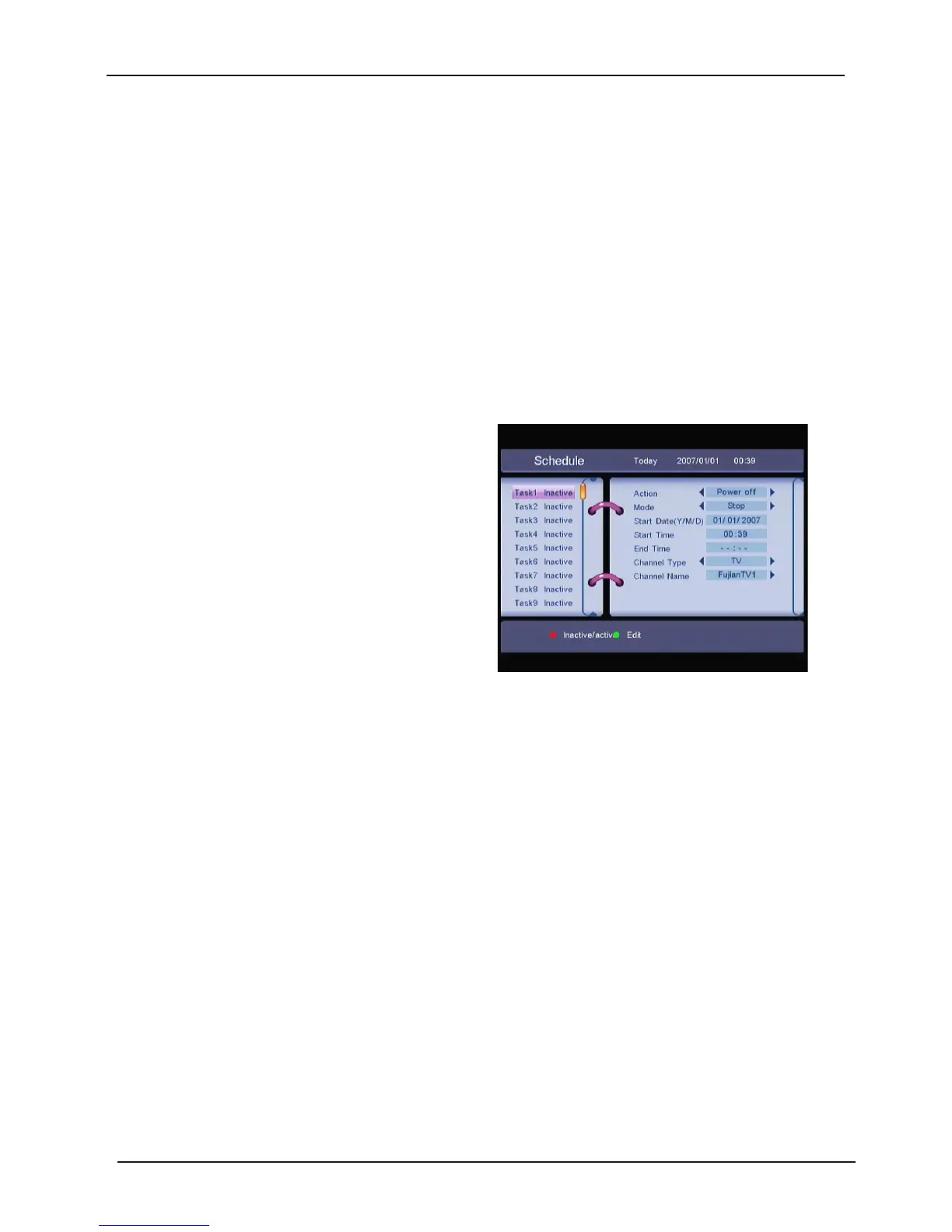
1.2.5 Timer
You
can set the timer to make the receiver
perform designated ac tions.
Use the UP/DOWN buttons to select timer.
Press t he LEFT/RIGHT key to
activate/inactivate c urrent timer. Press the OK
button t o enter your selected timer settings.
Action:
You can select the following functions:
“Time interval”
: The receiver switches on at the designated date and time, displays the
channel and then switches off at the designated date and time (The value set at the end
time).
Cycle
: You can set the cycle of the action designated in the timer mode (one time,
Daily or Weekly).
Start Date
: You can set the start date of the timer action.
Start Time
: You can set the start time of the timer action.
End Time
: You can set the end time of the channel viewing when the Tim er mode is on Time
Interval.
Channel Type
: Select between TV and Radio.
Channel name
: Press the RIGHT button to display the channel list and using the navigation
buttons select t he channel to be shown when the receiver will power on by the timer.
28



 To Next Page