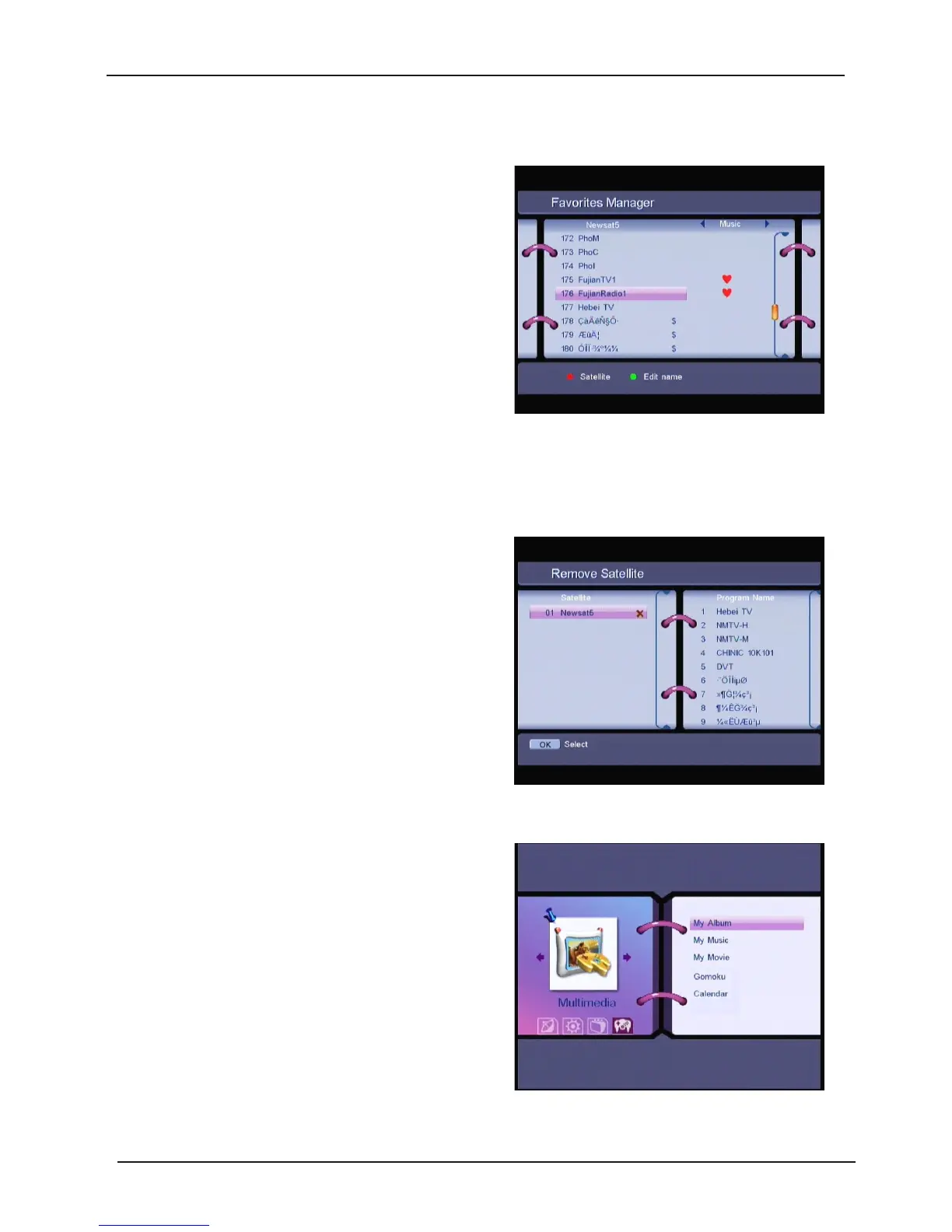
1.3.2 Favorites Manager
Press t he UP/DOWN keys to select the channel.
Press t he LEFT/RIGHT keys to select the
favorite group. Press the OK button to add the
selected channel to the Favorite group. To
remove the channel from the favorite group,
repeat same operation.
Press RED key, you can sort the channels by
different satellites.
Press GREEN key, you can edit the favorite group name.
1.3.3 Re move Satellite
Press the UP/DOWN keys to select the satellit e
Press t he OK button to remove the satellite
from the database.
1.4 Multimedia
In this menu, you can view “My Album”, play
“My Music”, “My Movie” , play “Gomoku” game
and view “Calendar” from a USB key inserted
into the USB slot.
31



 To Next Page