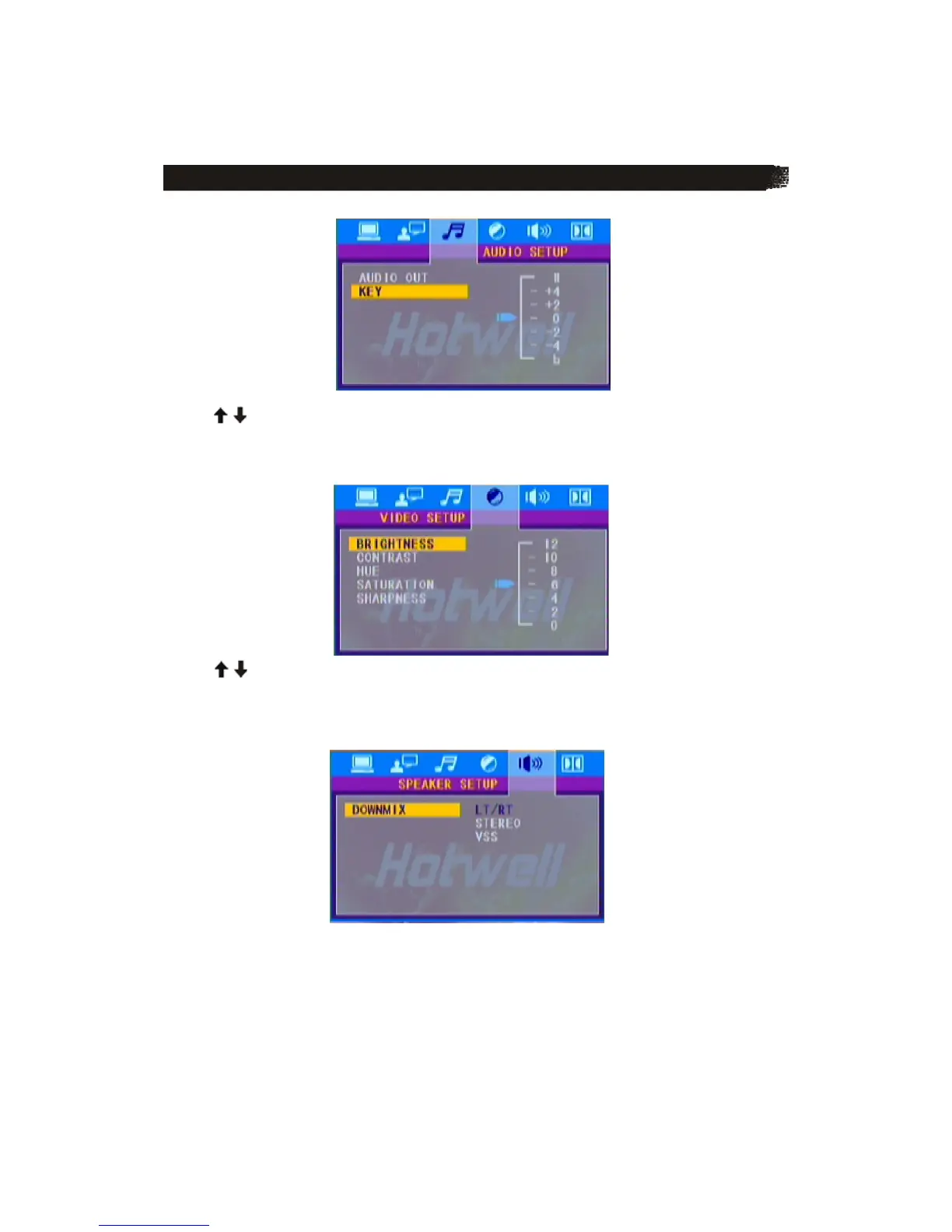
K E Y
Use the / buttons to adjust the tone among a certain range.
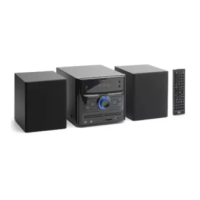
4) VIDEO SETUP The video setup page is
displayed as below:
Use the / buttons on the remote control to adjust the value of the BRIGHTNESS,
CONTRAST, HUE, SATURATION and SHARPNESS among a certain range.
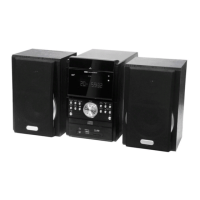
5) SPEAKER SETUP The speaker setup page is
displayed as below:
LT/RT: Choose this setting, it will be sound like in a movie theatre if the original movie the disc
was recorded from was encoded in the Pro Logic Dolby Digital format.
STEREO: Choose this setting, when 5.1 channel sound playing, two channels of signals will be
output from the left and right soundtrack; when 2 channel sound playing, stereo signal will be
output.
VSS: Choose this setting, when a disc recorded with 5.1channel sound format.



 To Next Page