6) DIGITAL SETUP
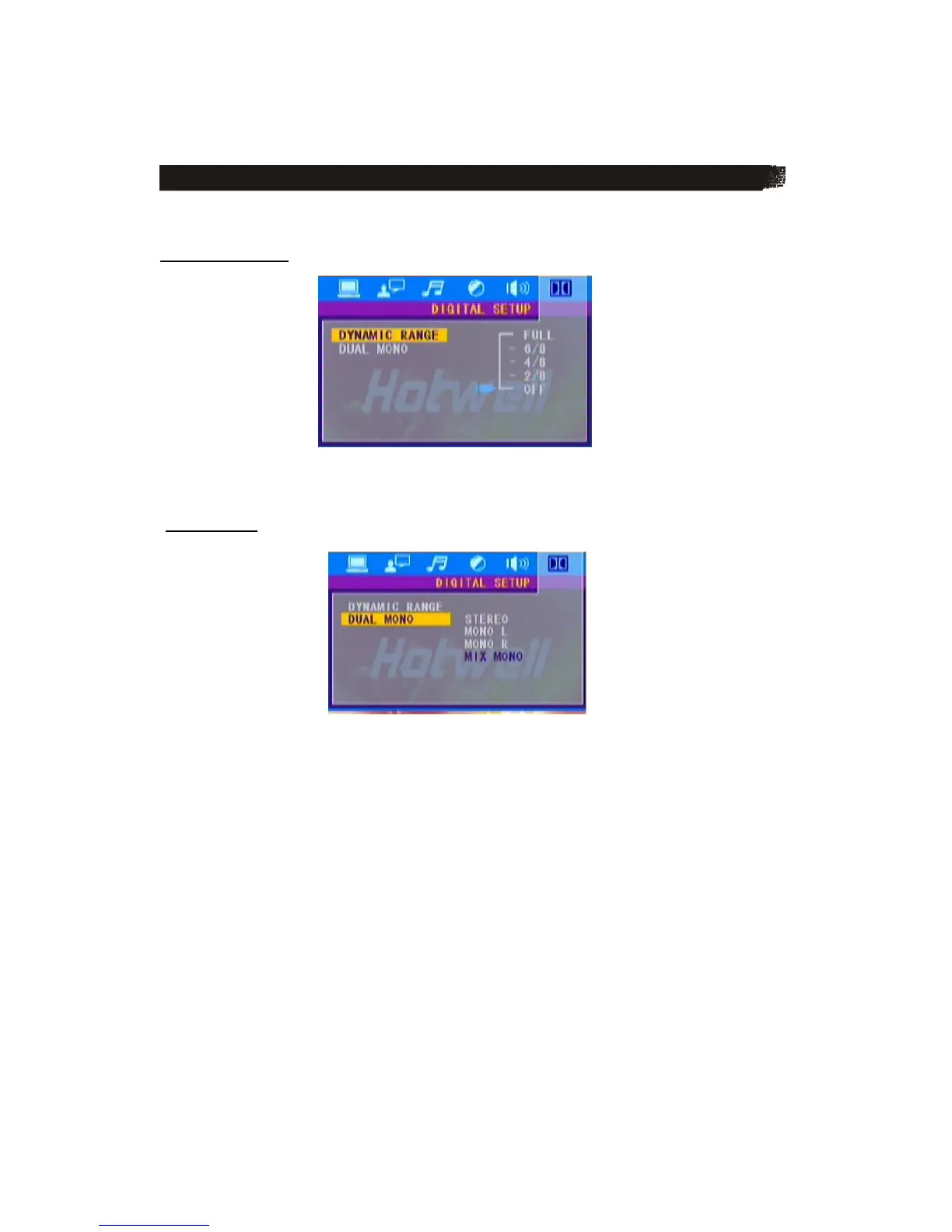
The digital setup page is displayed as below:
D Y N A M I C R A N G E
DYNAMIC RANGE: Choose this setting to adjust the line out ratio and get different effect, If
adjusting to FULL, the audio signal peak value will be the minimum, while adjusting to OFF,
maximum.
D U A L M O N O
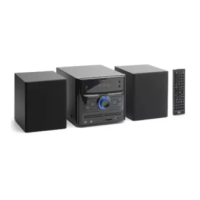
Choose this option to set the L and R mono output mode, there are four modes in this
option: STEREO, MONO L, MONO R and MIX MONO, it is mainly used in Karaoke mode.



 To Next Page