Bluetooth:
Press the INPUT SWITCHING Button until the BLUETOOTH Indicator blinks. The
BLUETOOTH function is ON. Turn on the BLUETOOTH in device and start searching for this
BLUETOOTH speaker. You will find device name of LENCO PA-45. Select this to link to the
speaker. The Indicator will stop blinking and light up in BLUE color when you are successfully
linked. After the linking, you can start to play music from your device.
When Bluetooth is paired and connected, you can press the play/pause button to disconnect the
current connection and re-pairing once.
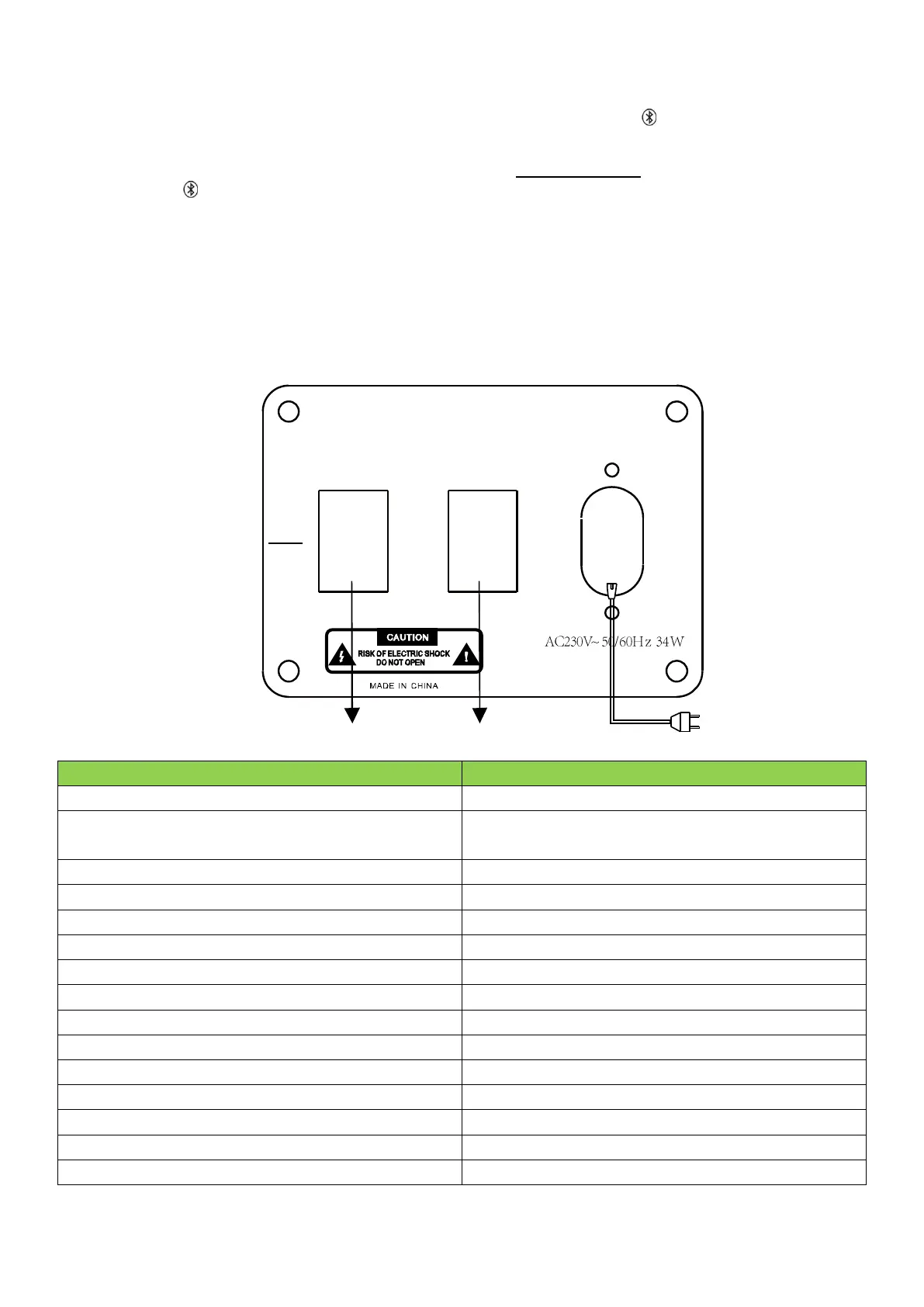
POWER SUPPLY SELECTION
RISK OF ELECTRIC SHOCK DO NOT OPEN
power supply commutation switch
ACON
OFF
CHGON
DCINPUT
ACINPUT
OFF
F.CHARGE
POWER SOURCE AC POWER
powersupplycommutationswitch
powerswitch



 To Next Page