6
4 . Application
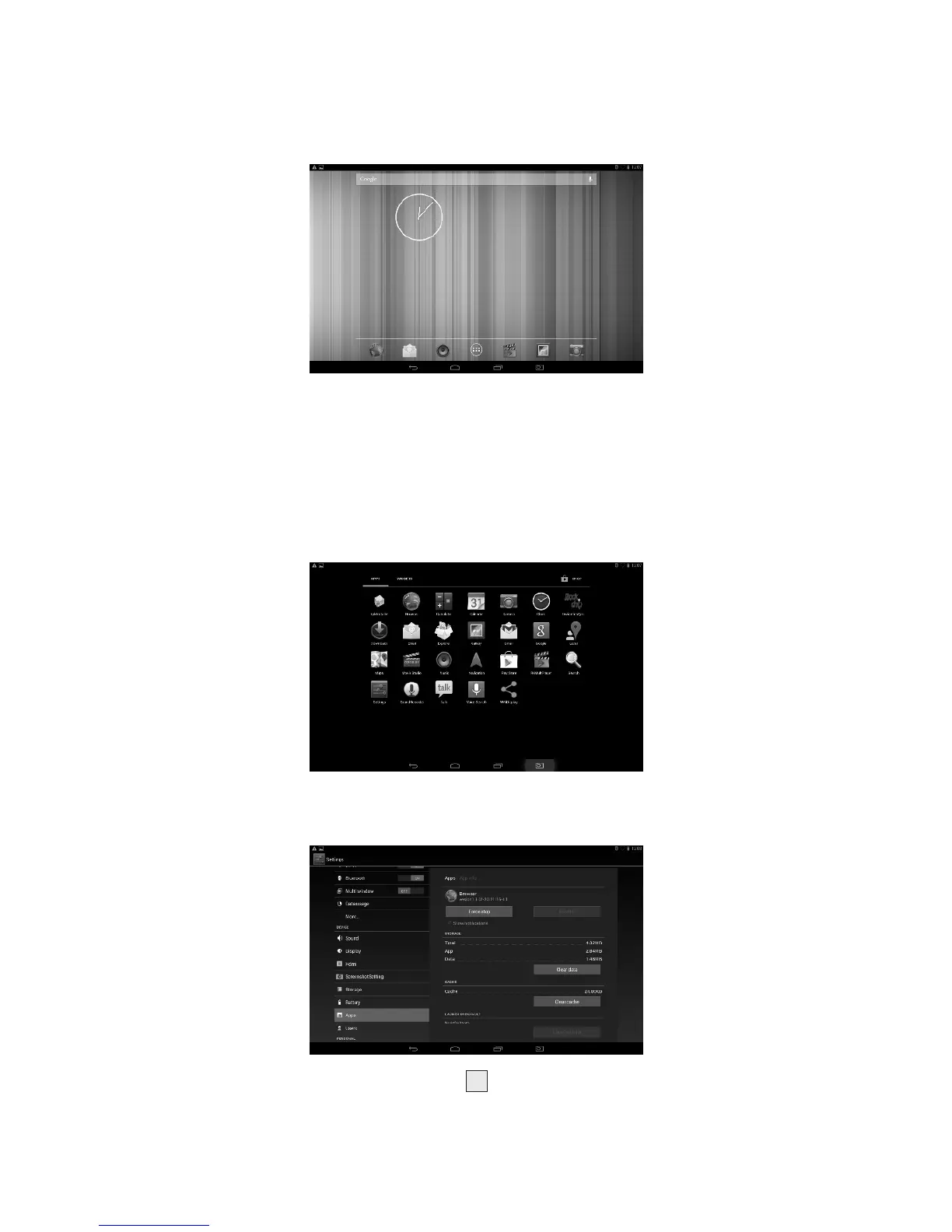
1.Choose to visit the application.
2. If you want to quit the application menu , press the return icon
to a page or press home icon to directly returns home menu.
4.1 Install Applications
(1) Install the apk file in external mass storage device by AppInstaller.
(2) Download and install various applications in Android market or
local app market.
4.2 Uninstall Applications
Enter Settings application, select Apps->All, then select the application
which you want to uninstall then press Disable button.



 To Next Page